
Where to Buy, What to Demand, and Why Not to Bother

Teams consider buying email lists for two purposes: email marketing and cold outreach. They want to use them to either send mass email communications, like newsletters, or send personalized sales emails to individual accounts.
For marketing, buying email lists is generally off. For outreach? Not a good idea either, but it might work in certain situations.
In the article, I will explain why you shouldn’t buy email lists and when they can help. I will also share alternatives, what to demand when you choose to buy lists, and a list of reputable vendors.
Why not bother buying an email list
I don’t recommend buying email lists for email marketing. Using them for personalized cold outreach sometimes works, but it comes with challenges.
You face legal risks
Buying email lists, or rather using them, exposes you to legal risks if you don’t follow relevant legislation.
For example, in the US, CAN-SPAM requires you to identify yourself as commercial mail, carry a real postal address, and offer a working opt-out. You can’t keep mailing someone who’s opted out, and you can’t sell or transfer their address afterward.
The European GDPR is stricter. On paper, you can’t email EU or UK residents from a bought list at all. However, you can get away with it using them for highly personalized and relevant outreach.
Lists are full of junk data and spam traps
Email lists from cheap vendors are full of junk.
Think role addresses like sales@ or info@, random names and roles, personal email addresses, or contacts scraped from public pages.
Some are spam traps seeded across the web by inbox providers and anti-spam organizations specifically to catch list scrapers and buyers.
Email lists have short shelf life
Industry estimates put B2B contact data decay at roughly 20-30% a year, faster in tech-heavy segments.
People get promoted, move across departments, or change companies altogether. So even if you purchase a high-quality list from a reliable vendor, its value for outreach will decline with time.
You risk getting blacklisted and labeled as a spammer
Sending to a bought list can trigger spam filters and wreck your domain reputation.
Email provider algos blacklist emails as spam based on multiple factors, including high bounce rates, low open rates, and high deletion rates.
If you send emails to accounts that don’t exist, for example, because they aren’t current anymore, and they bounce, the inbox provider takes notice.
The same when the emails aren’t relevant to the recipients, and they don’t open them at all, delete them immediately after opening them, or flag them as spam.
Even if they don’t complain to their mail provider, they may still see you as a SPAMMER. Not something you want potential customers to think of your brand.
Email service providers ban the use of purchased lists
All major email service providers (ESPs) like Mailchimp, Klaviyo, HubSpot, ActiveCampaign, and Kit prohibit purchased, rented, or third-party lists. This means you won’t be able to use them for your newsletter.
The rule is simple: if the recipient didn’t opt in to get email from you — and none of the folks from the purchased list did — you can’t email them.
ESPs catch third-party contact lists using similar methods to inbox providers. A spike in bounces or spam complaints triggers a review or a block, and the account may get suspended, often with no refund.
The returns are limited and short-term
Buying email lists for cold outreach doesn’t offer the best ROI.
High-quality purchased lists are expensive and, compared to opt-in lists, underperform in terms of open, click-through, and conversion rates.
This makes sense: recipients who already have a relationship with your brand are more open to your communications — buying from you.
While you’re spending your time and resources purchasing lists and chasing unresponsive leads, you’re missing the opportunity to build your own email list.
Smarter alternatives to buying a list
Given the limitations and risks of buying email lists, businesses choose alternative ways to secure contact details for their outreach and marketing campaigns.
Build a list in-house
Building your own list from owned channels where people opt in eliminates most of the risks of buying lists. You don’t pay for the list, yet you own it.
Common B2B list-building tactics include:
- Gated content and lead magnets. Offer something genuinely valuable, like a template, a benchmark report, a calculator, a course, or a free tool.
- Newsletter signups powered by content. Publish content that earns search traffic and convert visitors through inline forms, sidebars, or exit-intent prompts.
- Webinars and virtual events. Registrants trade their email to attend.
- Referral and partner co-marketing. Existing subscribers refer others, while joint content projects with non-competing brands let you reach a new audience.
- Real-world events. Trade shows, conferences, and meetups where attendees opt in to follow-ups.
The honest trade-off is time. Building an opt-in list this way takes years.
Rent a list
If you want to reach someone else’s audience, rent their email list.
With list rental, you pay a list owner to send your message to their database. Because those recipients opted in to third-party offers, the legal and email deliverability risks sit with the owner, not you. And you never see the actual addresses, so you don’t have to worry about compliance.
Newsletter sponsorship is an even cleaner version: your message runs inside a publisher’s newsletter, in their voice. So you benefit not only from their audience but also from their editorial trust.
The catch: You pay as you go. You don’t own the list.
Subscribe to a database
For ongoing cold outreach, subscription access to a contact database is usually a better fit than buying a static list.
The main benefit? The vendor refreshes the data continuously, so decay isn’t your problem.
Unless you stop paying the subscription, in which case you’re left with whatever you have exported.
Hybrid approach: buy for speed and build for the long term
Many companies choose a hybrid approach: they start an in-house list-building program for email marketing and warm outreach and buy or rent lists for cold outreach.
When buying an email list can work
Buying email lists isn’t always the wrong call. Several use cases hold up as long as you stay aware of the constraints.
- Personalized B2B cold outreach. You feed bought contact data into a 1:1 sales-outreach platform, then send personalized emails from a dedicated subdomain at low daily volume, say 30-50 messages. Personalization, an easy opt-out, and a documented Legitimate Interests Assessment if any contacts are in the EU or UK, reduce the legal exposure.
- Paid social audience seeding. You upload the hashed email list to Meta, LinkedIn, or Google as a custom audience, then build a lookalike audience from it. You advertise to the lookalike, not the bought contacts themselves.
- Opt-in rosters from trade associations or events. Some lists are compiled with explicit consent for third-party contact. Think trade association membership directories, conference attendee rosters, or industry lists where members agreed to be contacted by third parties. These tick the legal boxes if the vendor can show the consent chain.
- Urgent market entry from zero. Entering a new region or vertical with a hard deadline can justify a one-off list buy — provided you vet the vendor carefully.
What to demand from any email list vendor
If you choose to buy or rent a database, here are a few things to check before you swipe the card.
Documented sourcing and consent
Ask the vendor to show where the data came from, how it was collected, and when, and provide documented evidence of consent.
This is particularly important for any contacts in the EU or UK, where you require opt-in.
Also, ask for their security certifications — SOC 2 Type II and ISO 27001 in particular. They show the vendor has process discipline around the data they hold.
Recent verification and sample access
Ask when each record was last verified, and whether the vendor runs real-time SMPT verification at export.
Accuracy claims like “98% verified” aren’t backed by independent accuracy audits. Treat them as marketing. Instead, check customer reviews on G2 or Reddit.
Better yet, ask for a sample to test before you commit and run it through your own email-verification tool. If the list includes postal addresses (it should), spot-check whether the businesses exist.
Refunds, guarantees, and usage rights
Read the guarantee and the license carefully.
A replacement guarantee swaps out bad records. Which essentially means you get even more bad data. You want a money-back guarantee.
But again, the terms vary. Many vendors will refund excess bounces but exclude your campaign costs.
Usage rights are the next thing to check. Some lists are sold for a single send, and reusing them breaks the contract. Unlimited-use licenses cost more.
And watch out for short deployment windows. Some vendors, like LeadsPlease, require email lists to be used within 72 hours of purchase.
Filters, coverage, and integrations
The shape of the data matters as much as the data itself.
- Filter depth. Shallow ICP filters make it hard to create targeted email lists. Look for depth: industry, job title, company size, geography, and intent signals.
- Coverage. A 500-million-contact database means nothing if it’s thin where you actually sell. Ask for coverage breakdowns by region, industry, and role before you commit.
- Integrations and exports. Make sure you can sync the data with your CRM, sales-outreach platform, or sending tool (CSV, native CRM push, API).
Where to buy email lists: the providers worth knowing
There’s no single best place to buy an email list — it depends on what you need it for. Here’s a look at the main providers.
ZoomInfo
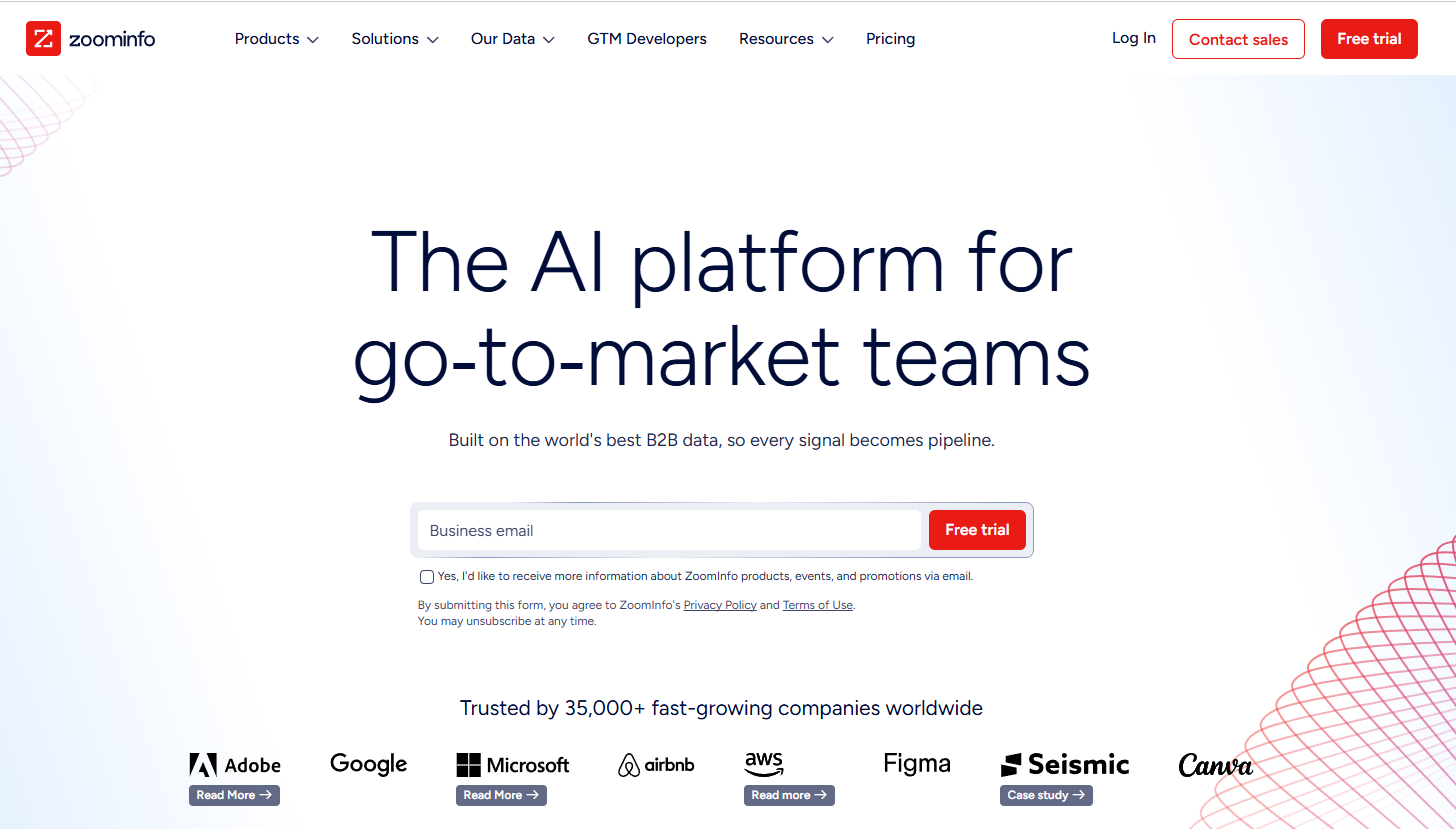
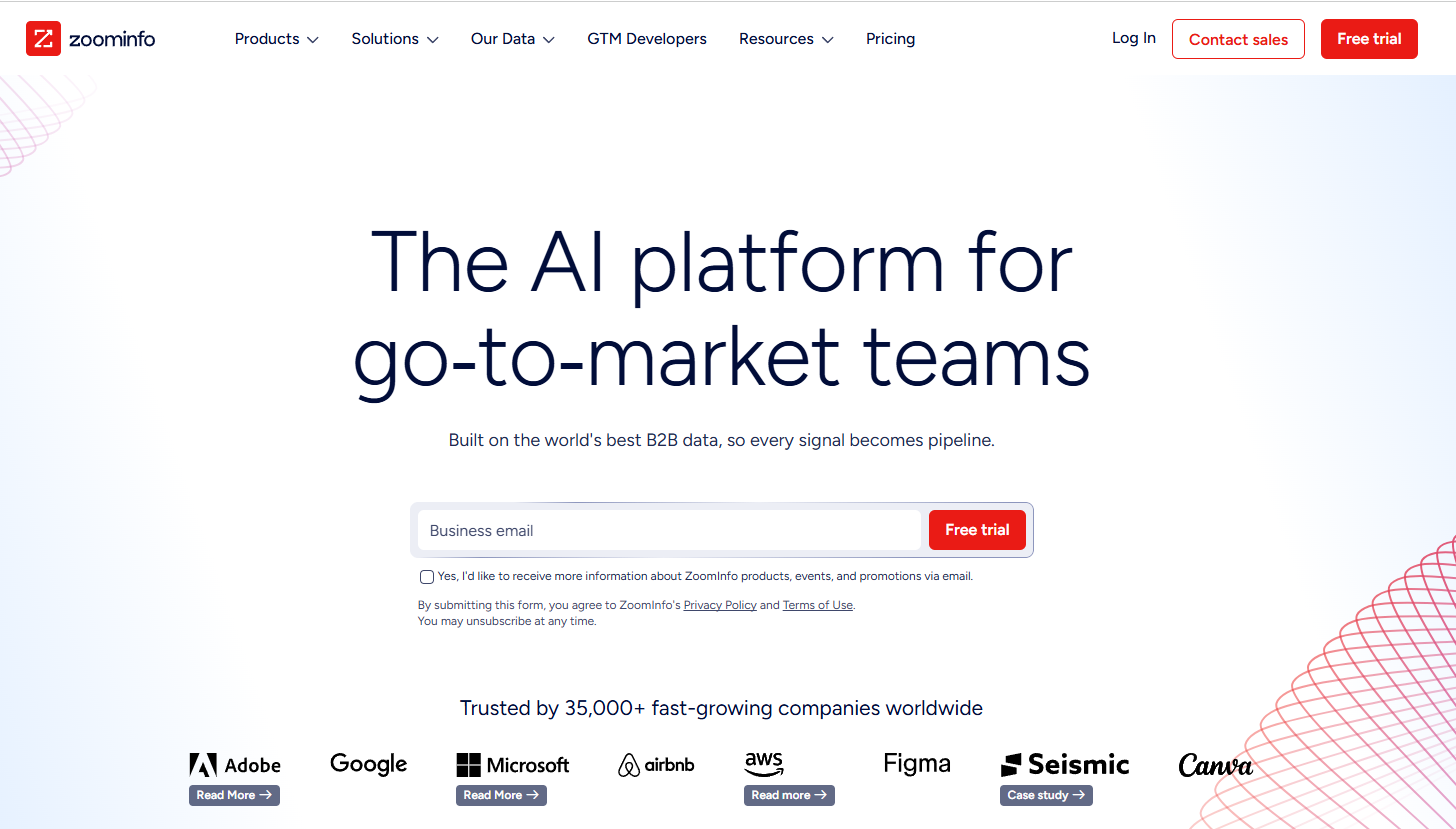
ZoomInfo is an enterprise platform, built for large North American teams, with 420 million-plus contacts and deep buyer-intent data.
Model: Database access. You subscribe annually and search/export via the platform.
Features: 300+ search filters across firmographics, technographics, and intent signals. Bundled buyer-intent data, website-visitor ID, conversation intelligence, and an AI agent (Copilot). Native integrations with Salesforce, HubSpot, and most major CRMs and sales-outreach tools. Real-time API access on higher tiers.
Pricing: Annual contracts only, quoted by sales.
Cognism
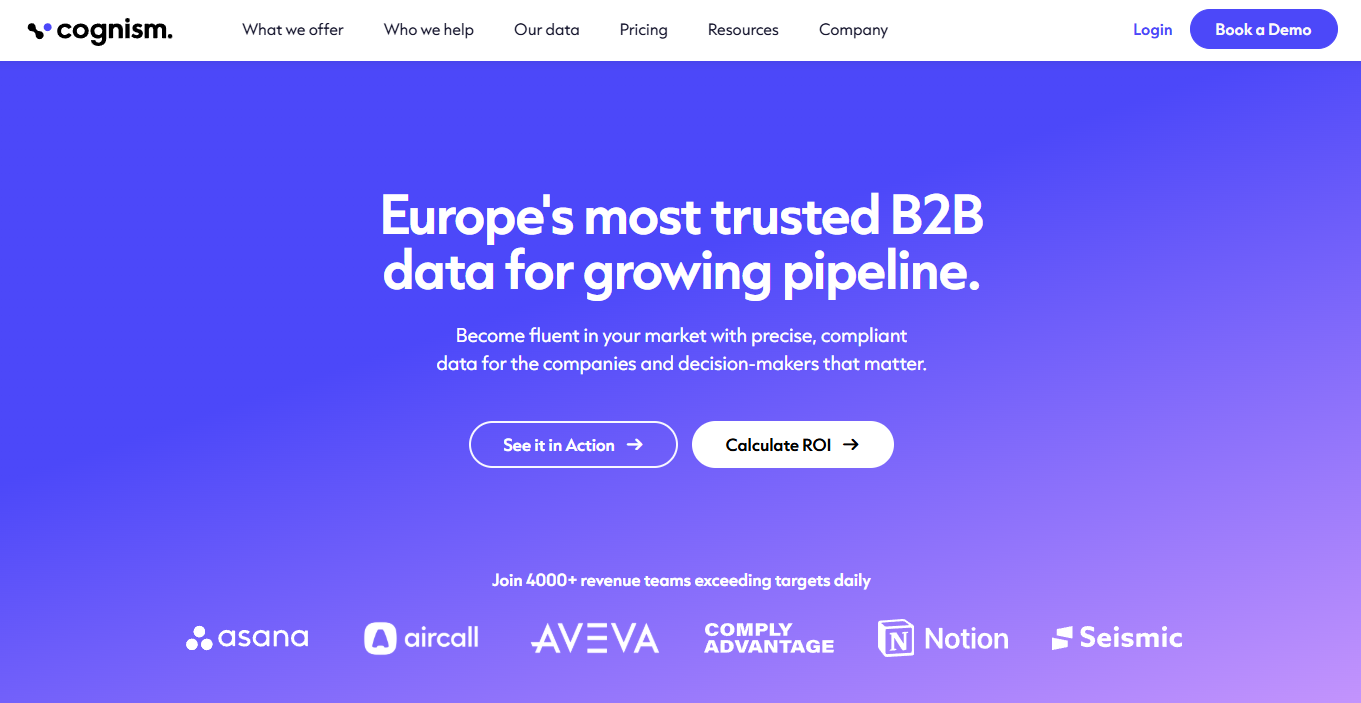
Cognism is the one to reach for if you sell into Europe. It offers 440 million-plus contacts, phone-verified mobile numbers, and a compliance built for GDPR markets.
Model: Database access. Credit-based exports within an annual subscription.
Features: Firmographic, technographic, and “chronographic” (sales-trigger) filters. Phone-verified “Diamond Data” mobile numbers. Intent data (via Bombora). Chrome extension and integrations with Salesforce, HubSpot, Pipedrive, Dynamics, Salesloft, Outreach, and Zapier. REST API.
Pricing: Third-party estimates put annual contracts in the ~$1,500 to $25,000+ range.
Apollo
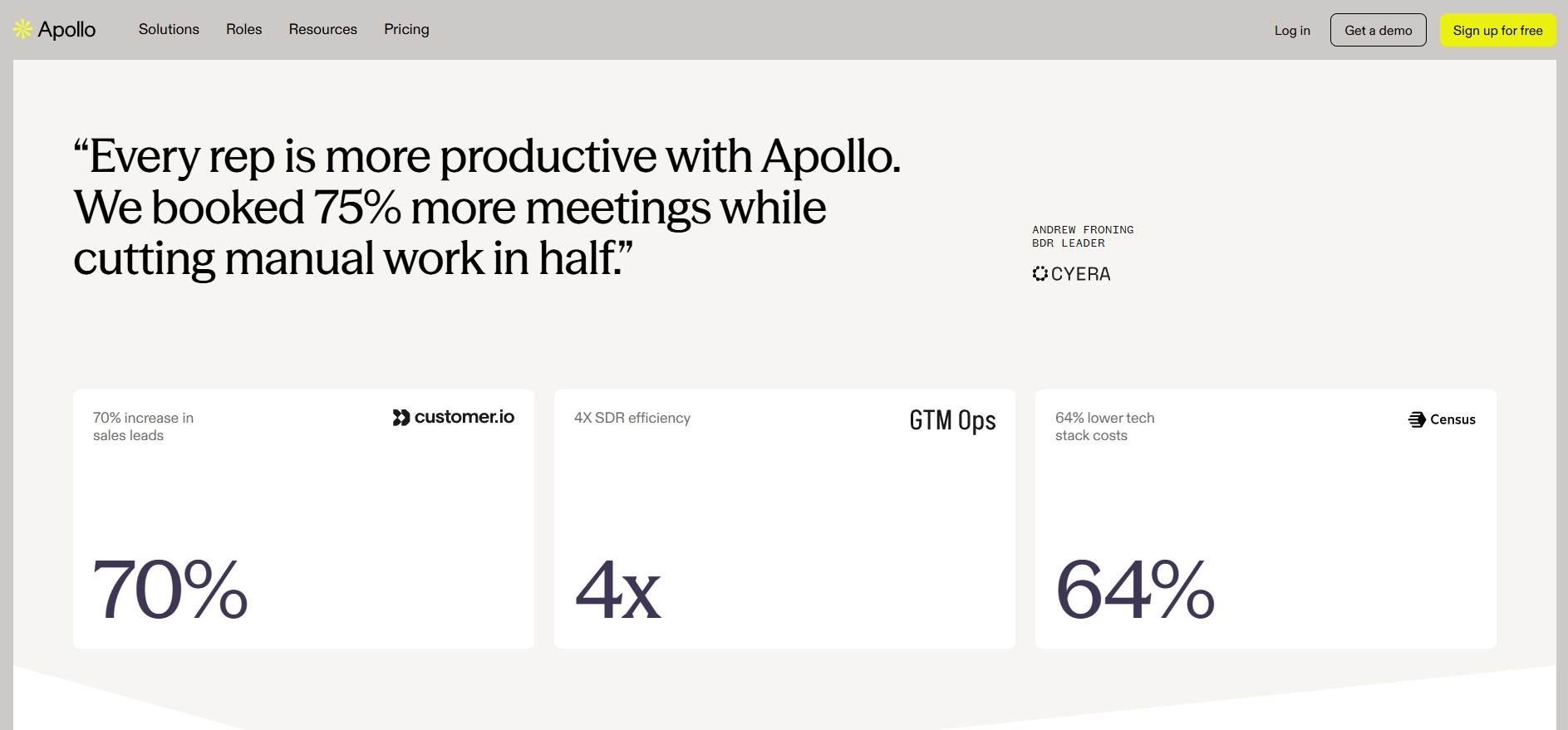
Apollo is a solid pick for small and mid-market US prospecting, offering over 230 million contacts and built-in cold email outreach tools.
Model: Database access with a generous free tier.
Features: 65+ search filters, intent signals, technographic data, 30+ enrichment fields, Chrome extension, Salesforce and HubSpot integrations, multi-step sequences, AI email tools, conversation intelligence, REST API.
Pricing: Transparent tiers starting from $49/month.
BookYourData
BookYourData is the closest thing here to the traditional buy-a-list model.
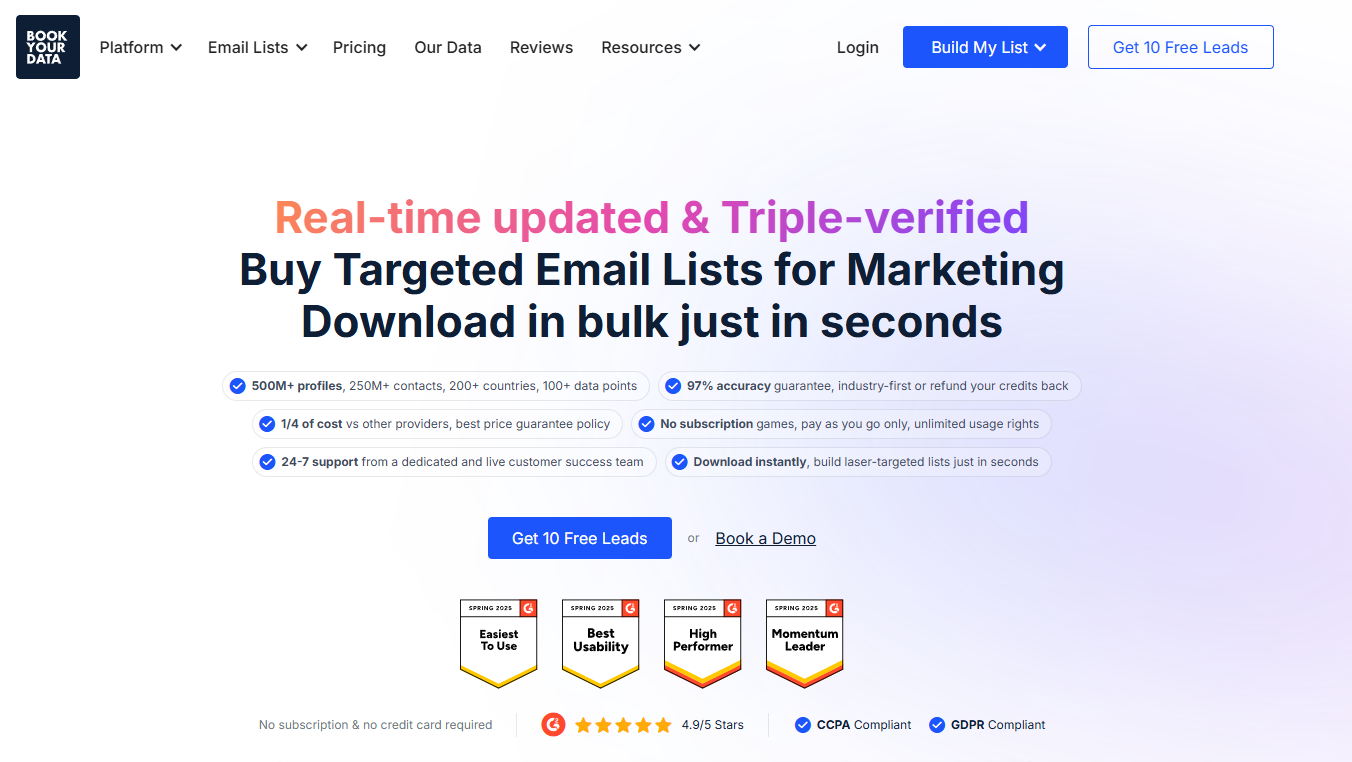
Model: List seller.
Features: 100+ attributes per record, 8-step real-time email verification at export, technographic and funding signals, job-posting tracking, CSV/Excel export, Chrome extension. Good for one-off, multi-country pulls without a subscription commitment.
Pricing: Pay-as-you-go, roughly $0.10 per record at small volumes, less in bulk.
LeadsPlease
LeadsPlease is a US-only broker reselling third-party-compiled data weighted toward consumer records with transparent published rates.
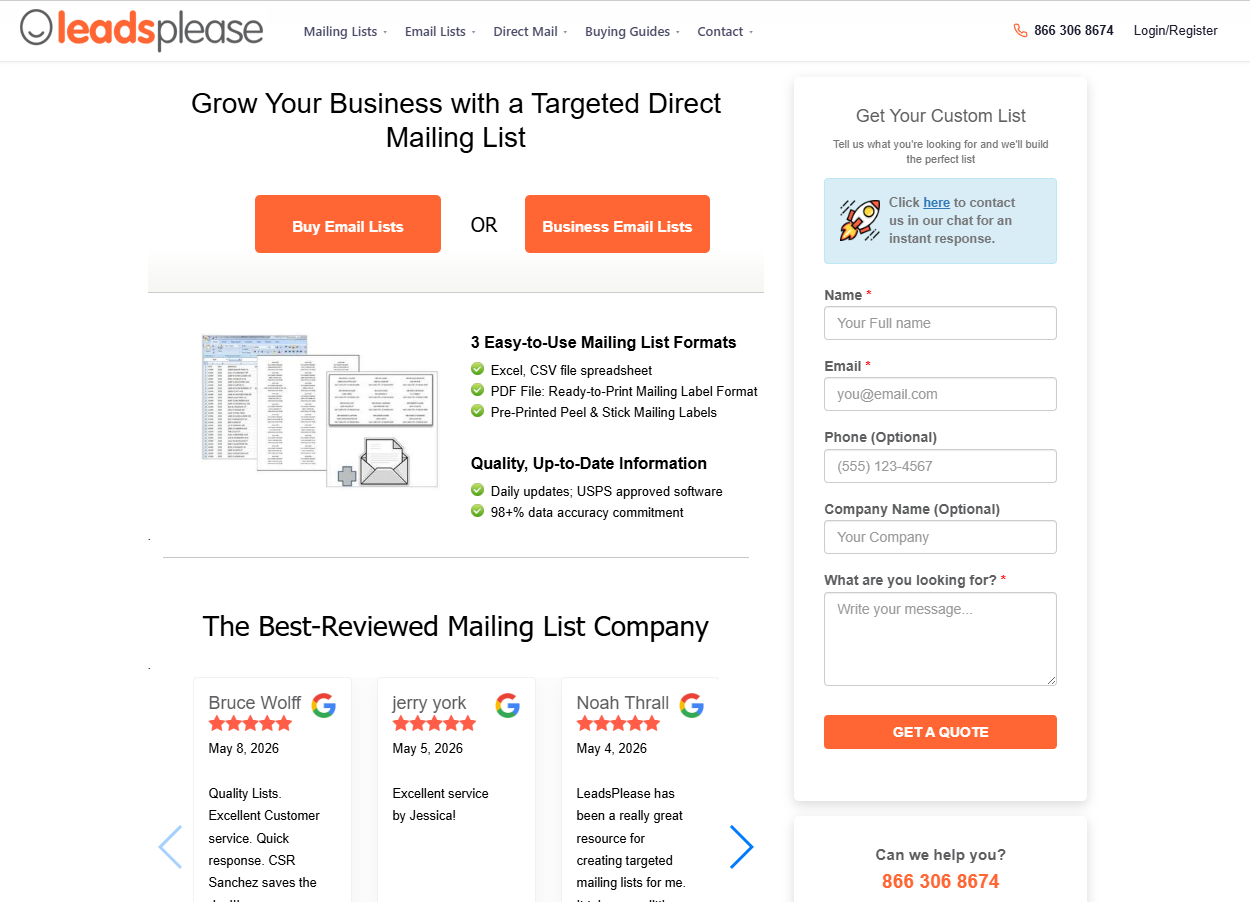
Model: Pure list seller. You pay per record and get a downloadable file you keep.
Features: USPS CASS-certified postal data, monthly NCOA updates, an email verification step before delivery, Excel/CSV/PDF export, and a count-and-quote tool you can use without signing up. Strong on geographic targeting (state/county/city/ZIP/radius) and life-event segments (new homeowners, new movers, Medicare leads).
Pricing: Consumer emails from $0.14/record, business emails from $0.24/record.
Saleshandy
Saleshandy is a cold email sending platform with a bundled contact database, perfect for teams that want prospecting and sending in one tool.
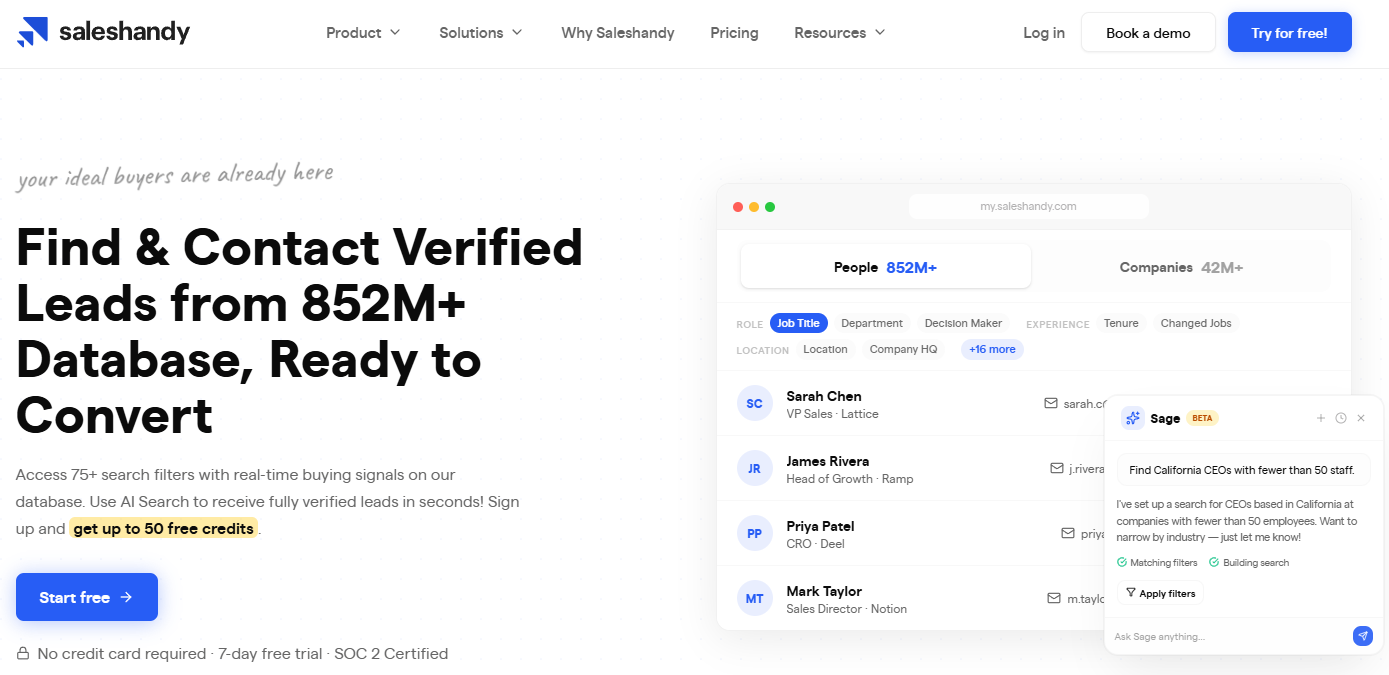
Model: Cold email platform with database access.
Features: 50+ filters, 25+ data points per contact, multi-step sequences with AI copy, five-channel outreach (email, LinkedIn, calls, SMS, voice notes), native CRM integrations (HubSpot, Salesforce, Pipedrive, Zoho), REST API, built-in inbox warm-up.
Pricing: The database access, Lead Finder, starts from $49/month.
Lusha
Lusha is a lighter contact-lookup tool, popular with individual reps prospecting on LinkedIn with around 280 million contacts.
Model: Database access.
Features: Chrome extension for LinkedIn and CRM capture, a prospecting platform, real-time buying signals, “Lusha Plays” automated workflows. Integrations with HubSpot, Salesforce, Pipedrive, Monday, Zoho, Salesloft, Outreach, Zapier, Make, and n8n. Custom API on the Scale tier.
Pricing: Credit-based tiers, including a free one.
Frequently asked questions
How much does an email list cost?
Email list prices vary widely. Per contact, you’ll pay a few cents for self-serve consumer data up to several dollars for filtered B2B records. Consumer email lists cost less than business email lists: a 1,000-contact list runs from around $30 for a basic consumer segment and into the hundreds for a filtered B2B email list.
How should I segment a bought email list before using it?
If you do use a bought list, don’t send it all at once. Verify the whole list, then start with the smallest, most relevant segment closest to your ideal customer profile. Watch your bounce and complaint rates, and stop if either spikes. Treat the first send as a test.
What should I do if my manager wants to buy a list and I disagree?
If your manager wants to buy a list and you disagree, frame your case in business terms. Point out the risks, like legal exposure, brand reputation damage, or poor ROI. Then offer an alternative that best addresses your needs.
