
56 Free Bootstrap Registration Form Templates 2026
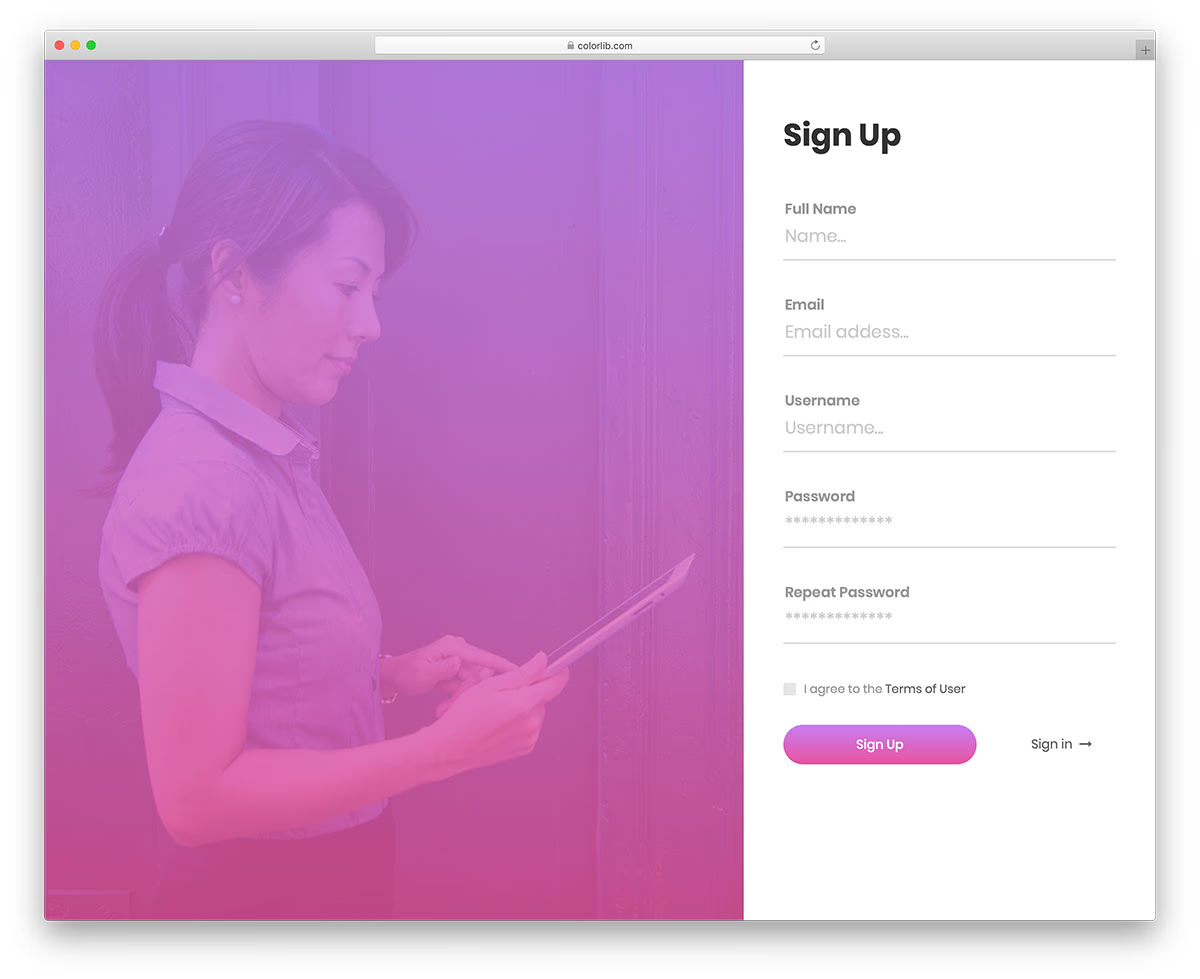

Our (insanely) long collection of easy-to-use free Bootstrap registration forms with clean HTML and CSS for your project.
Even better, we ensured the code was entirely beginner-friendly for (almost) instant customizations.
You’ll find the RIGHT ONE quickly.
Creative, minimal, advanced, event registration, job application, education appointment – you name it, we deliver it!
A registration form for everyone.
You can integrate the one you DIG into your web project with basic coding knowledge.
Every free registration form template is also 100% responsive by default.
Save time and energy but achieve a remarkable result.
Enjoy.
Best Free Bootstrap Registration Forms
Table of contents — all 56 templates
WordPress Login Customizer
Free WordPress · Best for: restyling the wp-admin login screen
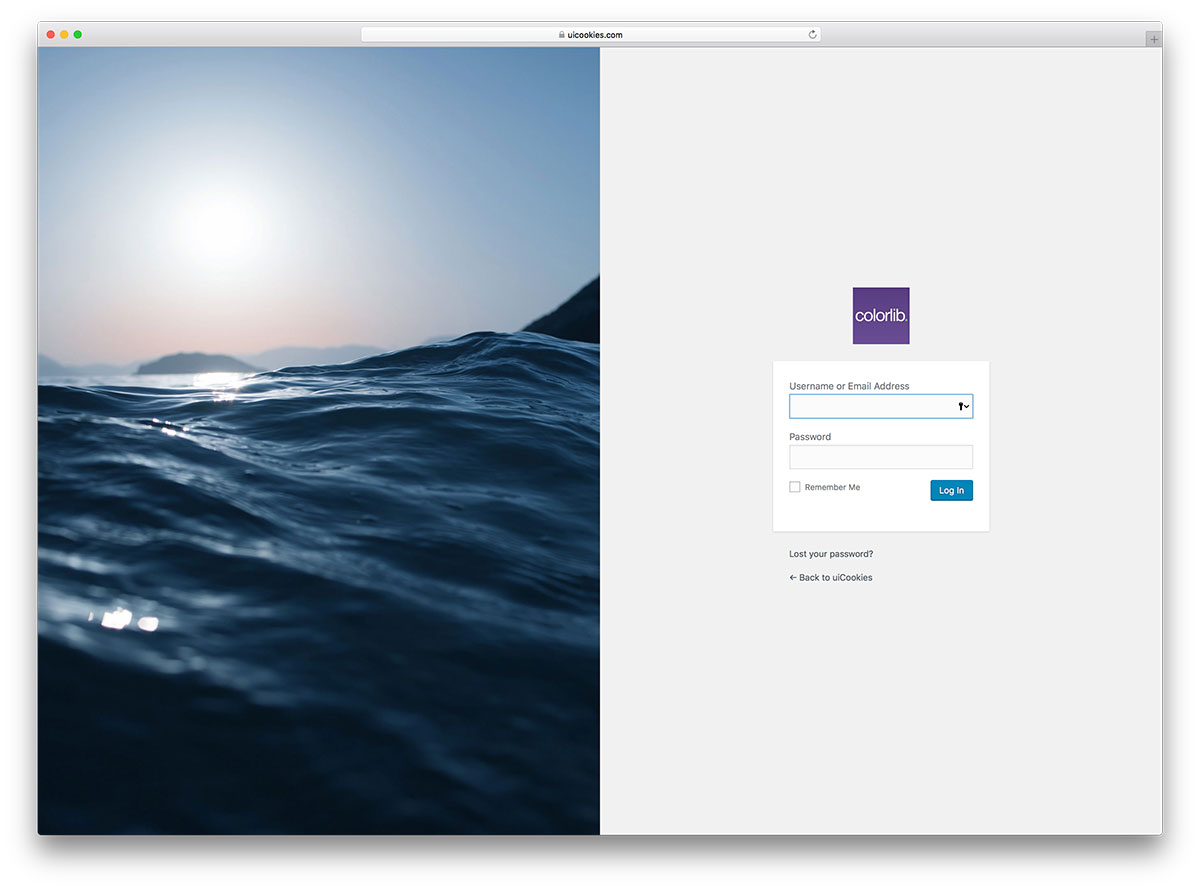
The only entry that changes the WordPress login screen itself rather than giving you a page to host. Several ready-made designs ship with it and each can be tuned to match your theme, so wp-login.php stops looking like every other WordPress site.
Download
Creative Signup Form

Free HTML · Best for: signup pages with an animated backdrop
A semi-transparent dark form panel floats over an animated colour background, which is unusual for a snippet this small. Username, email and a twice-entered password sit inside, with a terms checkbox and a login link for members of your existing site.
Download
Colorlib Reg Form v4
Free HTML · Best for: general signup that records a birthday
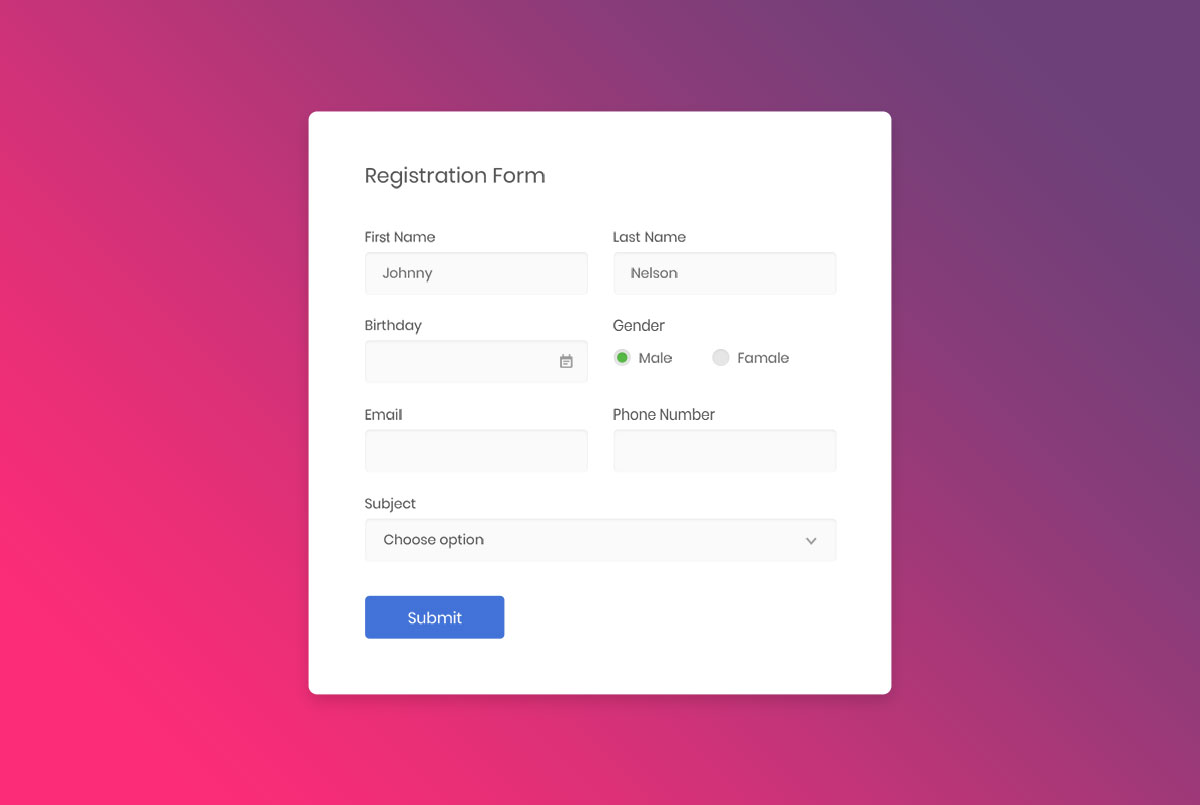
Eight fields on a white rounded card over a pink-to-purple gradient: first and last name, birthday, gender radios, email, phone and a subject dropdown. The birthday field opens a date picker rather than expecting typed input.
Download Preview
Colorlib Reg Form v7
Free HTML · Best for: one page that handles signup and login
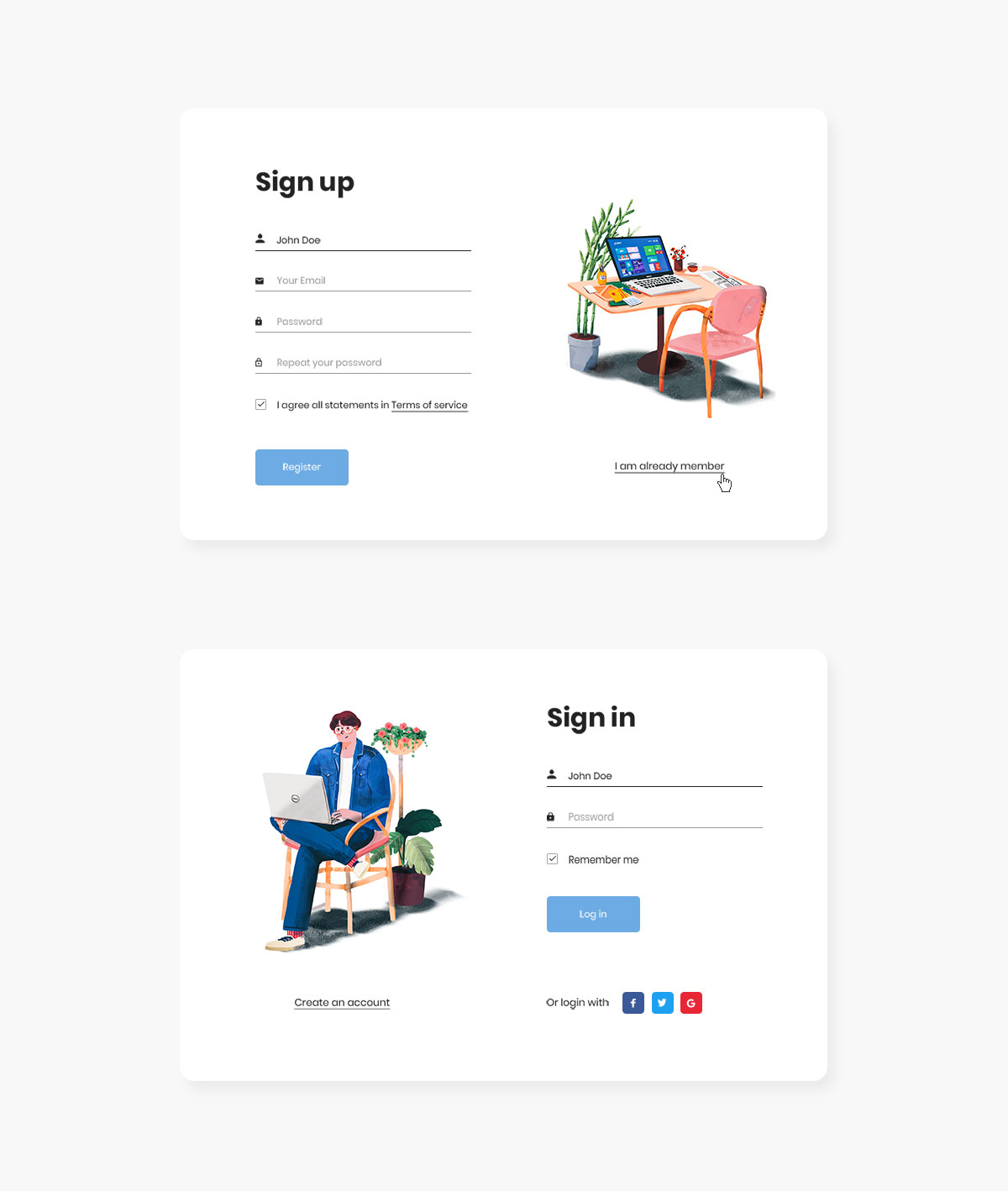
Sign-up and sign-in live on the same page and slide between each other, each with its own illustration. Signup takes name, email and a repeated password with a terms checkbox; login adds remember-me and Facebook, Twitter and Google buttons.
Download Preview
Creative Login Form
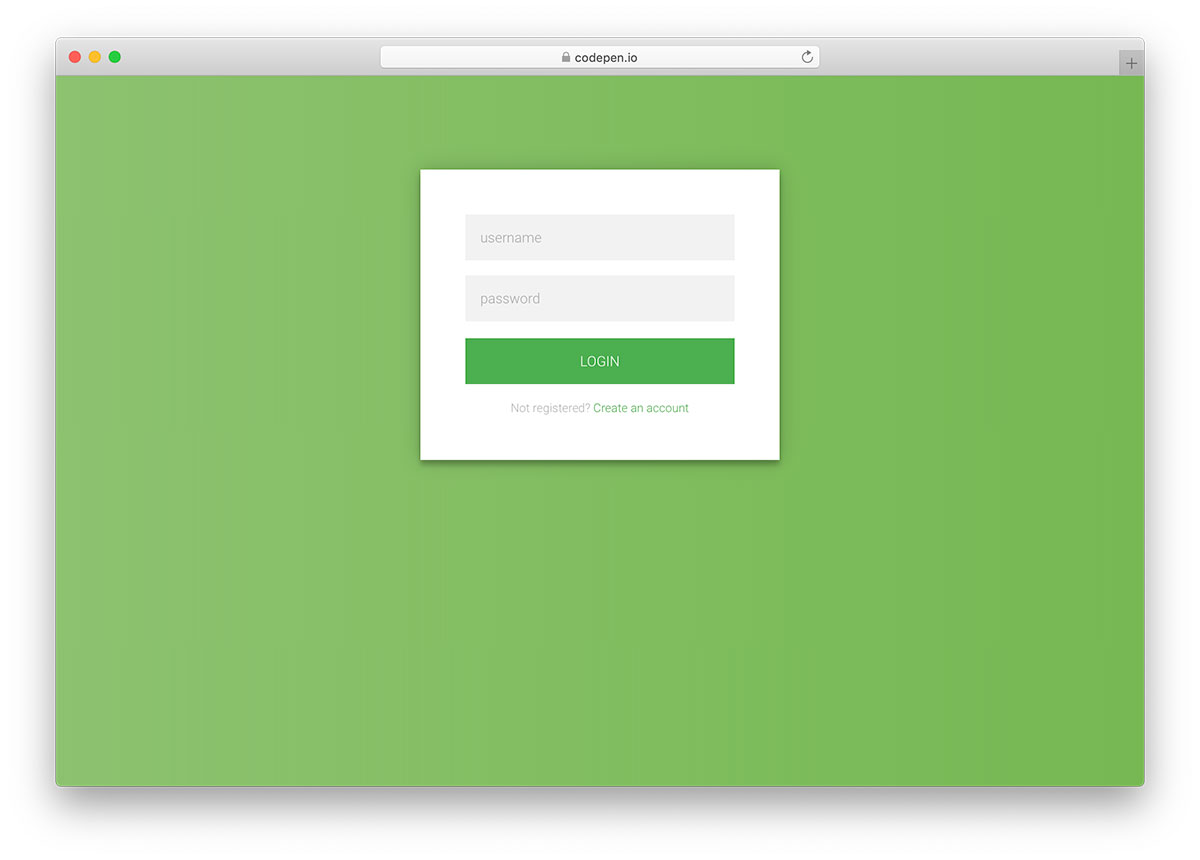
Free HTML · Best for: a plain login box for any project
Colorlib’s simplest login snippet, written in plain HTML5 and CSS3 and released under CC BY 3.0. There is nothing to strip out before restyling it for a community area or an app account screen.
Download
Beauty Salon Reg Form v20
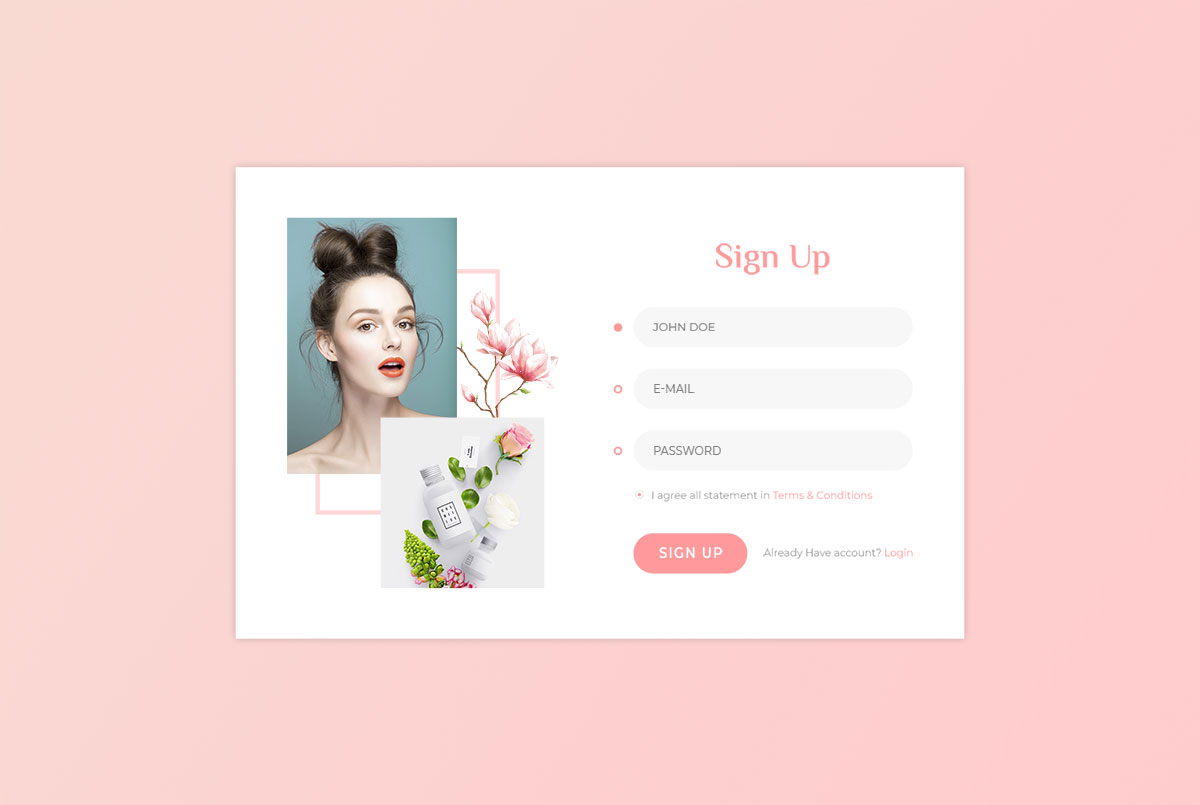
Free HTML · Best for: beauty and lifestyle member signups
Four items only — name, e-mail, password and a terms checkbox — beside a soft-toned illustration. Short enough that visitors finish it in one sitting, with a login link underneath for returning members.
Download Preview
Music Event Reg Form v21
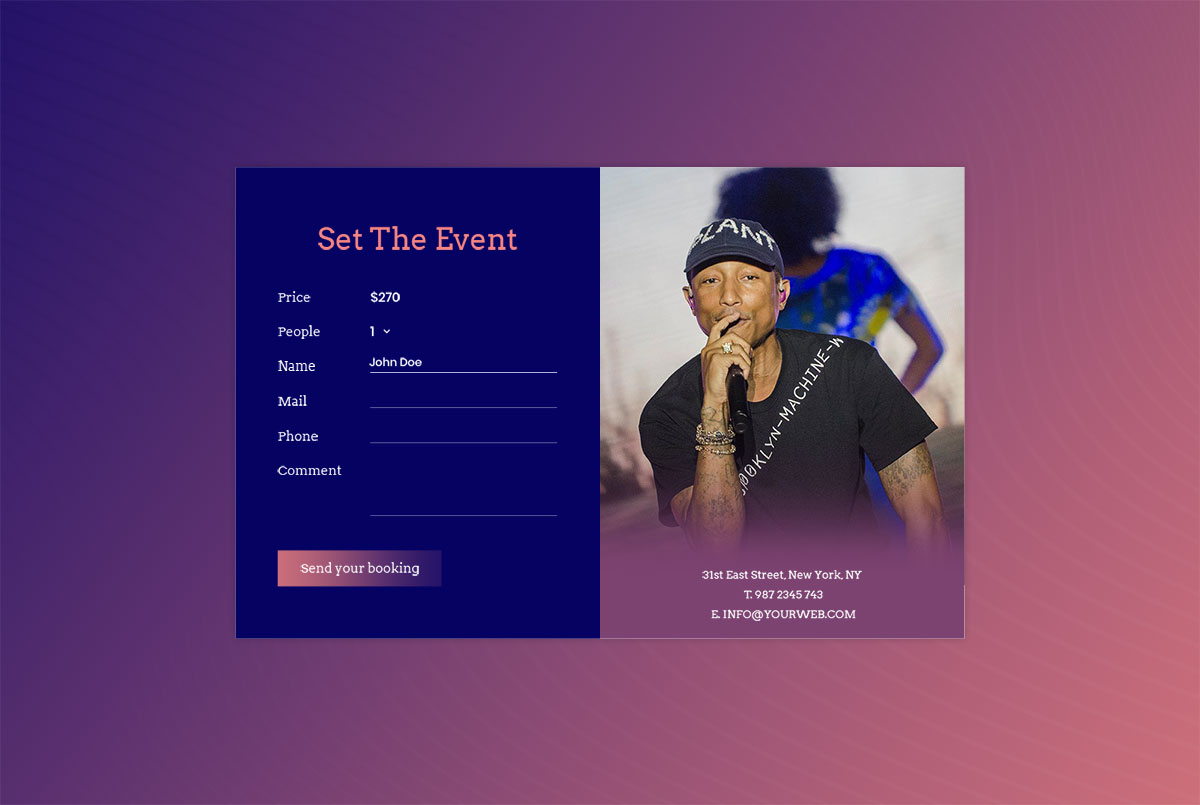
Free HTML · Best for: paid event bookings
Built around a ticket price and a headcount dropdown running from one to ten people rather than around an account. Name, mail, phone and a comment box follow, and the button reads Send your booking.
Download Preview
Fitneness Reg Form v22
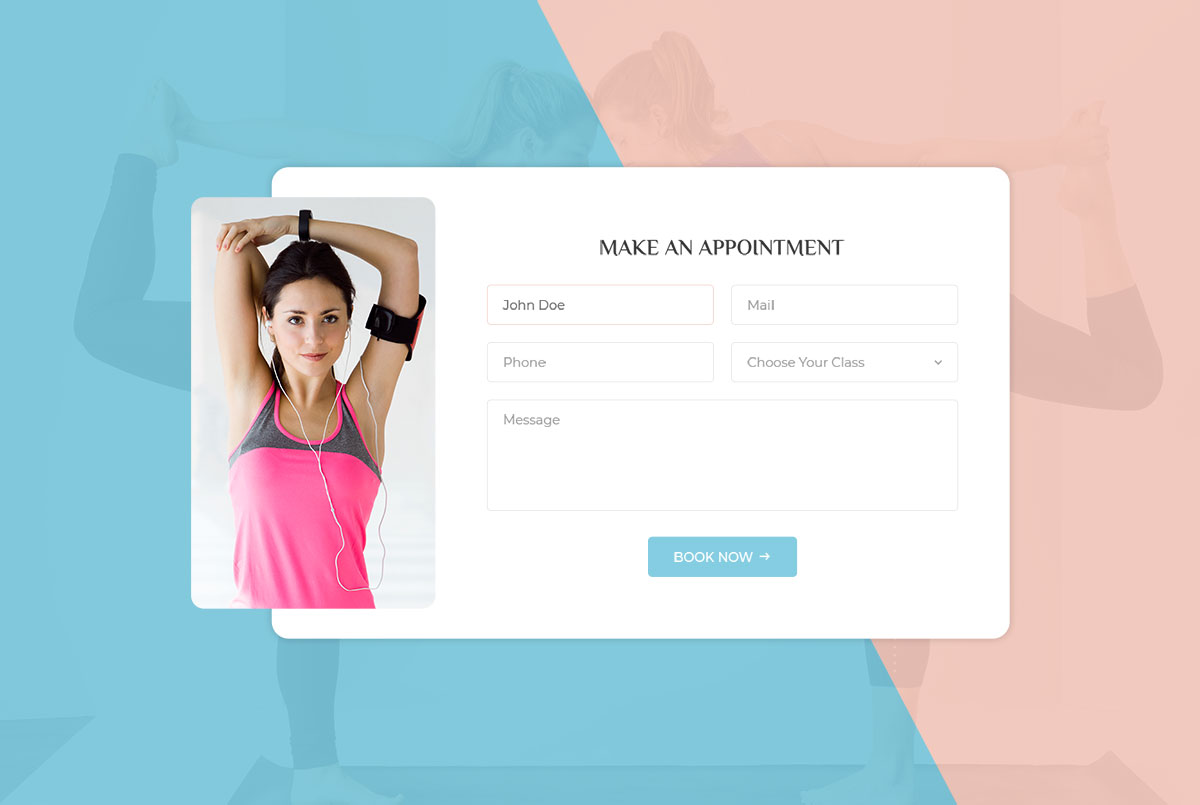
Free HTML · Best for: class and appointment bookings
An appointment form rather than a signup: name, mail, phone, a class dropdown and a message box, ending in a Book Now button. Suits gyms, personal trainers and yoga studios that take bookings per class.
Download Preview
Colorlib Reg Form v24

Free HTML · Best for: quick signup with social alternatives
Three fields only — username, e-mail and password — with Facebook, Instagram and Twitter buttons underneath. An illustration sits beside the form on desktop and moves above it on phones, and a validation script is bundled.
Download Preview
Colorlib Reg Form v1
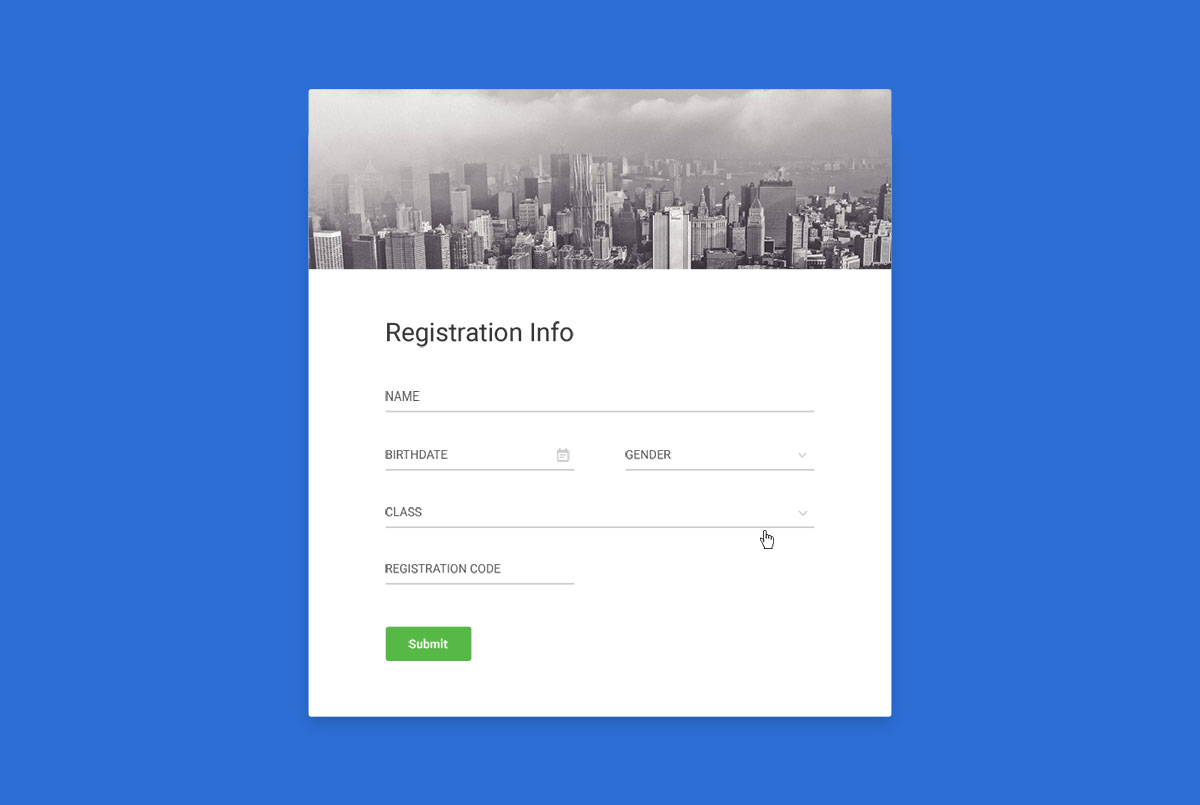
Free HTML · Best for: class or course enrolment
Enrolment fields rather than account fields: name, birthdate, gender, class and a registration code. The card carries a photo banner across the top and sits on a solid blue page, so there is one image to replace.
Download Preview
Colorlib Reg Form v2
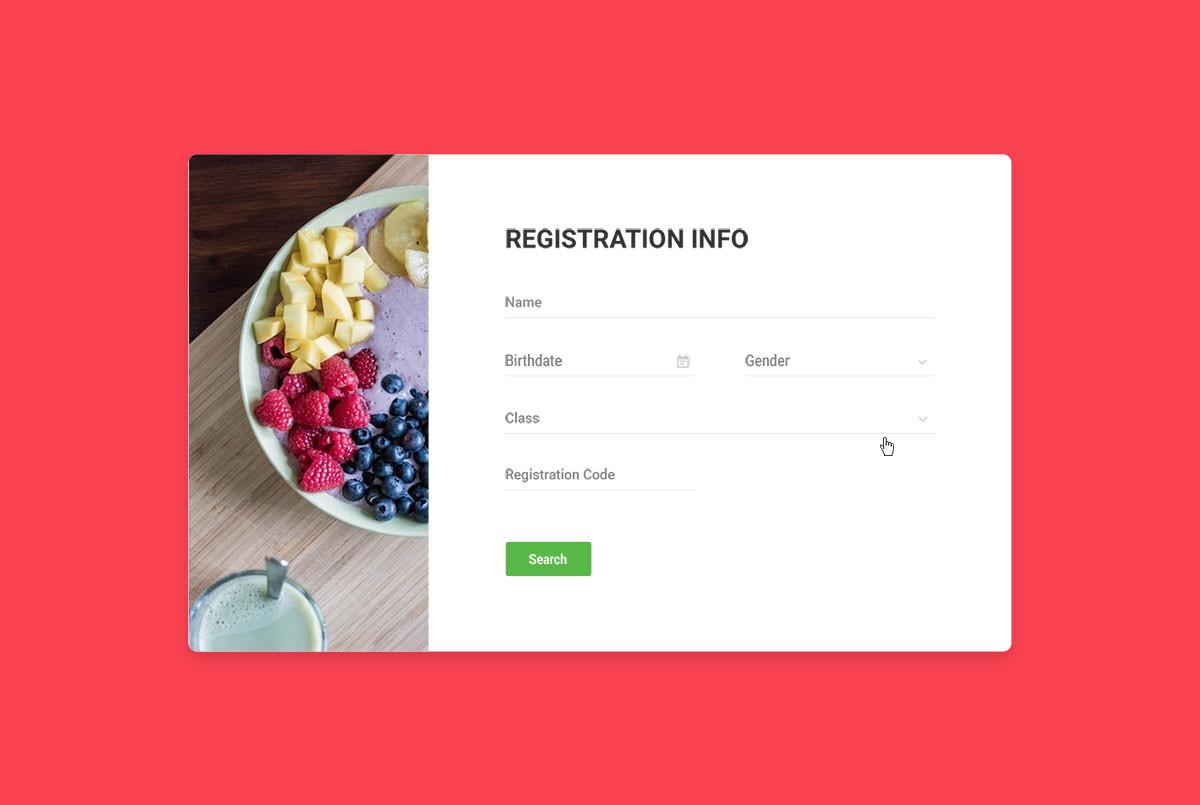
Free HTML · Best for: restaurant and food member areas
The same enrolment fields as version one, but the photo moves into a narrow panel down the left of the card and the page turns coral red. A good fit for restaurant and recipe sites where the image carries the mood.
Download Preview
Colorlib Reg Form v3
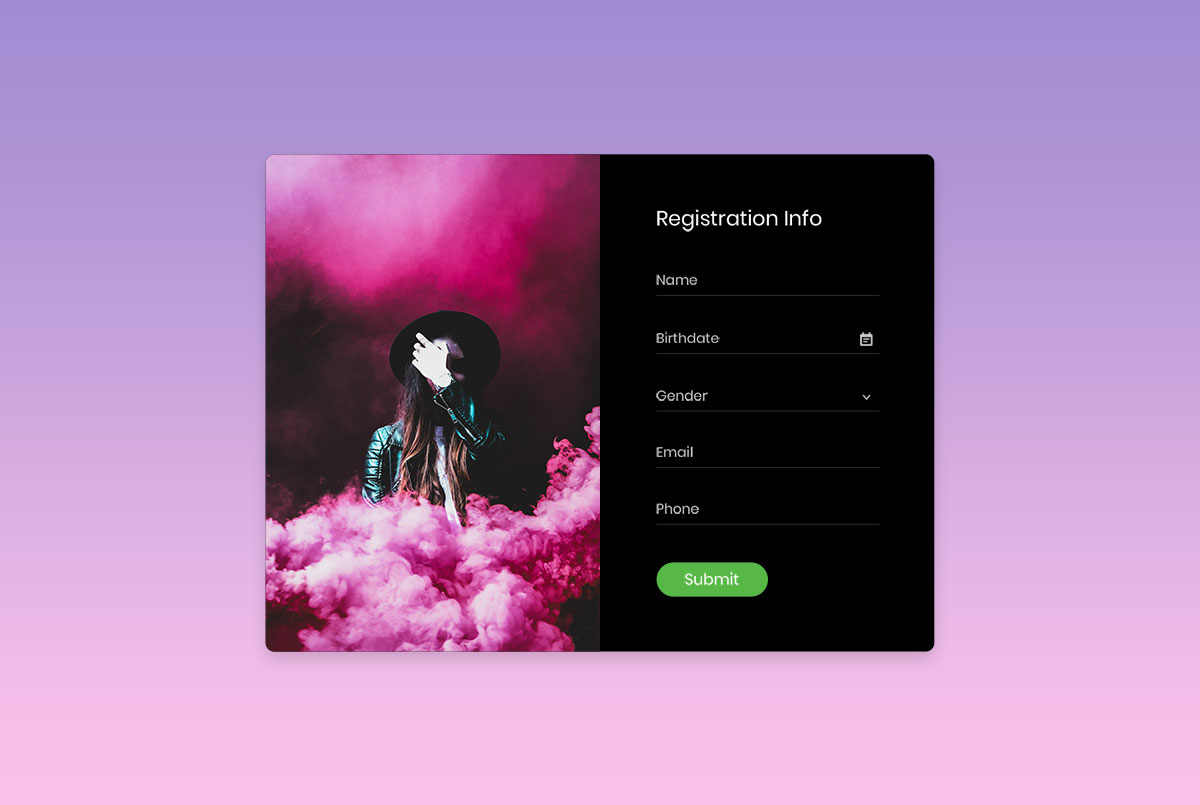
Free HTML · Best for: music and artist pages
A card split evenly between a photograph and five fields: name, birthdate, gender, email and phone. The pink-to-purple gradient behind it is a single CSS rule to recolour.
Download Preview
Colorlib Reg Form v5
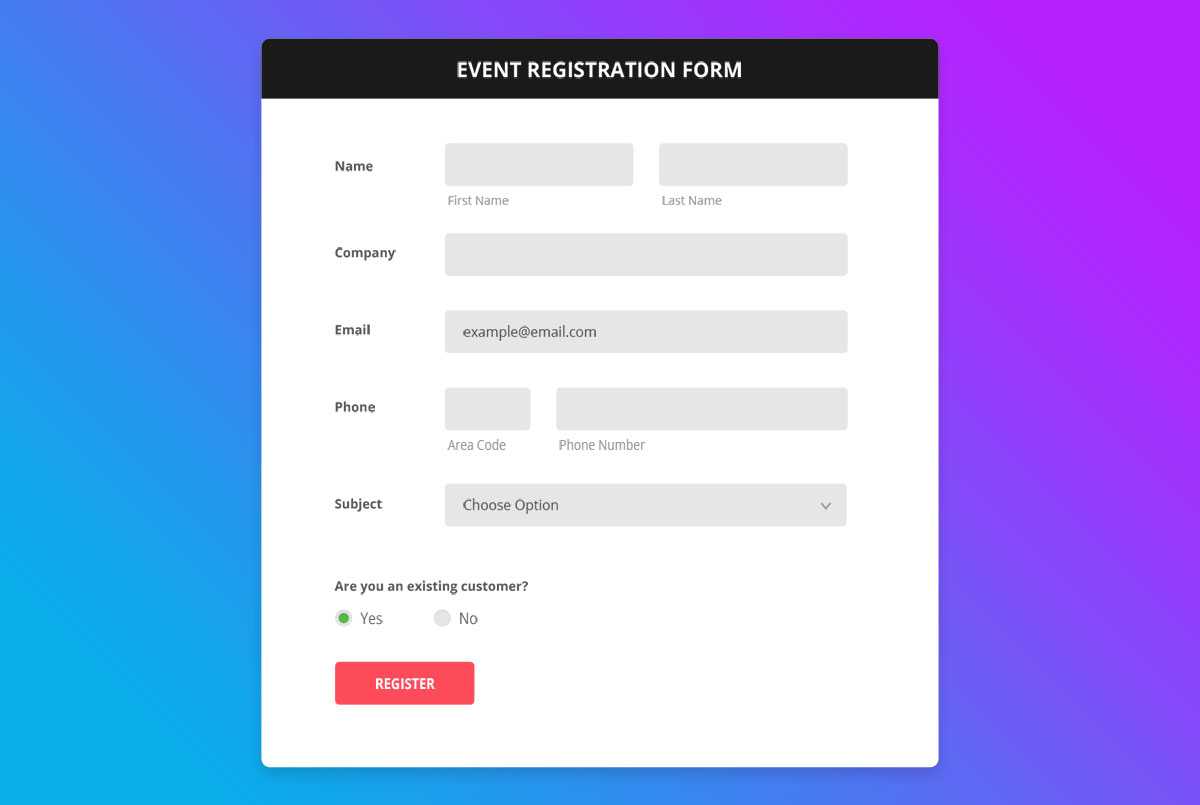
Free HTML · Best for: corporate event registration
Asks what an event organiser actually needs: company name, area code and phone as separate fields, a subject dropdown and an existing-customer yes or no. Name and email complete it under a Register button.
Download Preview
Colorlib Reg Form v6
Free HTML Dark Mode · Best for: job applications
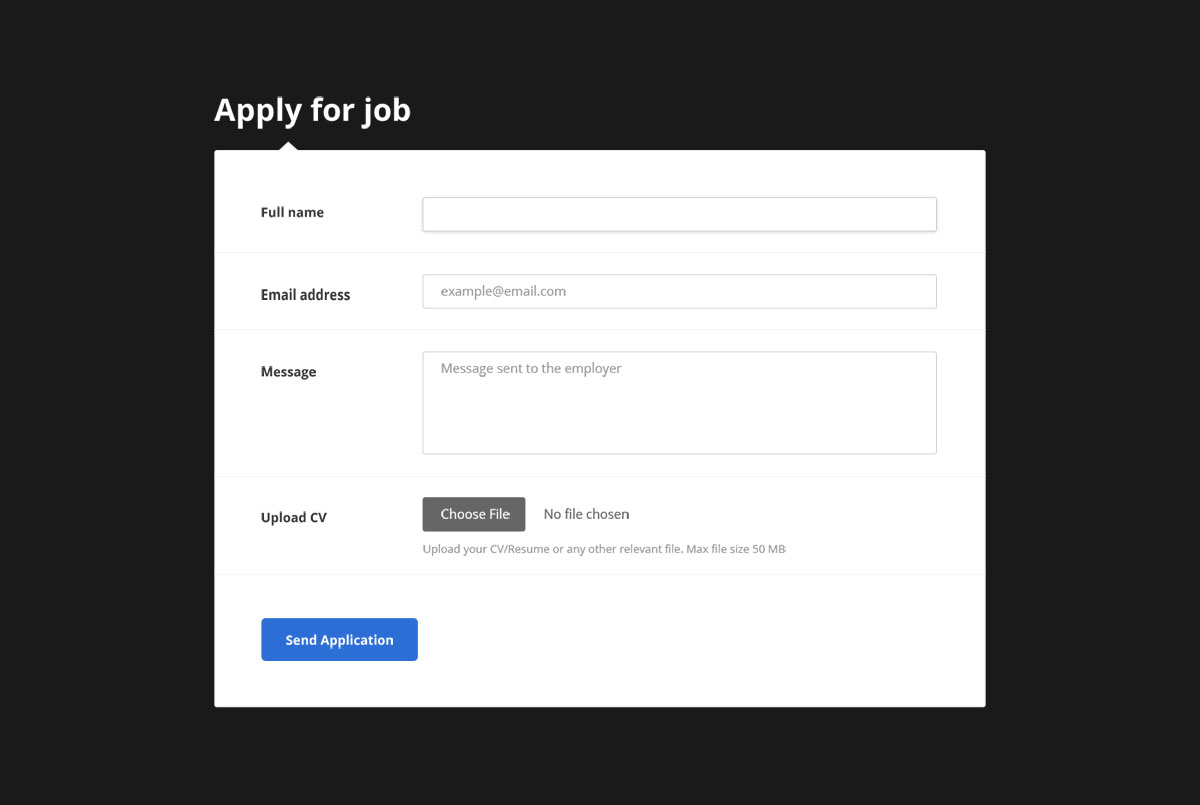
The only form in this list with a file upload, taking a CV or resume of up to 50 MB. Full name, email address and a message to the employer are the other fields, laid out on a near-black page.
Download Preview
Colorlib Reg Form v8
Free HTML · Best for: signups over a photo background
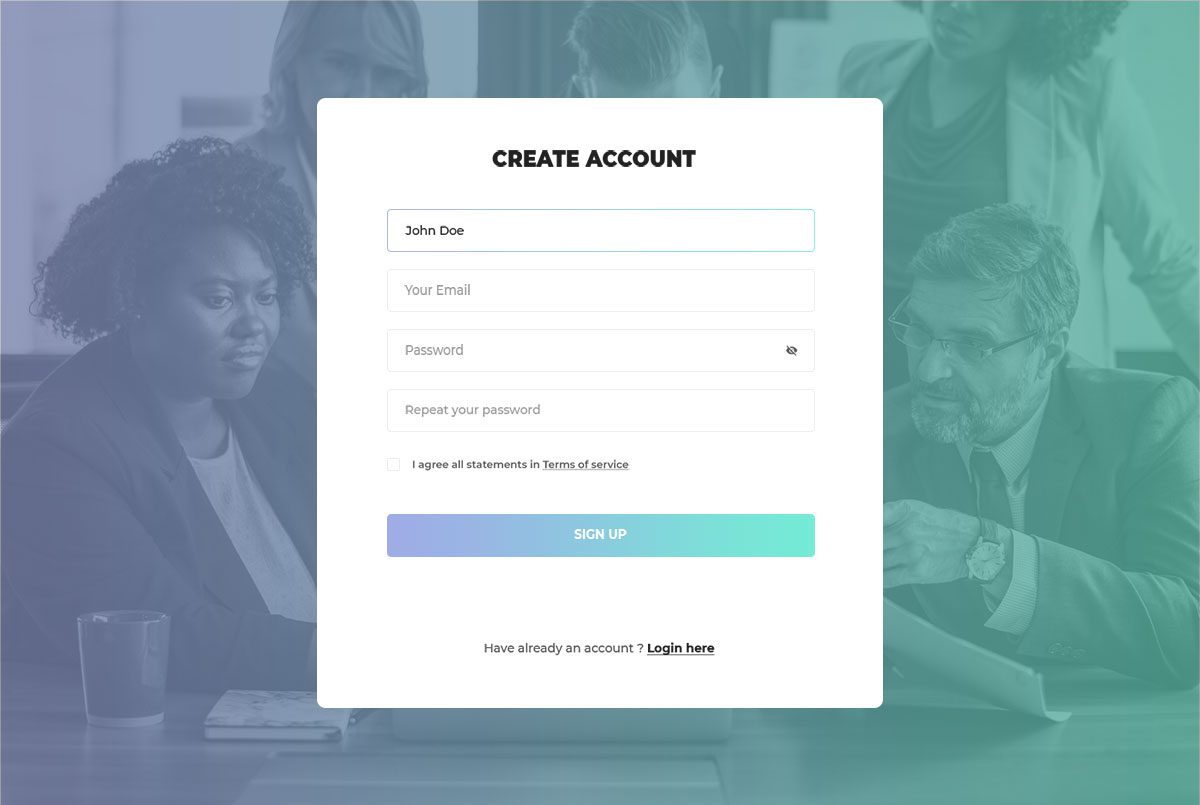
A full-page photograph behind a compact card asking for name, email, password, a repeat and a terms checkbox. Swapping the background image is usually the only change needed before it matches the rest of your site.
Download Preview
Colorlib Reg Form v9
Free HTML · Best for: gaming communities and clans
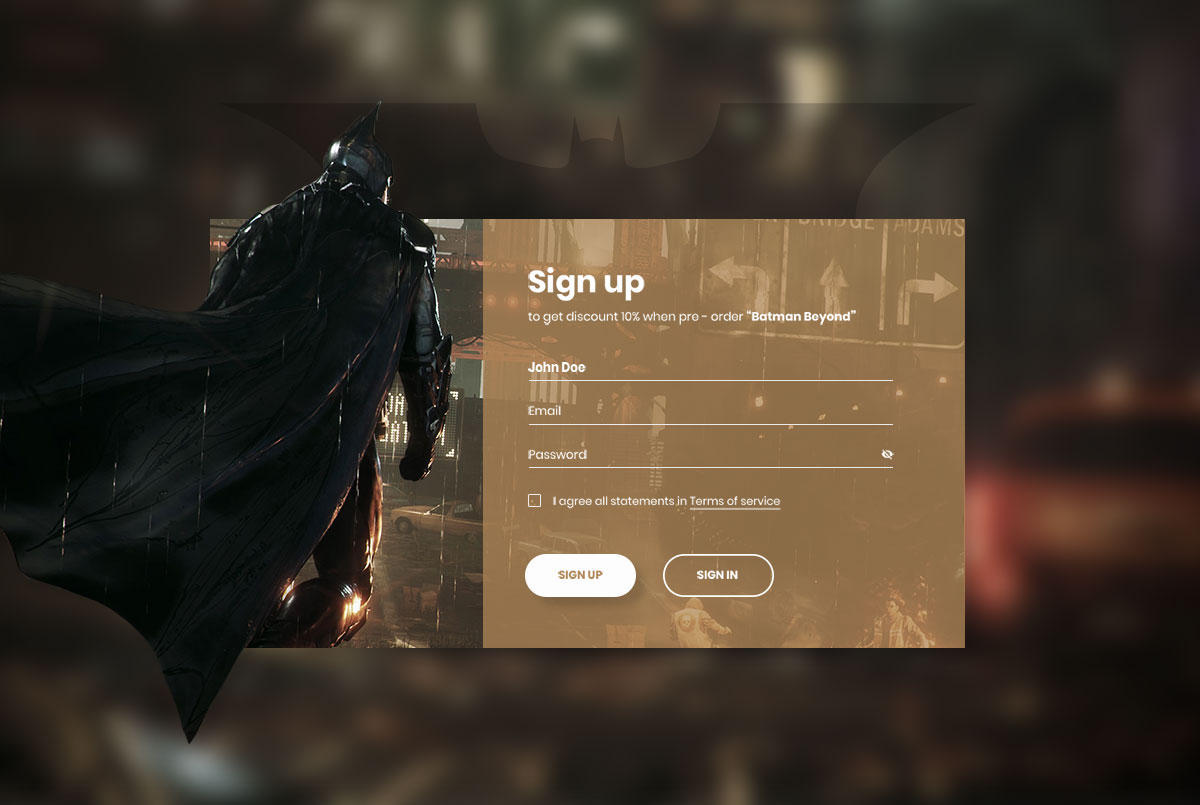
Written as a pre-order offer rather than a plain signup, with the discount headline sitting above the fields. Name, email, password and a terms checkbox is all it asks, which suits gaming sites building a member list quickly.
Download Preview
Colorlib Reg Form v10
Free HTML · Best for: tiered or skill-based memberships
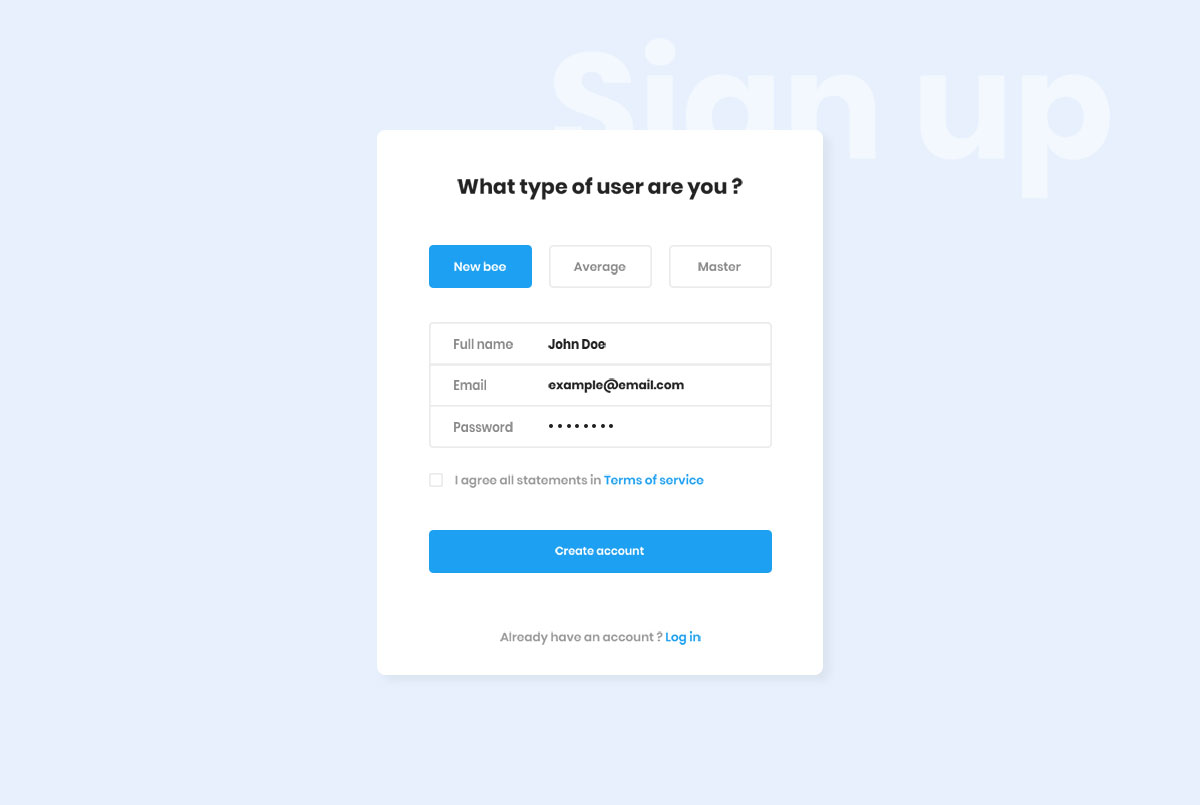
Opens by asking what type of user you are — new bee, average or master — before the usual name, email and password fields. That one radio row segments members at signup without needing a second form later.
Download Preview
Colorlib Reg Form v12
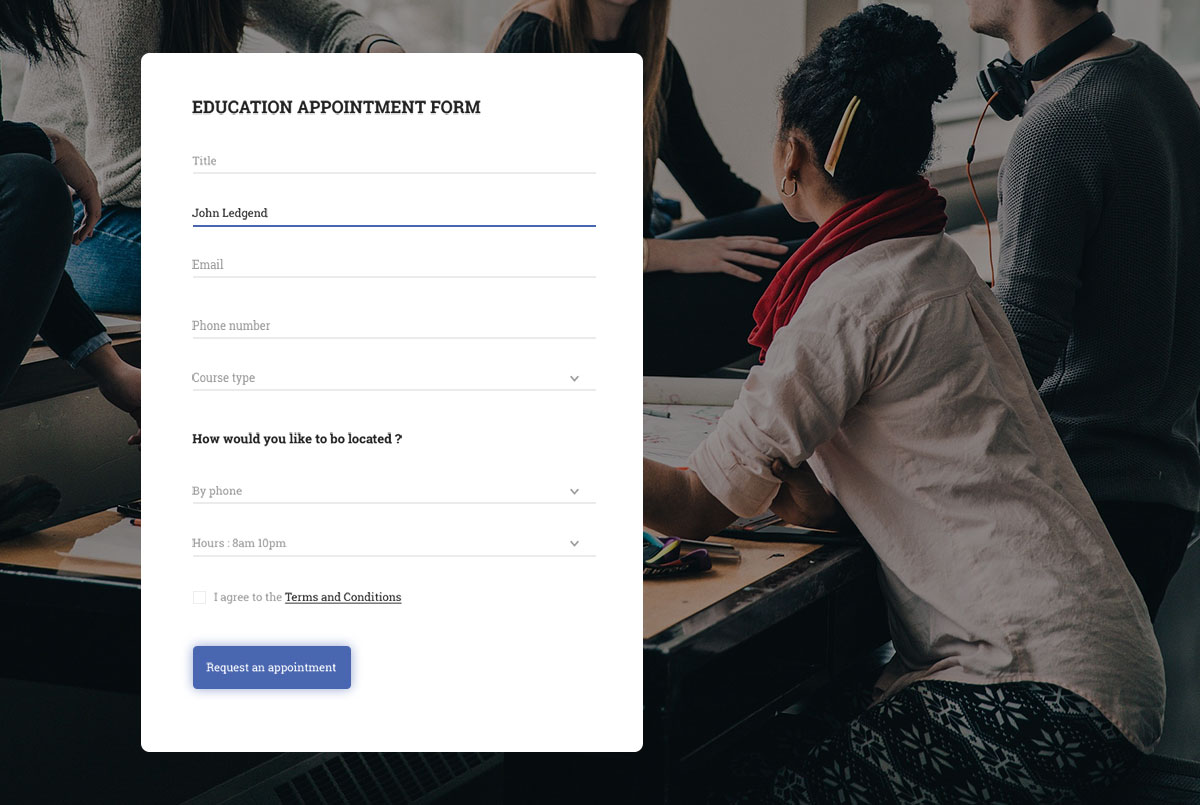
Free HTML · Best for: course and school appointment booking
An education appointment form: title, name, email, phone, a course-type dropdown, a contact preference of phone or email, and an appointment hours slot. A terms checkbox closes it out.
Download Preview
Colorlib Reg Form v13
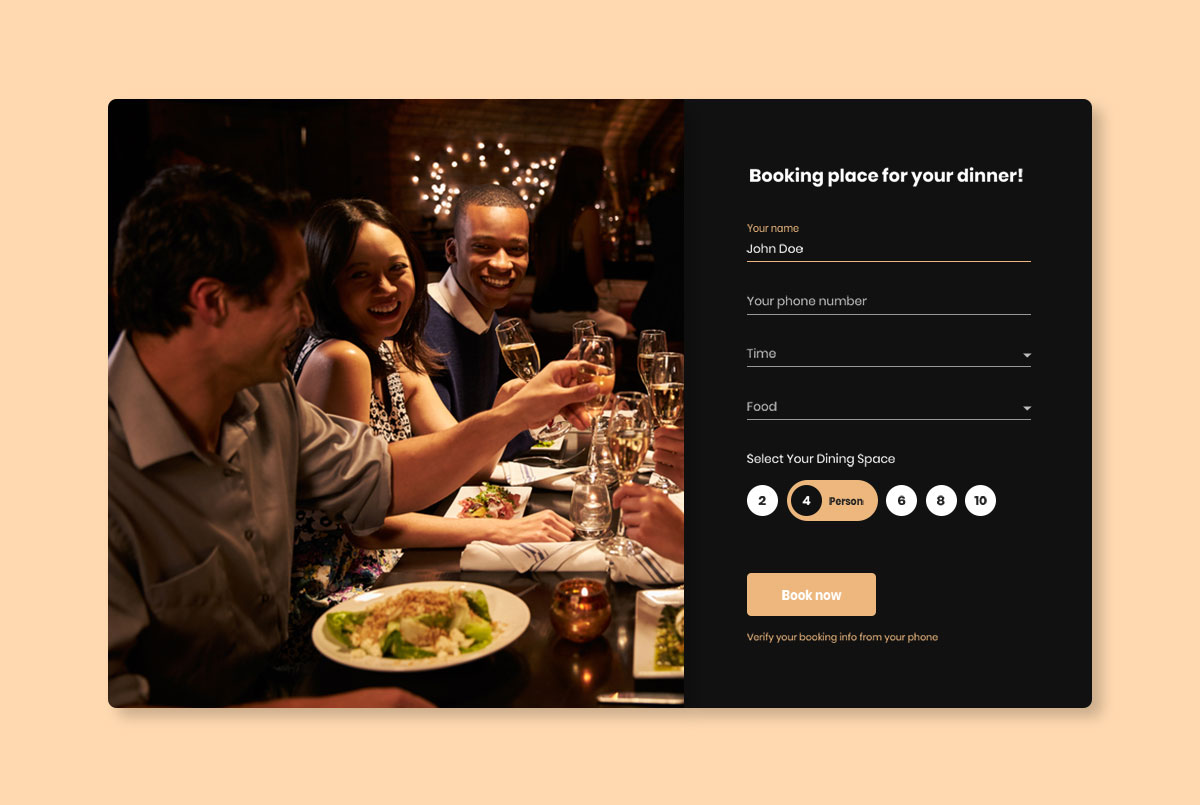
Free HTML · Best for: restaurant table bookings
Table booking rather than registration: name, phone, a time dropdown, a dish choice and radio buttons for party sizes of two through ten. A closing note tells guests the booking is confirmed by phone.
Download Preview
Colorlib Reg Form v14
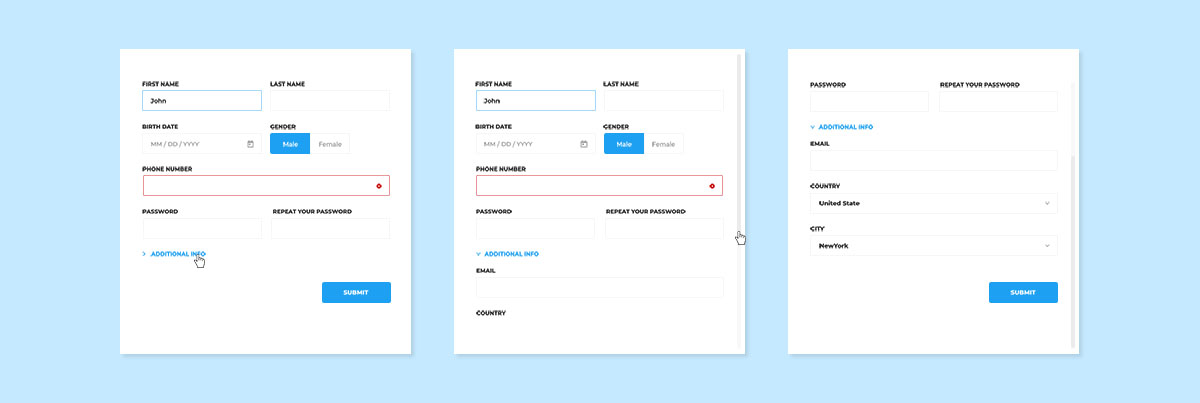
Free HTML · Best for: full member profiles
Twelve fields deep — first and last name, birth date, gender, phone, a password with a repeat, email, and country and city dropdowns. jQuery Validate is wired in, which matters on a form this long.
Download Preview
Colorlib Reg Form v15
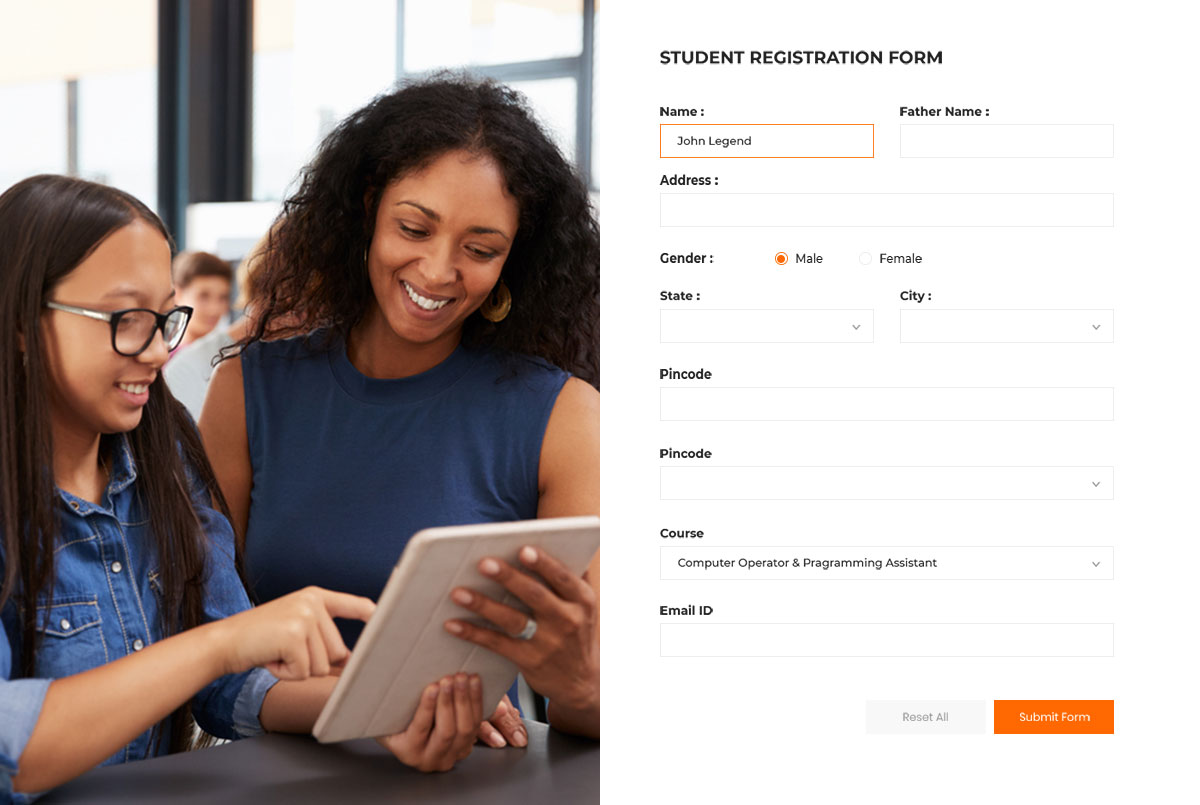
Free HTML · Best for: student enrolment
A student registration form with the fields a school actually collects: father’s name, address, state, city, date of birth, pincode and a course dropdown. It keeps a reset button beside submit, which is rare in these snippets.
Download Preview
Colorlib Reg Form v16
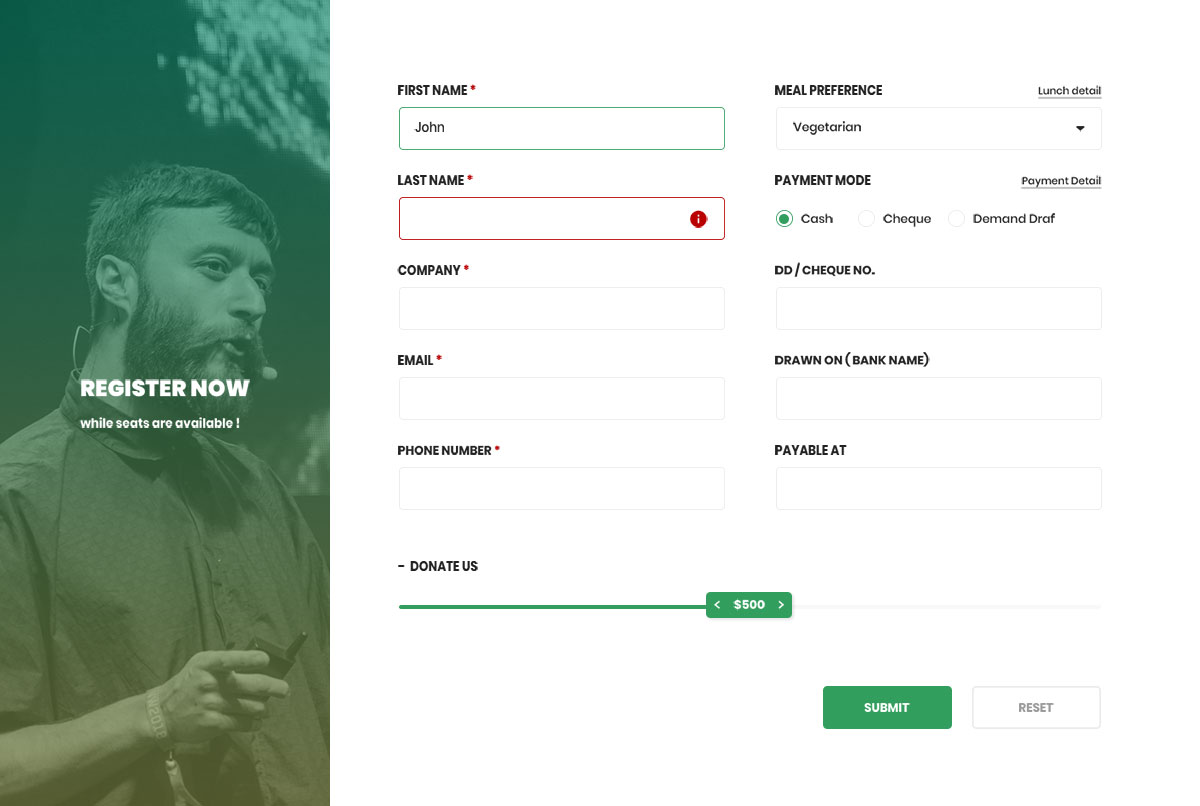
Free HTML · Best for: conference registration with payment
The only form here that captures payment details: cash, cheque or demand draft, plus cheque number, bank name and payable-to fields. A meal preference dropdown covering vegetarian, kosher and Asian vegetarian sits above them.
Download Preview
Colorlib Reg Form v17
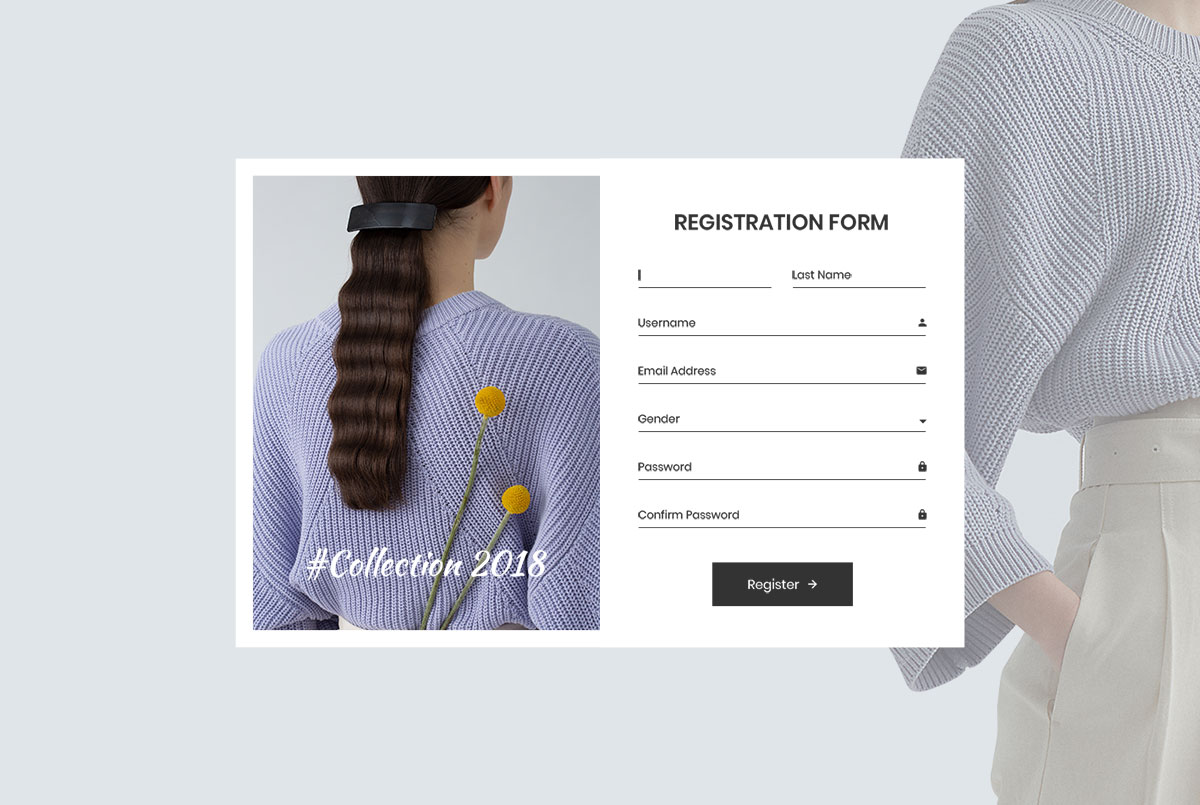
Free HTML · Best for: online store accounts
Seven fields over a photo background: first and last name, username, email address, gender and a password with confirmation. Enough for a shop account without demanding a delivery address at signup.
Download Preview
Colorlib Reg Form v18
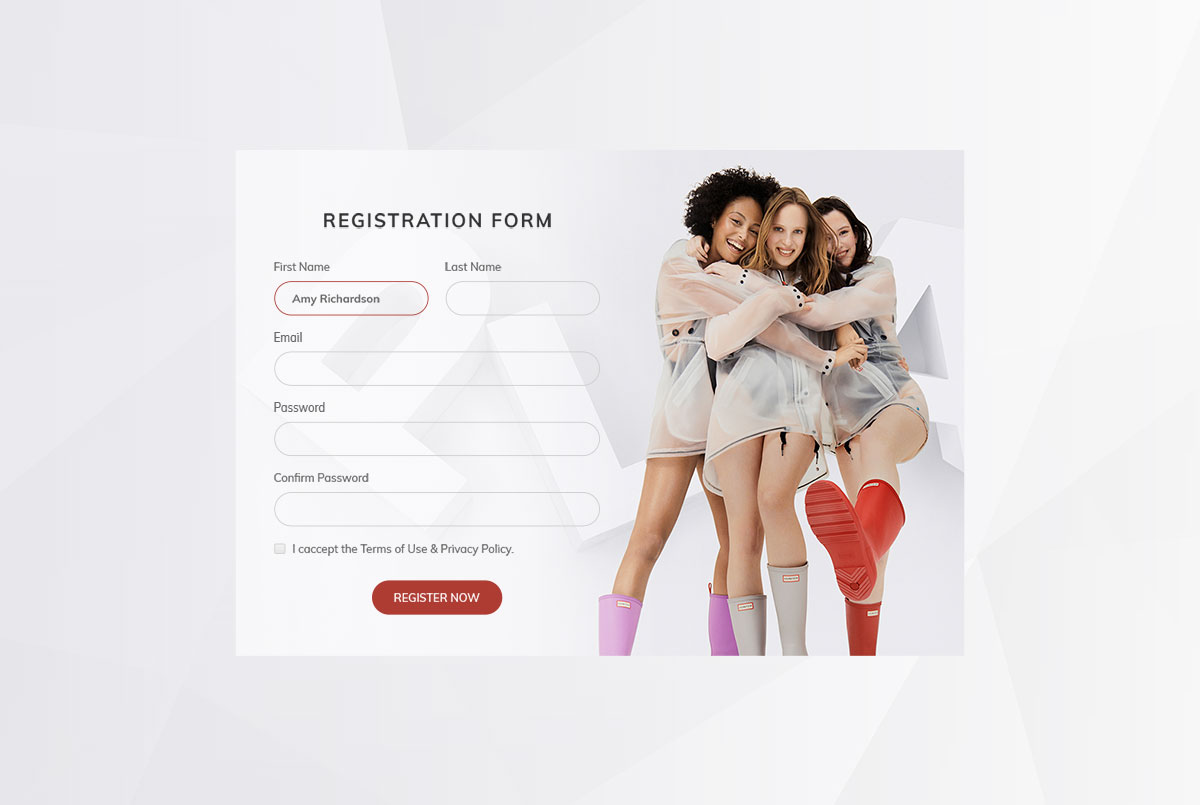
Free HTML · Best for: apparel and lifestyle store accounts
A trimmed version of the previous form — first and last name, email, password, confirm password and a terms checkbox — again over a photo background. Fewer fields usually means more completed signups.
Download Preview
Signup Form 1 by Colorlib

Free HTML Bootstrap · Best for: member login beside an illustration
An illustration panel sits next to the form and tilts as the cursor moves across it. Email and password are the only fields, with links out to password recovery and account creation, and each field validates inline.
Download Preview
Signup Form 2 by Colorlib
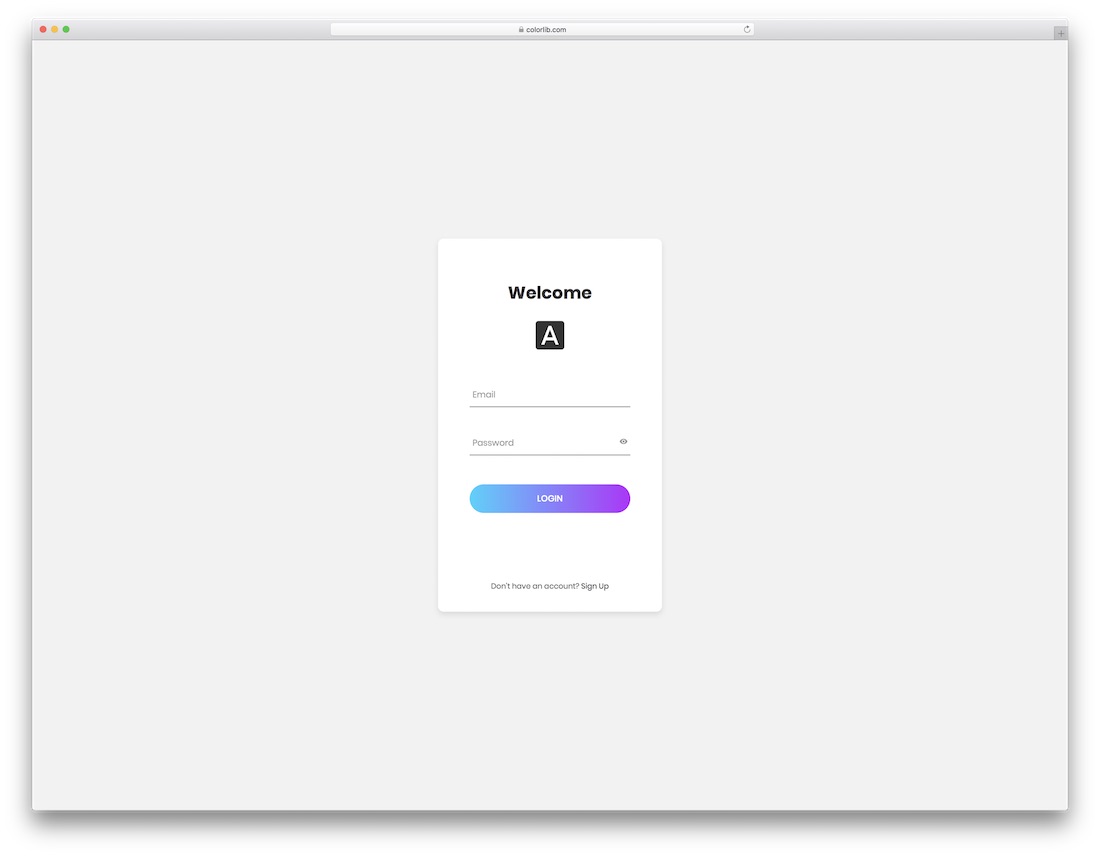
Free HTML Bootstrap · Best for: a plain login box
No image and no social buttons — a flat card with email, password and a sign-up link underneath. The stripped-down markup makes it the quickest of these to fold into an existing stylesheet.
Download Preview
Signup Form 3 by Colorlib
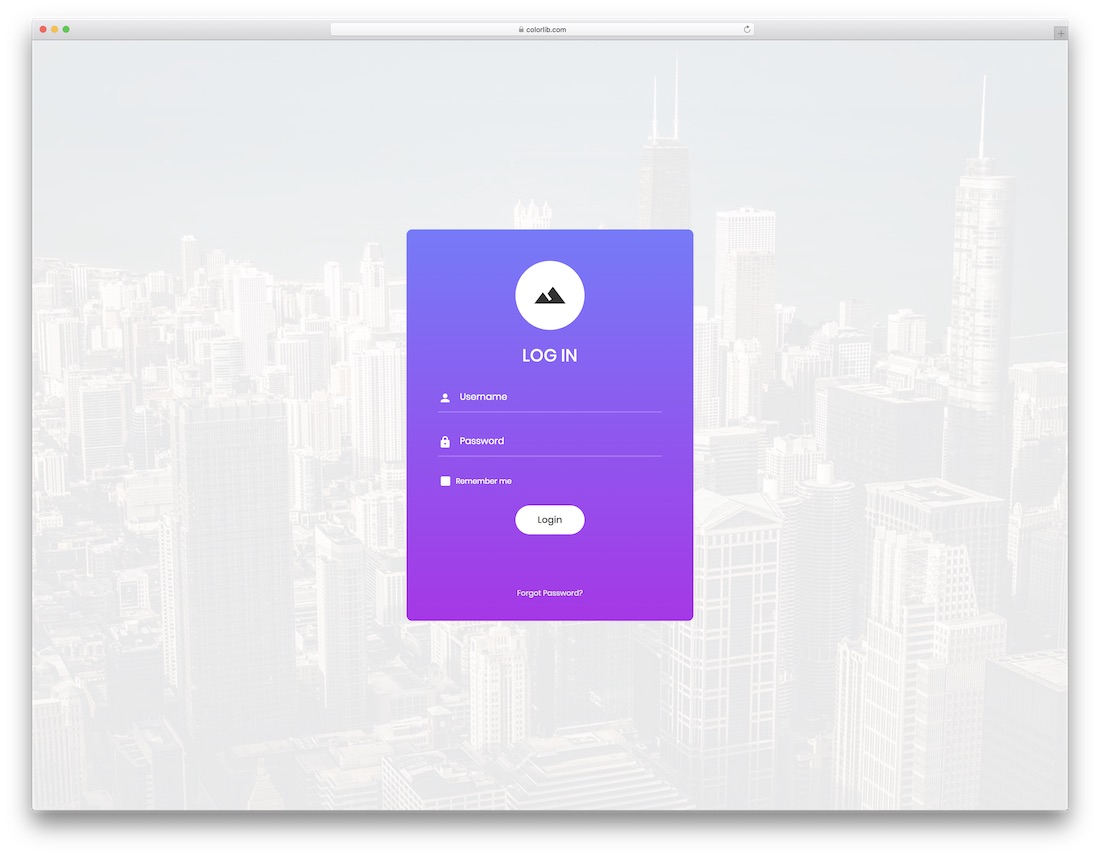
Free HTML Bootstrap · Best for: login over a photo background
Username and password over a full-screen photograph, with a remember-me checkbox and a forgotten-password link. The card is rounded and centred, so the background image carries all of the branding.
Download Preview
Signup Form 4 by Colorlib
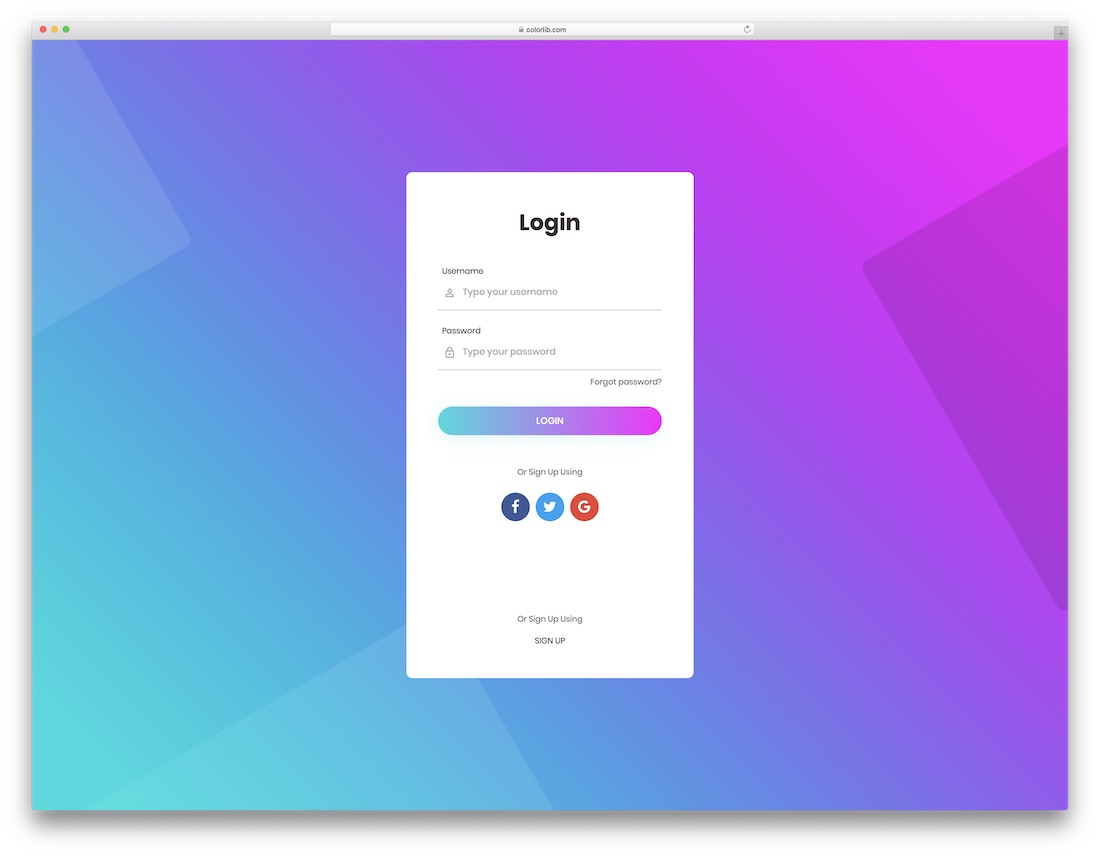
Free HTML Bootstrap · Best for: social sign-up alongside a password
Adds an or-sign-up-using row with Facebook, Twitter and Google buttons below the username and password fields. Labels sit above each input rather than inside it, which keeps them visible while typing.
Download Preview
Signup Form 5 by Colorlib
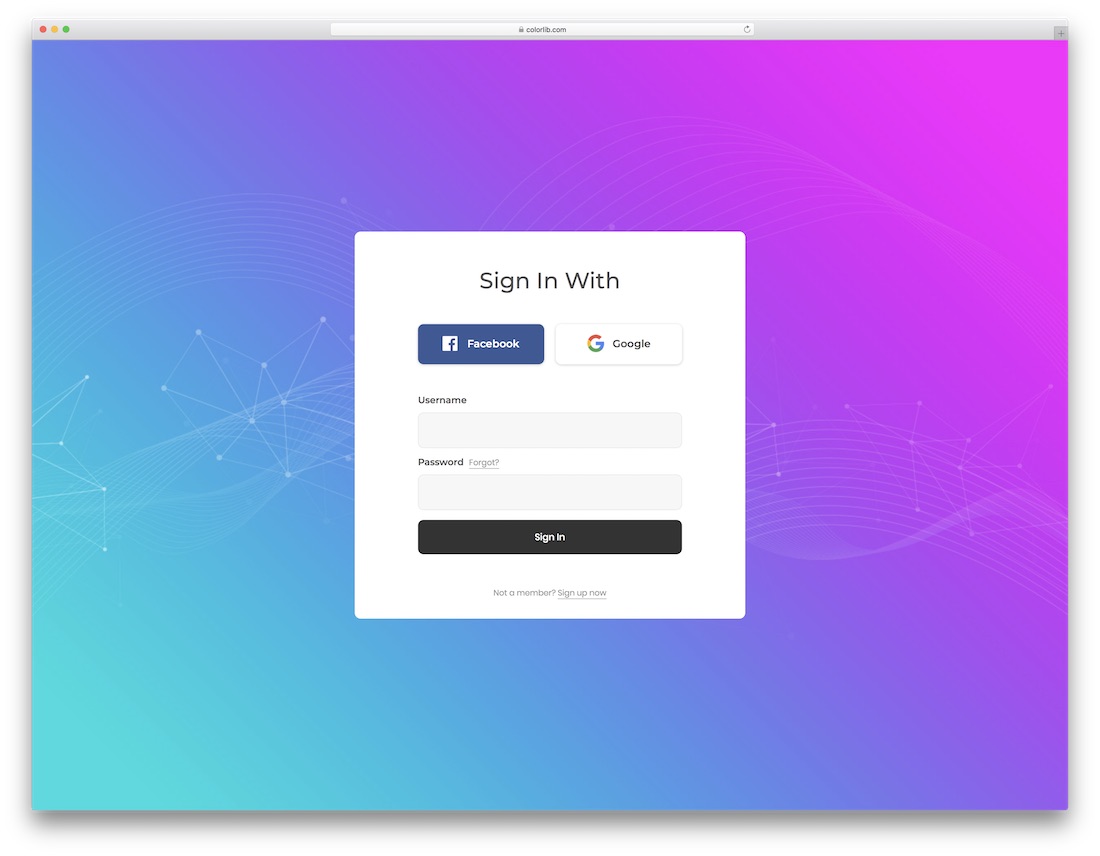
Free HTML Bootstrap · Best for: social-first login
Facebook and Google buttons come first, above the username and password fields rather than below them. That order suits audiences who rarely create passwords, such as dashboard products.
Download Preview
Signup Form 6 by Colorlib
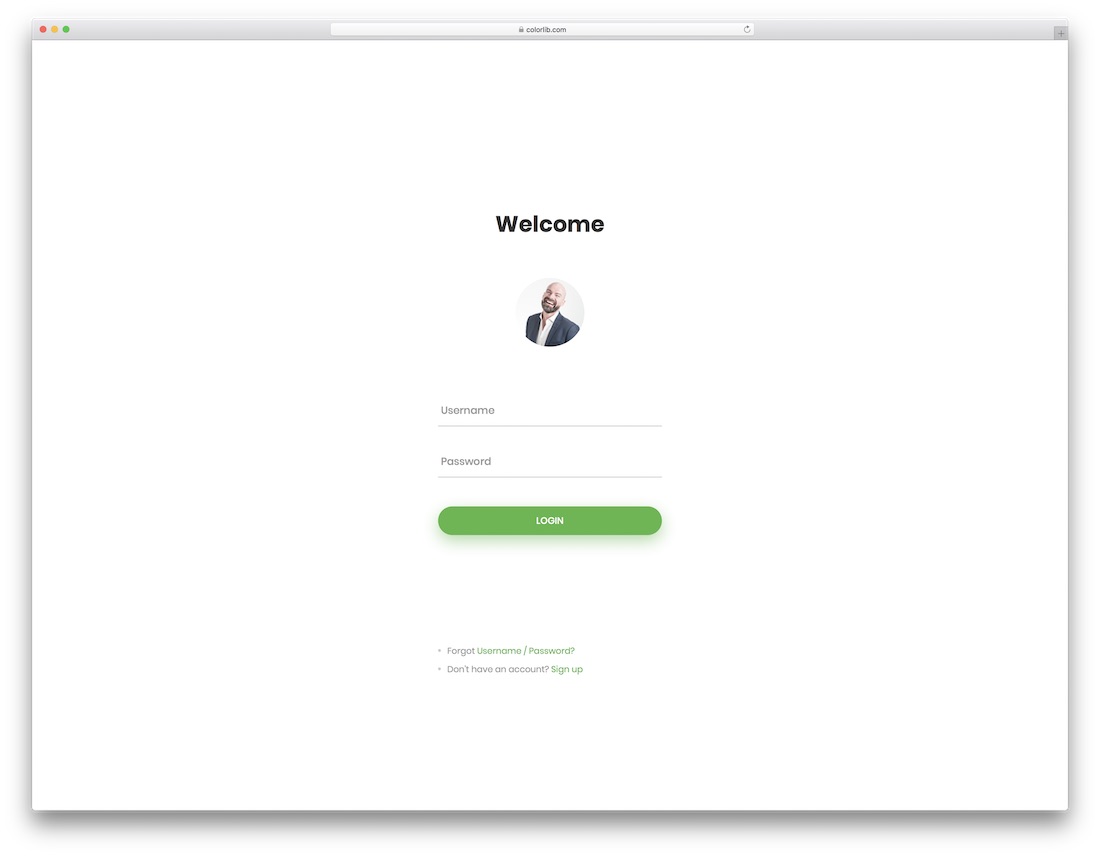
Free HTML Bootstrap · Best for: minimal login with an avatar
A circular avatar sits above the two fields and there is no background image at all. Username, password, a forgot link and a sign-up link make up the entire page, so restyling is quick.
Download Preview
Signup Form 7 by Colorlib
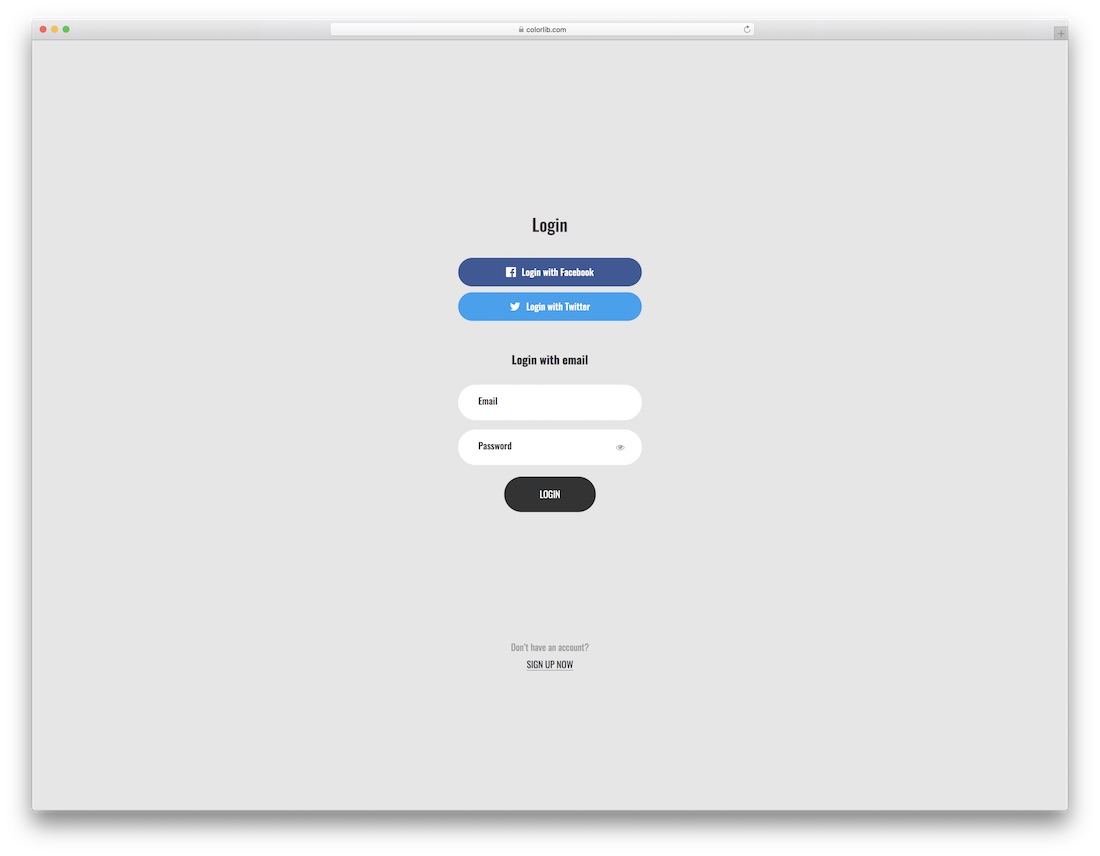
Free HTML Bootstrap · Best for: letting users pick how they sign in
Three explicit buttons — log in with Facebook, with Twitter, or with email — appear before the email and password fields. Useful on stores and course sites where returning customers arrive by different routes.
Download Preview
Signup Form 8 by Colorlib
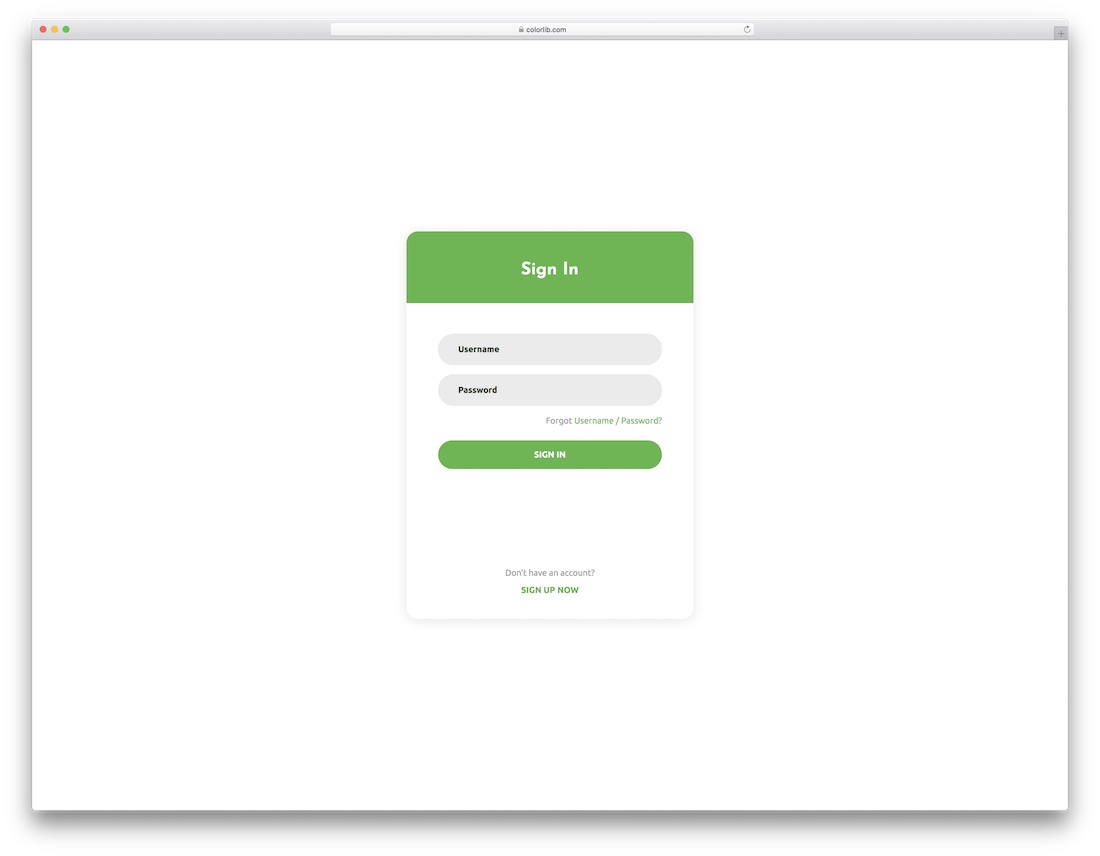
Free HTML Bootstrap · Best for: the simplest possible sign-in
Username, password, a forgot link and a sign-up link on a flat background, with nothing else in the markup. The lightest login snippet in this set and the fastest to rebrand.
Download Preview
Signup Form 9 by Colorlib
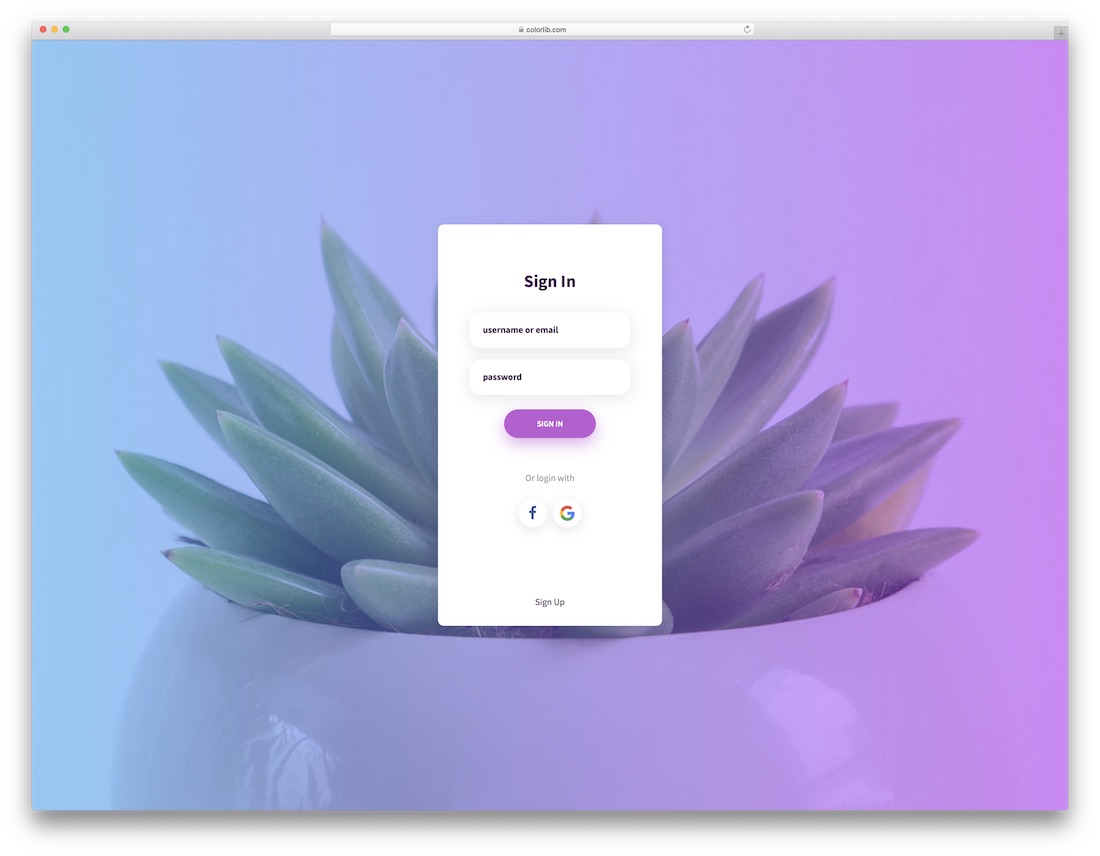
Free HTML Bootstrap · Best for: login pages that need a photo
The first field accepts a username or an email, so returning visitors need not remember which they signed up with. A photograph fills the background and Facebook and Google buttons follow the fields.
Download Preview
Signup Form 10 by Colorlib
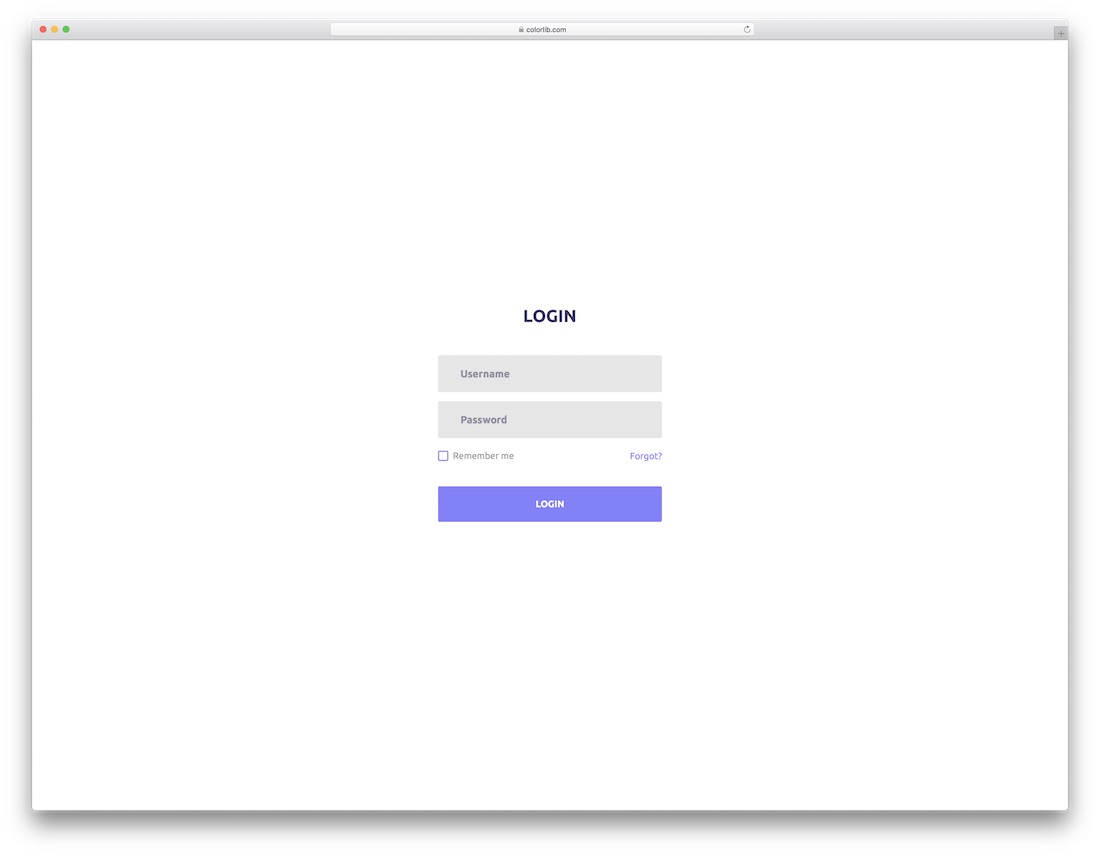
Free HTML Bootstrap · Best for: keeping users signed in
The remember-me checkbox shares a row with the forgotten-password link, so both sit on one line under the fields. Username and password only, on a flat page with no image to source.
Download Preview
Signup Form 11 by Colorlib
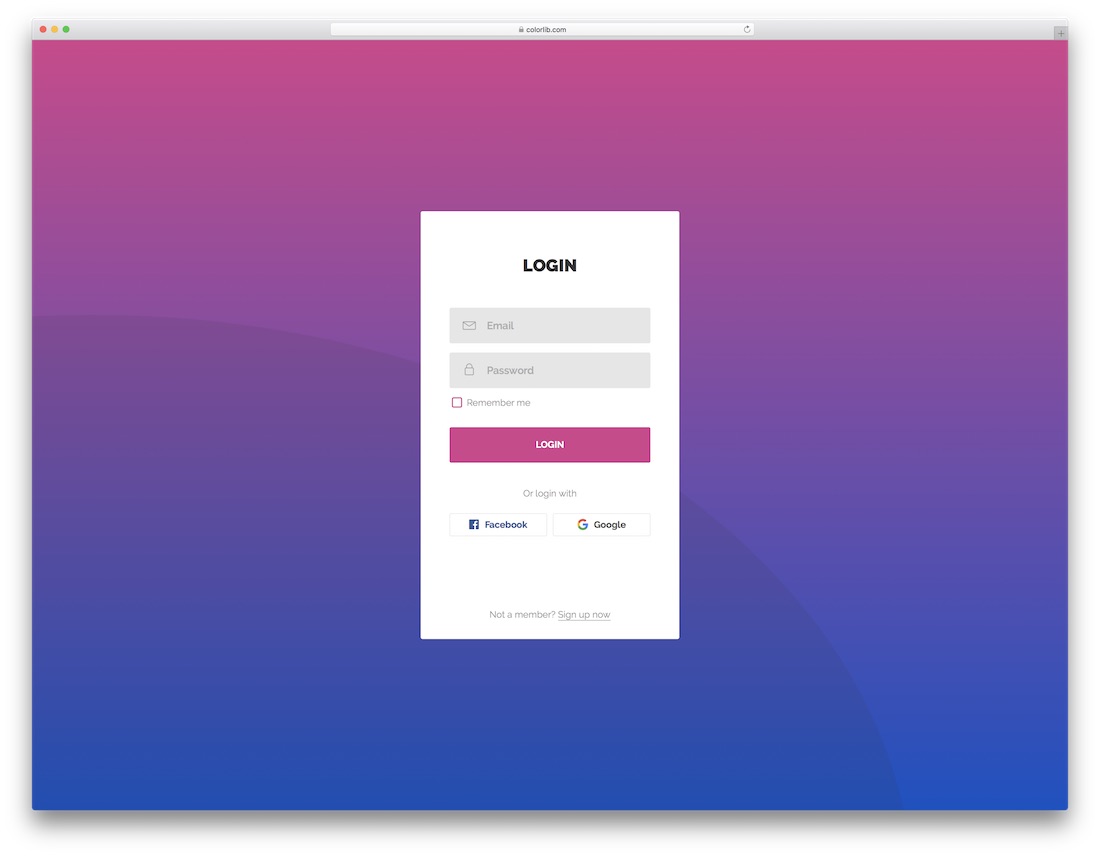
Free HTML Bootstrap · Best for: brand-led login pages
Email and password with remember-me, plus an or-login-with row carrying Facebook and Google. There is no background photo, so the card takes its colours entirely from your own stylesheet.
Download Preview
Signup Form 12 by Colorlib

Free HTML Bootstrap · Best for: profile-style login screens
A profile photo sits at the top of the card over a full-page background image, so the screen reads as a personal account rather than a generic gate. Username and password, with links to registration and password recovery.
Download Preview
Signup Form 13 by Colorlib
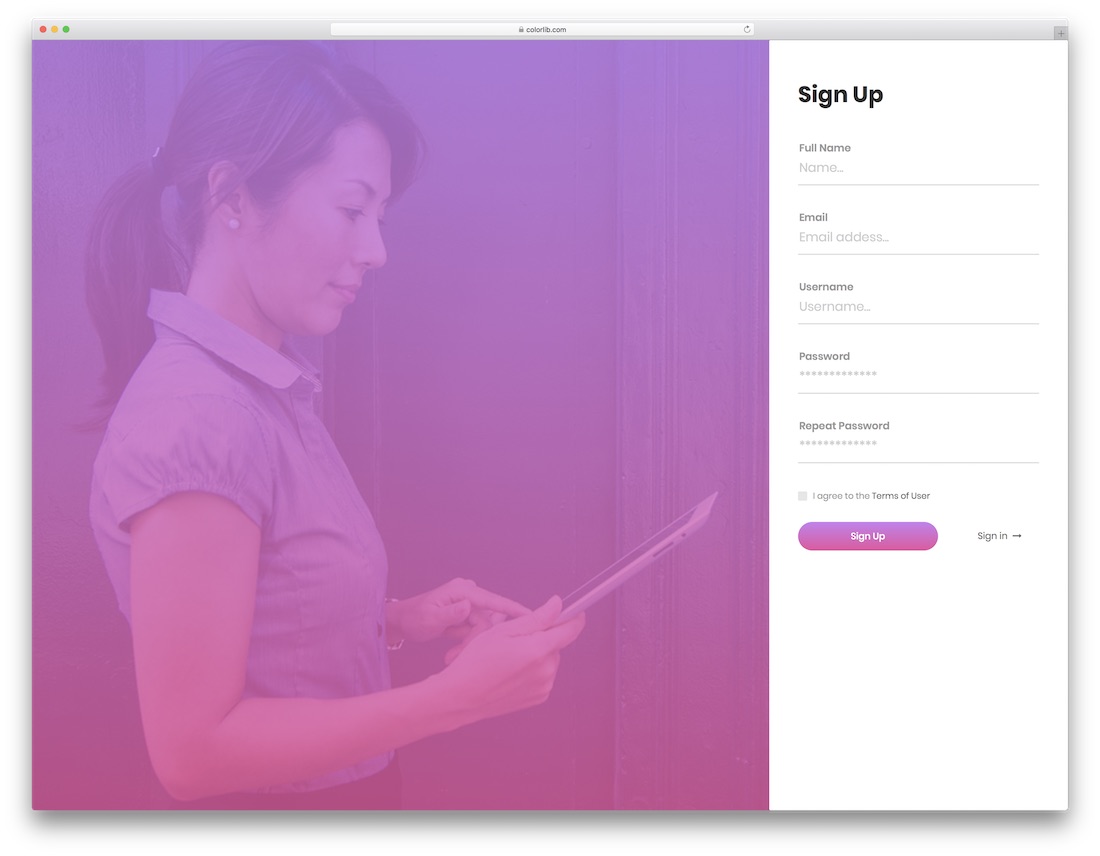
Free HTML Bootstrap · Best for: full-screen split signup pages
The only split screen in this login set: a photo fills one half and a five-field signup form the other. Full name, email, username, password and repeat password with a terms checkbox, plus a sign-in link.
Download Preview
Signup Form 14 by Colorlib
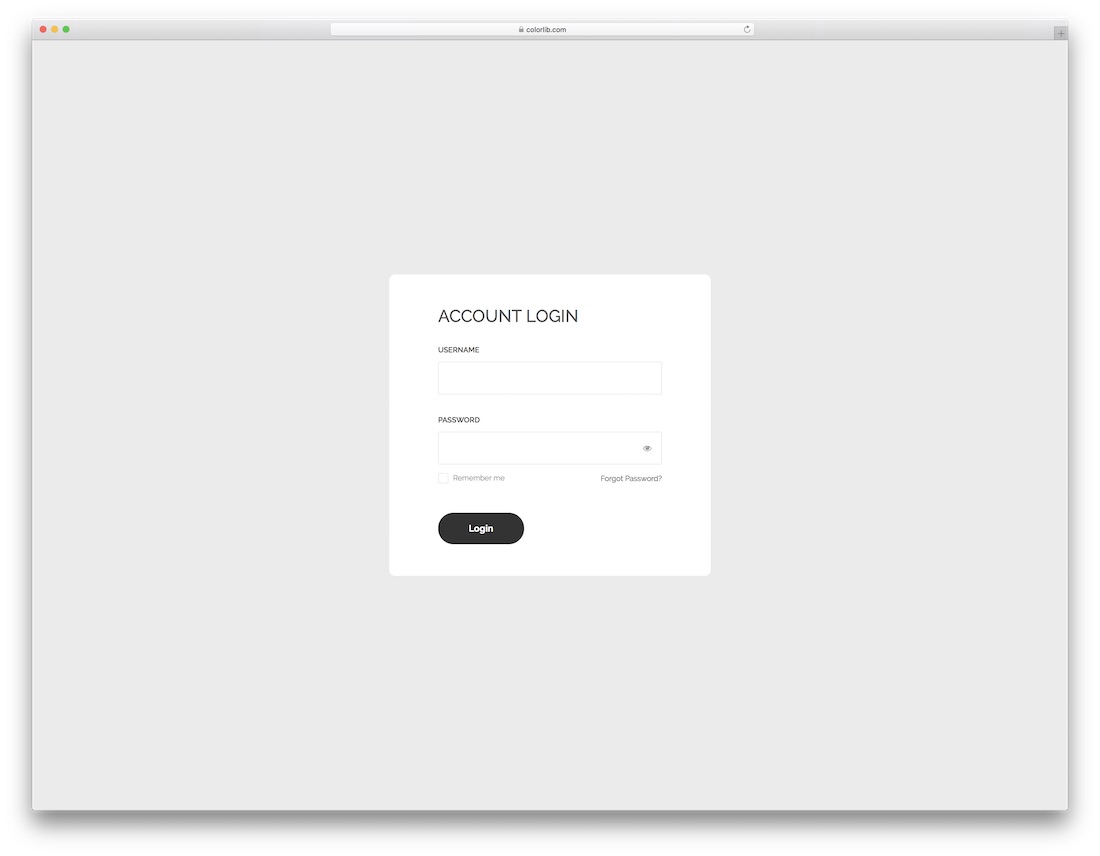
Free HTML Bootstrap · Best for: an account login inside a wider page
Labelled username and password fields with remember-me and a forgot link, in a compact card with no imagery. The label-above-input pattern makes it read as part of an account area rather than a standalone page.
Download Preview
Signup Form 15 by Colorlib
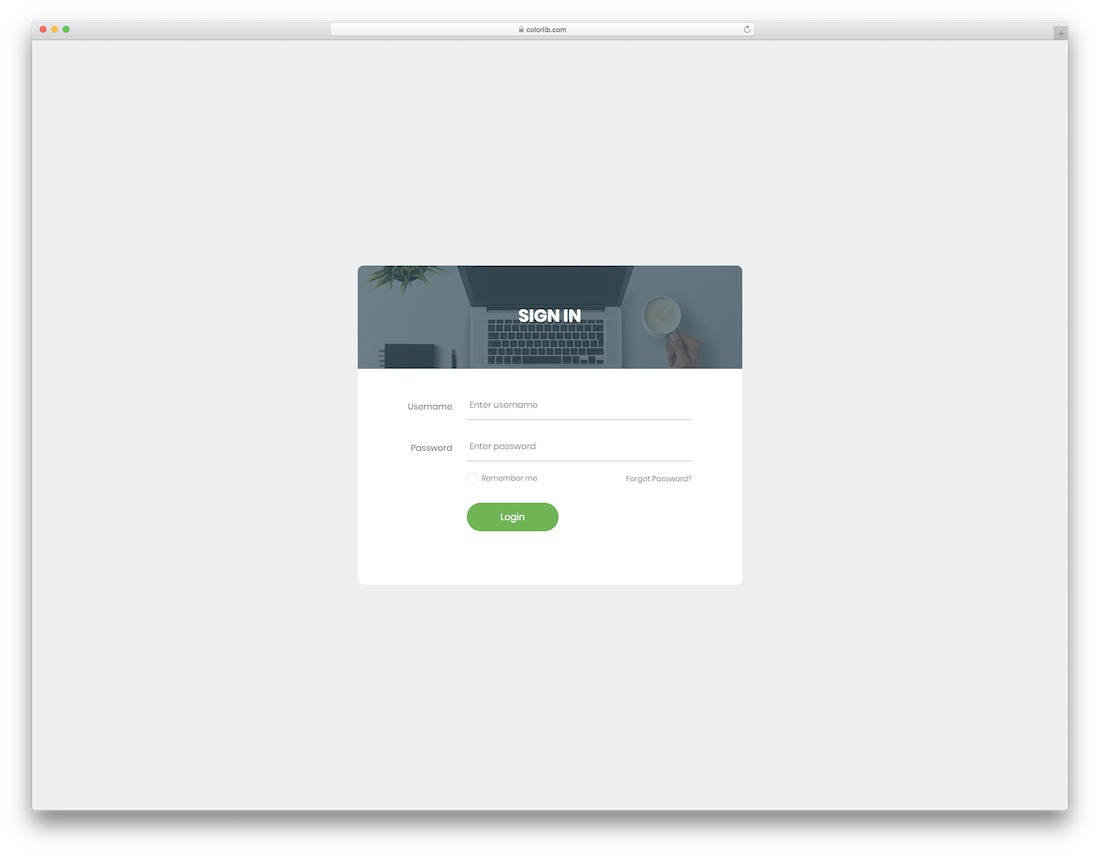
Free HTML Bootstrap · Best for: login cards with a photo header
The photo becomes the card’s header strip instead of the page background, so the form stays legible whichever image you choose. Username, password and remember-me sit underneath with labels above each field.
Download Preview
Signup Form 16 by Colorlib
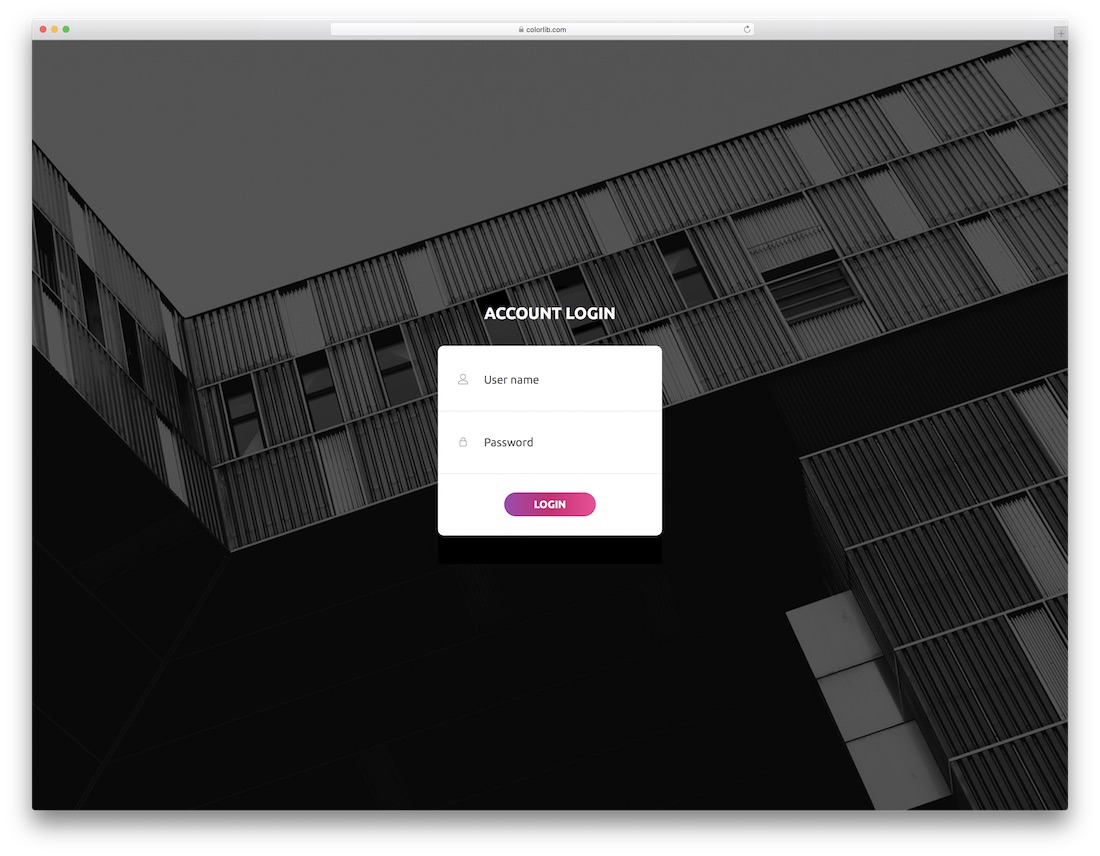
Free HTML Bootstrap · Best for: a photo-backed login with no extras
A photo background with a two-field card and no remember-me, social row or sign-up link. User name, password and a login button is the whole page, which is often all an internal tool needs.
Download Preview
Signup Form 17 by Colorlib
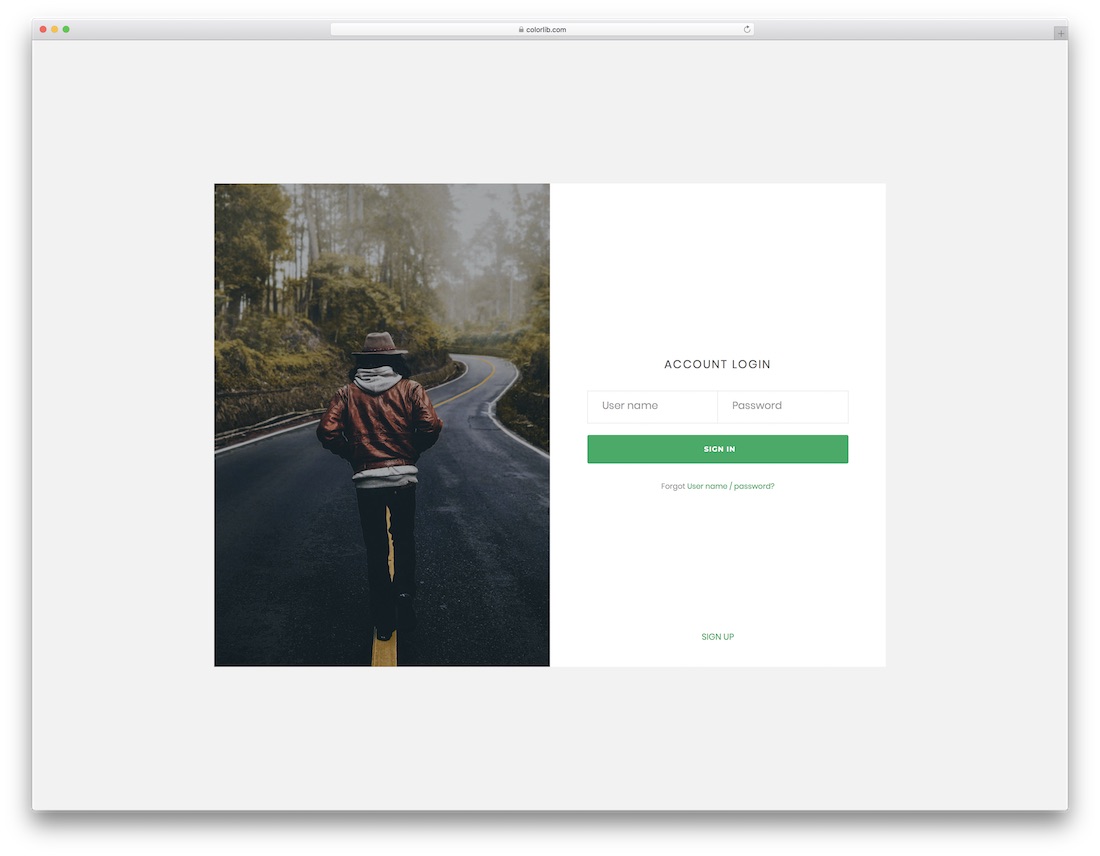
Free HTML Bootstrap · Best for: member areas on content sites
Photo background, two fields, and a sign-up link for visitors who have not joined yet. A straightforward gate for a members’ area on a blog, store or app.
Download Preview
Signup Form 18 by Colorlib
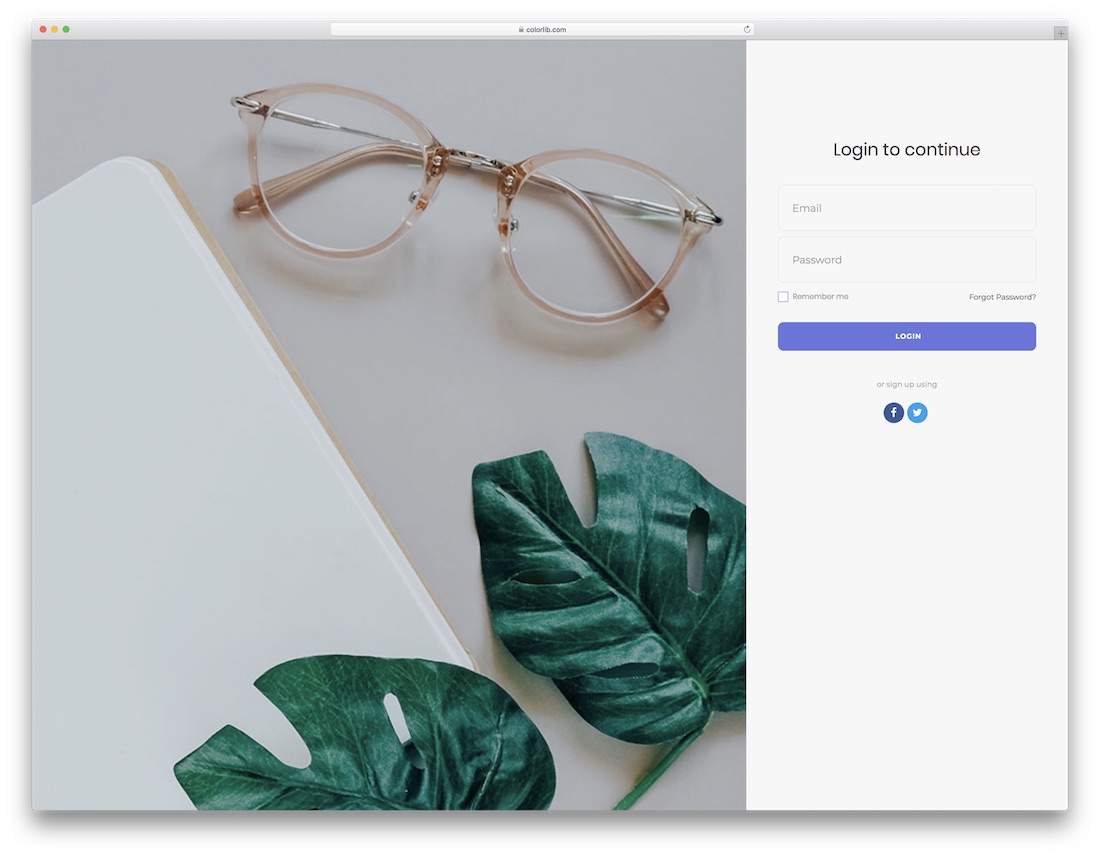
Free HTML Bootstrap · Best for: login with social sign-up underneath
A flat grey page with a centred card: email, password, remember-me, and an or-sign-up-using row carrying Facebook and Twitter. No image to source, so it deploys quickly.
Download Preview
Signup Form 19 by Colorlib

Free HTML Bootstrap · Best for: accounts keyed on email addresses
Signs people in by email rather than username, which matters when your accounts are keyed on the email address. A forgot link and a create-an-account link sit below, with no image and no social row.
Download Preview
Colorlib Reg Form V19
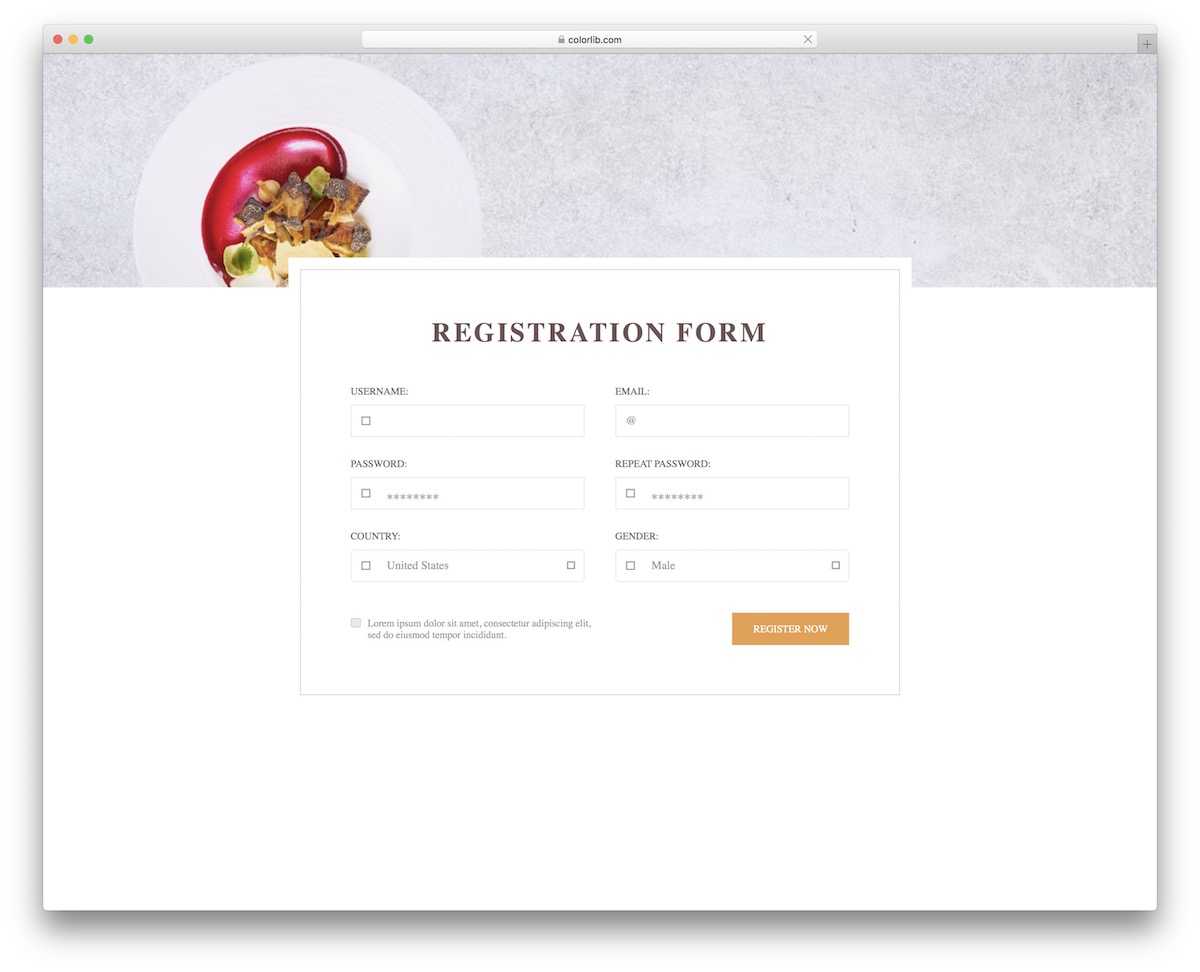
Free HTML · Best for: account signup that records country
Username, email, a twice-entered password, and country and gender dropdowns over a photo background. The email field carries an @ prefix so the expected format is obvious before typing starts.
Download Preview
Colorlib Reg Form v25
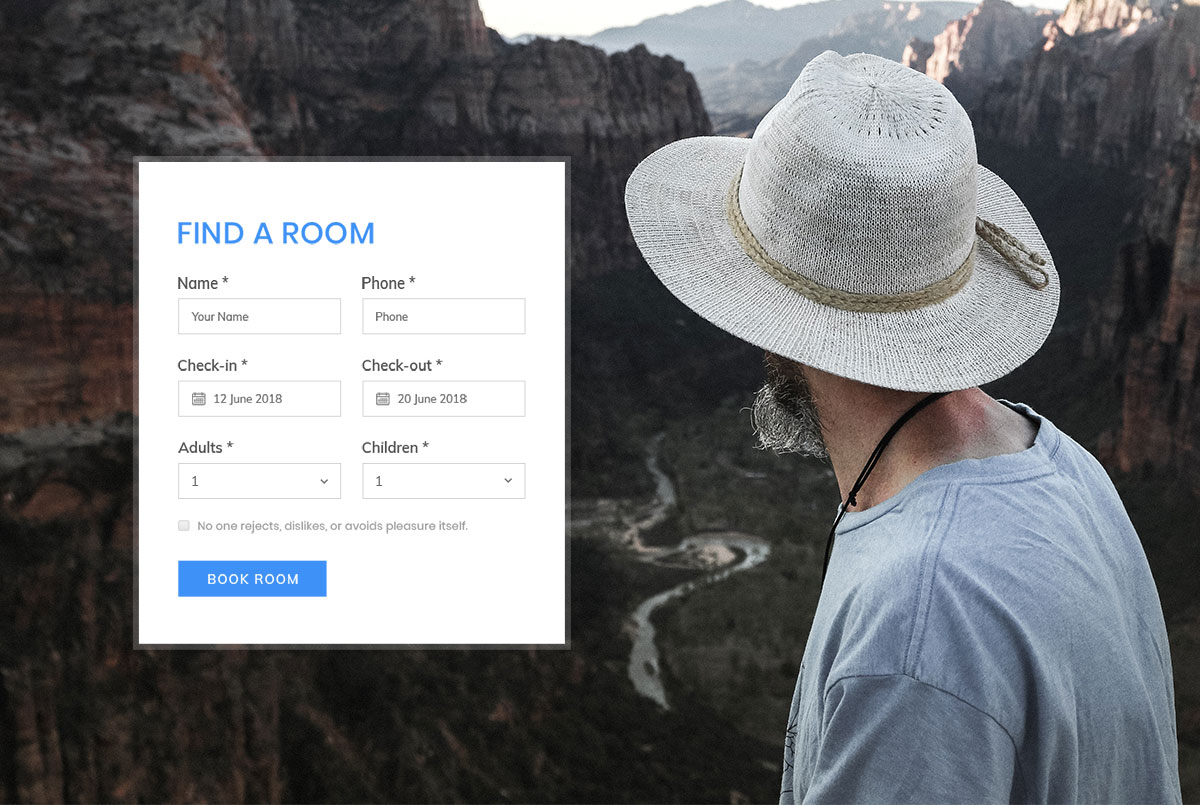
Free HTML · Best for: hotel and room bookings
A room-booking form rather than a registration: check-in and check-out date pickers with adult and child counts from one to six. Name and phone are the only personal details requested, ending in a Book Room button.
Download Preview
Colorlib Reg Form v26
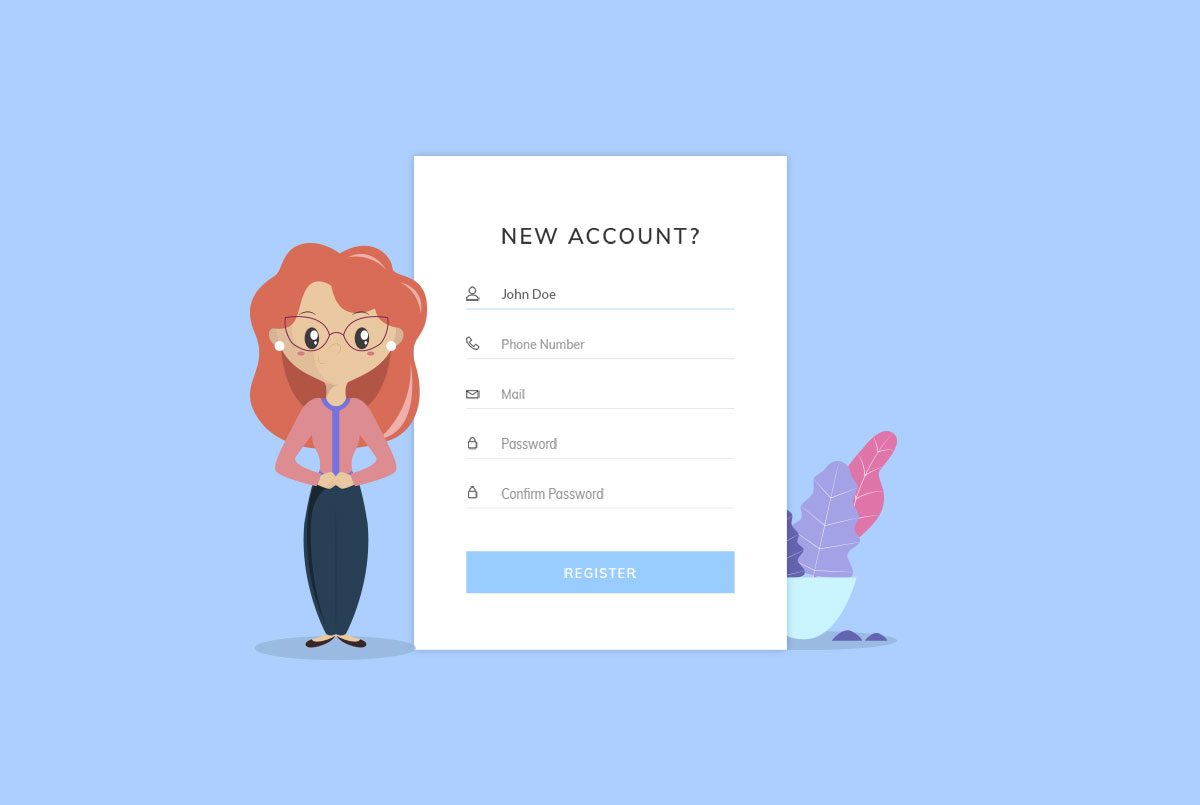
Free HTML · Best for: course and membership signups
Five fields — username, phone number, mail, password and confirm password — with illustrations flanking the card. Capturing a phone number at signup is what separates it from the shorter forms here.
Download Preview
Colorlib Reg Form v27
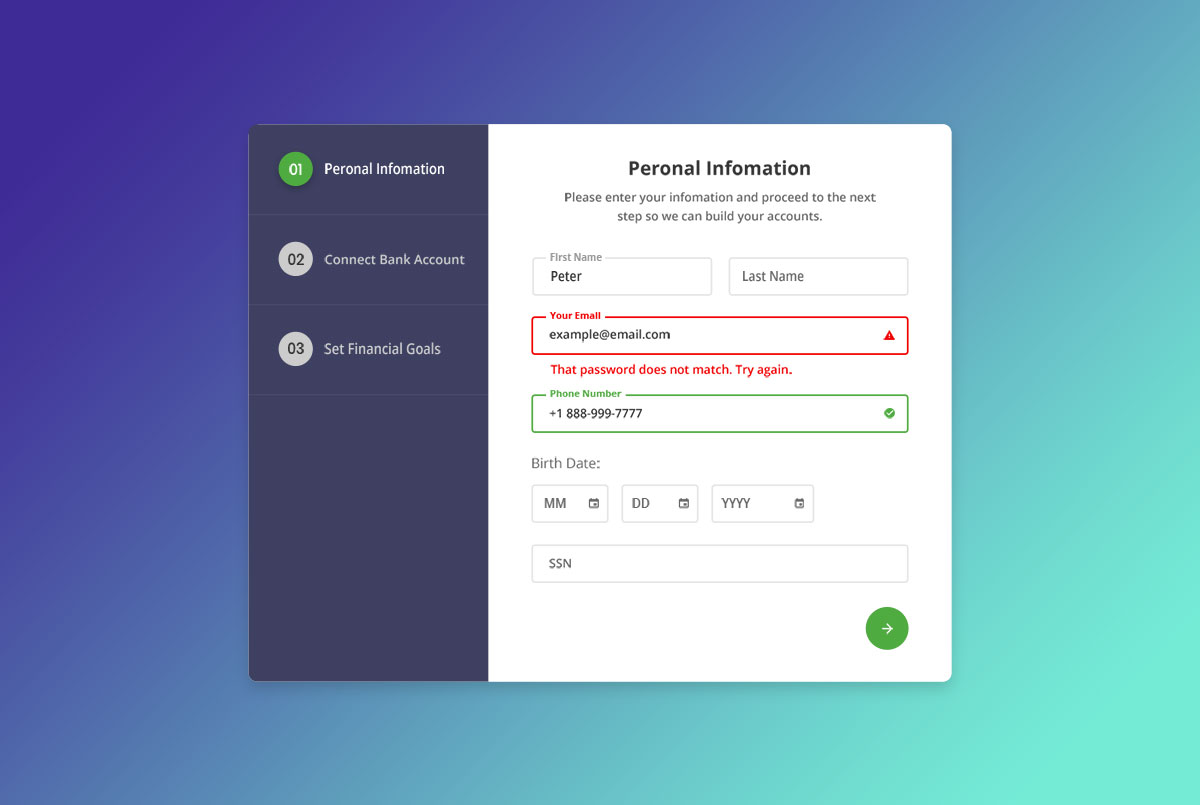
Free HTML · Best for: bank-linked or financial onboarding
A three-step wizard: personal details and SSN first, then a bank picked from a list, then confirmation. The step indicator is part of the template, so long onboarding never arrives as one intimidating page.
Download Preview
Colorlib Reg Form v28
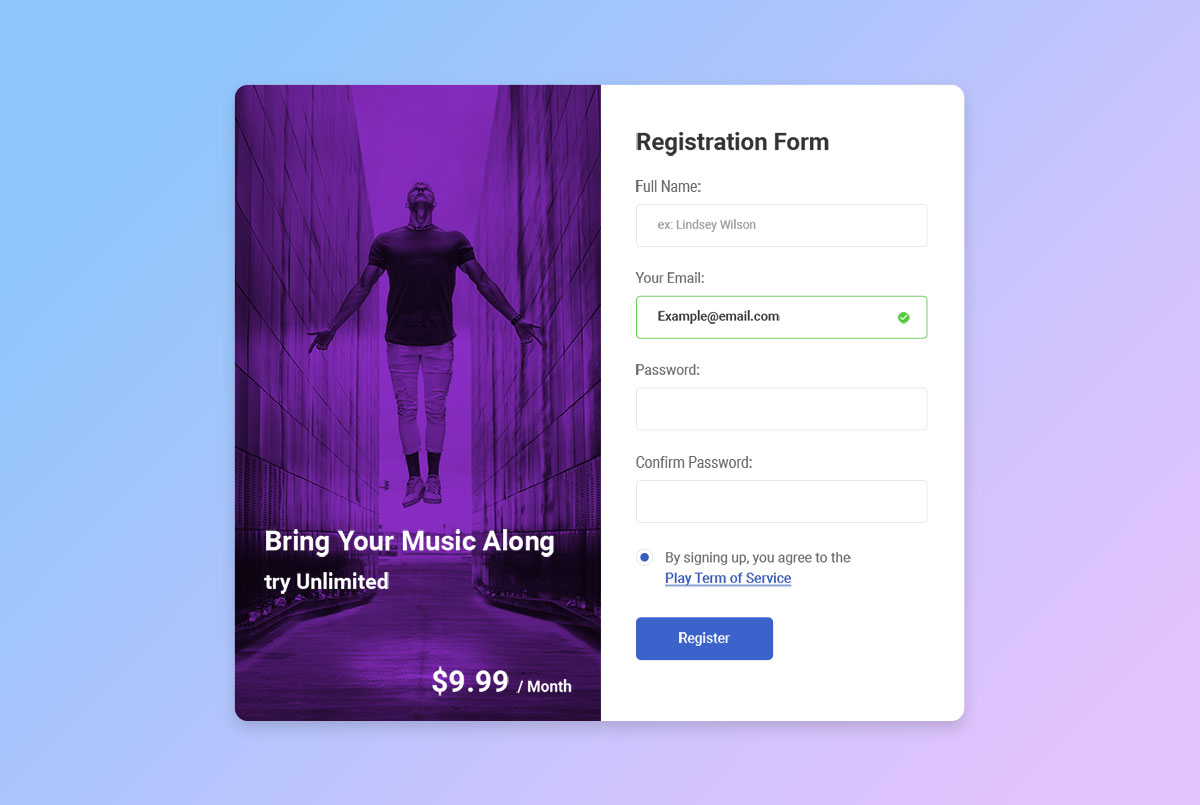
Free HTML · Best for: subscription signups
The plan and its monthly price sit beside the form, so visitors see what they are committing to while they type. Full name, email, password and confirm password with a terms line, aimed at music and media subscriptions.
Download Preview
Colorlib Reg Form v29
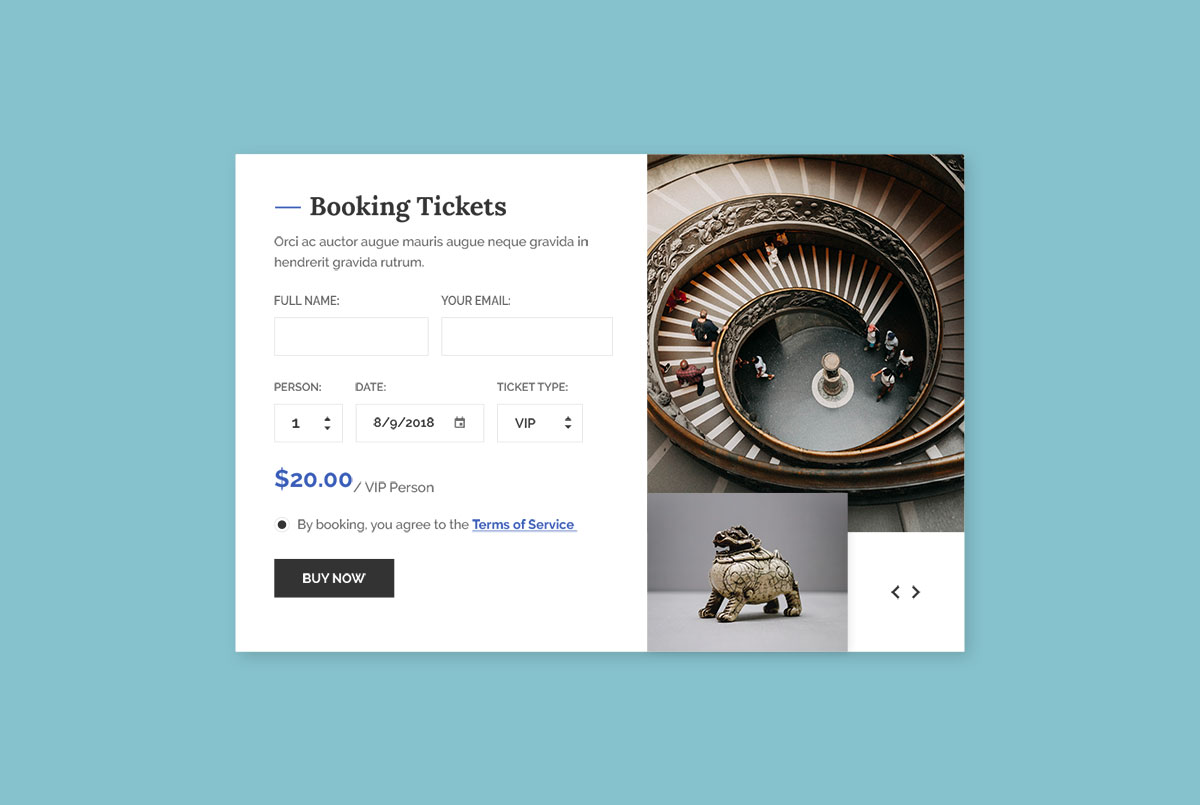
Free HTML · Best for: ticket sales
Ticket type drives the form: a dropdown for VIP, luxury, basic or normal, with the price shown alongside. Full name, email, number of people and a date picker complete the booking under a terms line.
Download Preview
Colorlib Reg Form v30
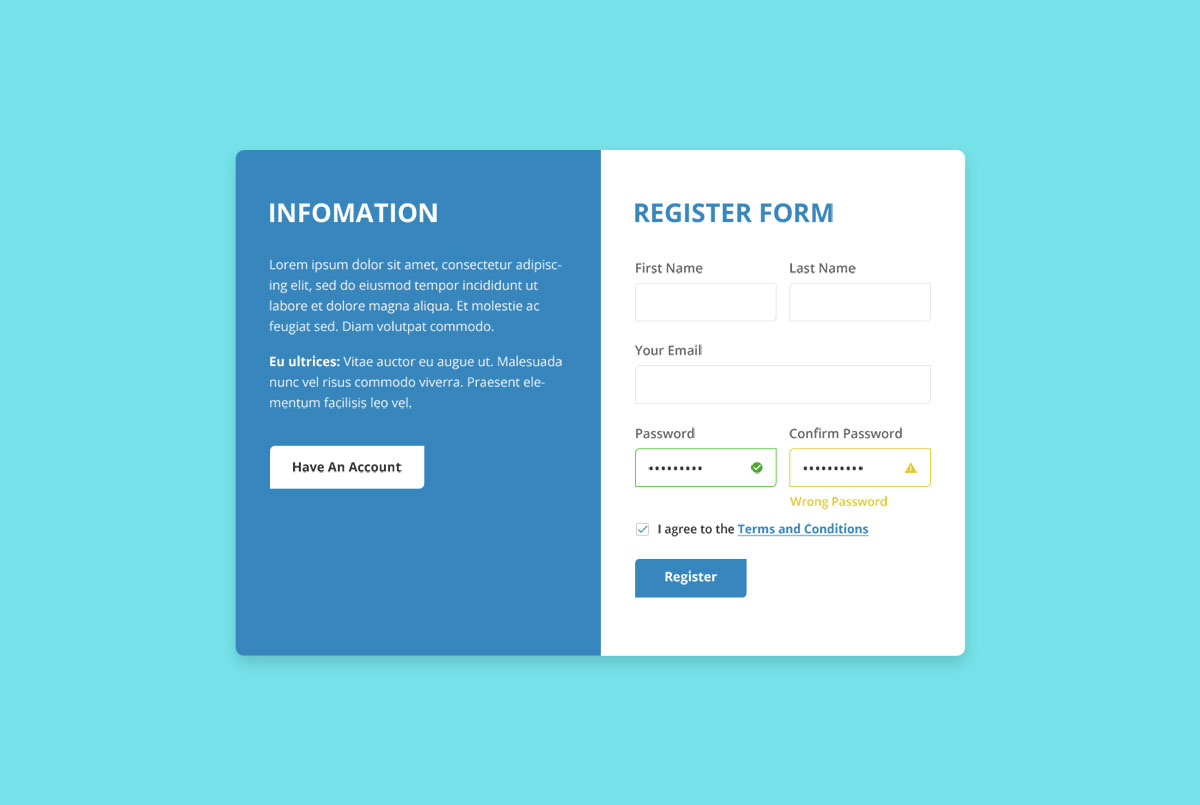
Free HTML · Best for: signups that need explaining first
An information column runs down one side of the form, and a button switches across to the login view for people who already have an account. First and last name, email and a confirmed password are the fields.
Download Preview
Colorlib Reg Form v31
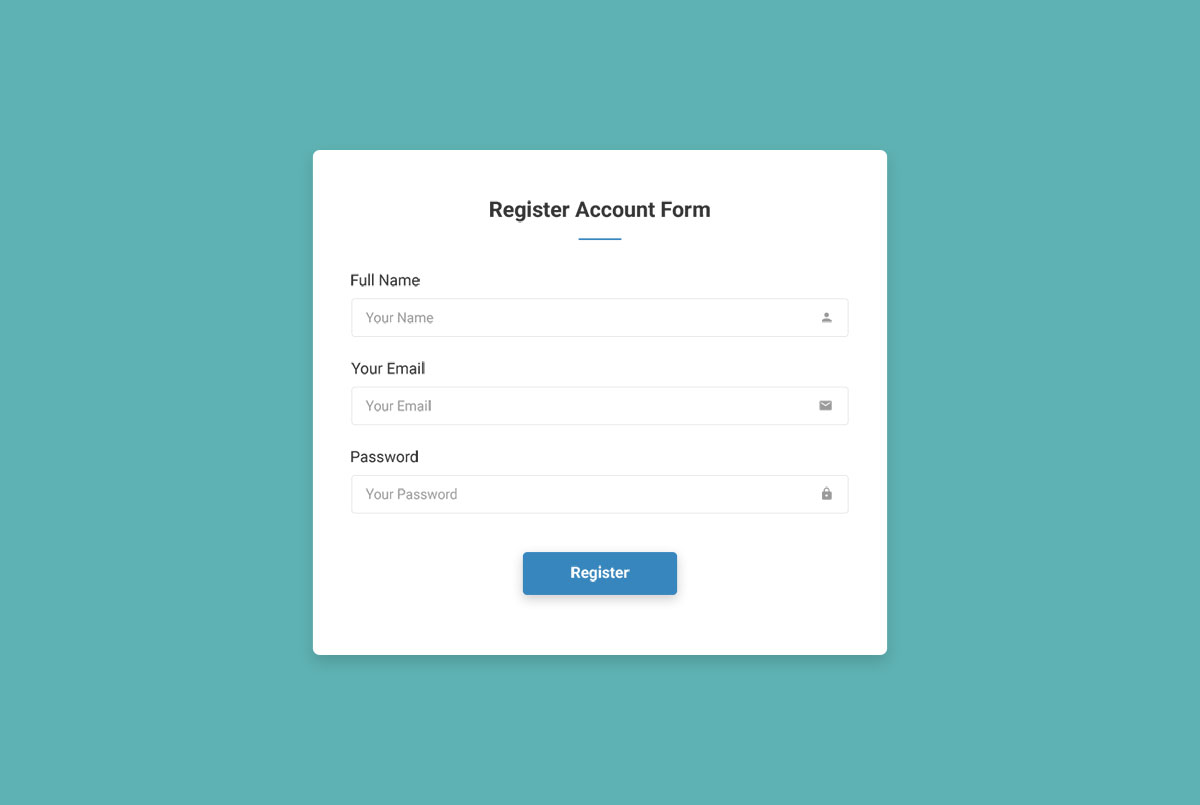
Free HTML · Best for: the shortest possible signup
Three fields — full name, email and password — with no imagery, dropdowns or checkboxes anywhere in the markup. When registration only has to open an account, there is nothing here to delete first.
Download Preview
Colorlib Reg Form v32
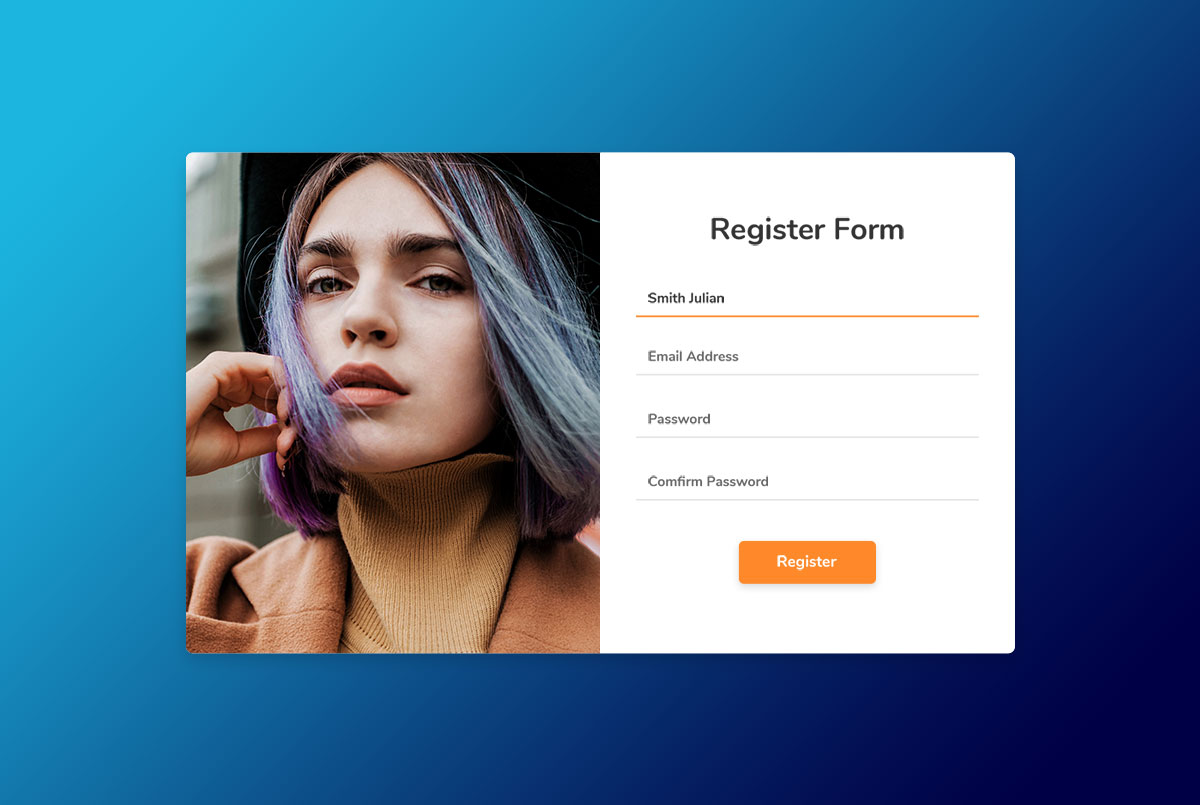
Free HTML · Best for: signup pages built around one image
Four fields — name, email address, password and confirm password — beside a single large image. That image carries all the branding, which makes the template quick to adapt to another niche.
Download Preview
Colorlib Reg Form v33
Free HTML · Best for: signup with a route back to sign-in
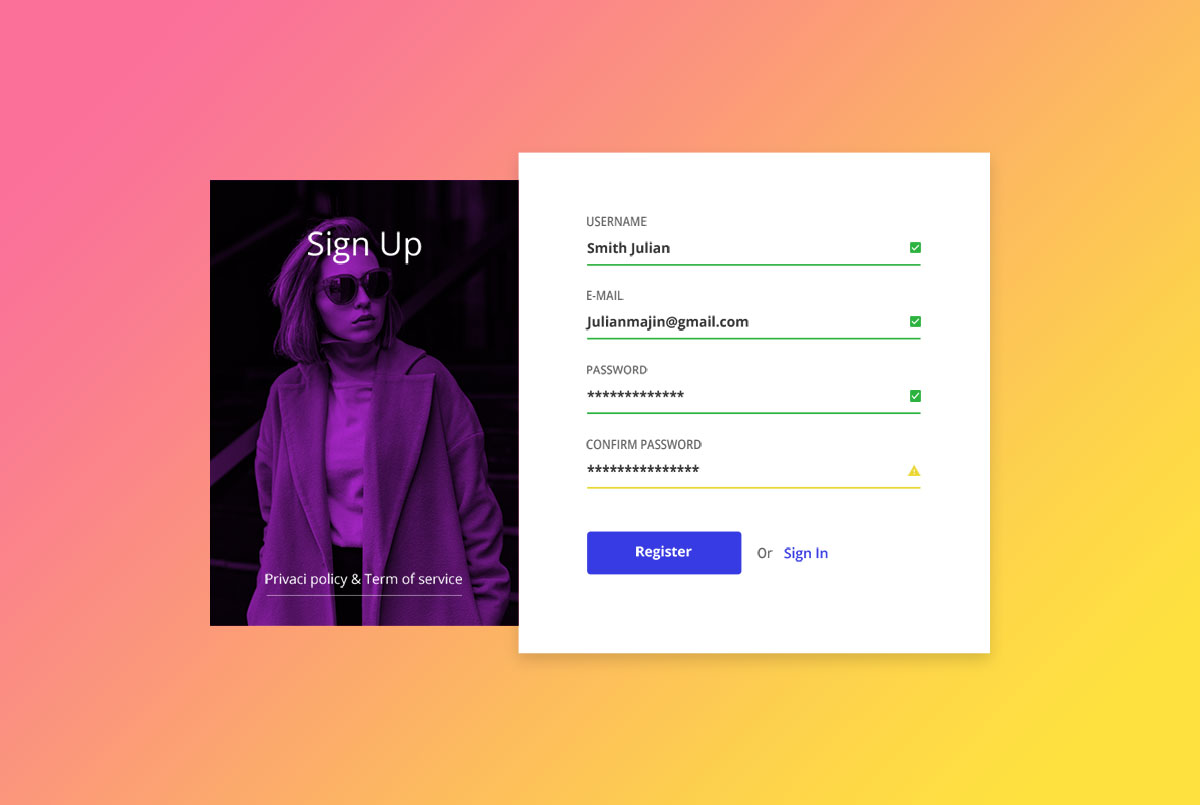
Username, e-mail and a twice-entered password beside an illustration, with a privacy and terms line and an or-sign-in link for returning members. A gradient background sits behind the card.
Download Preview
Colorlib Reg Form v34
Free HTML · Best for: one page serving new and returning users
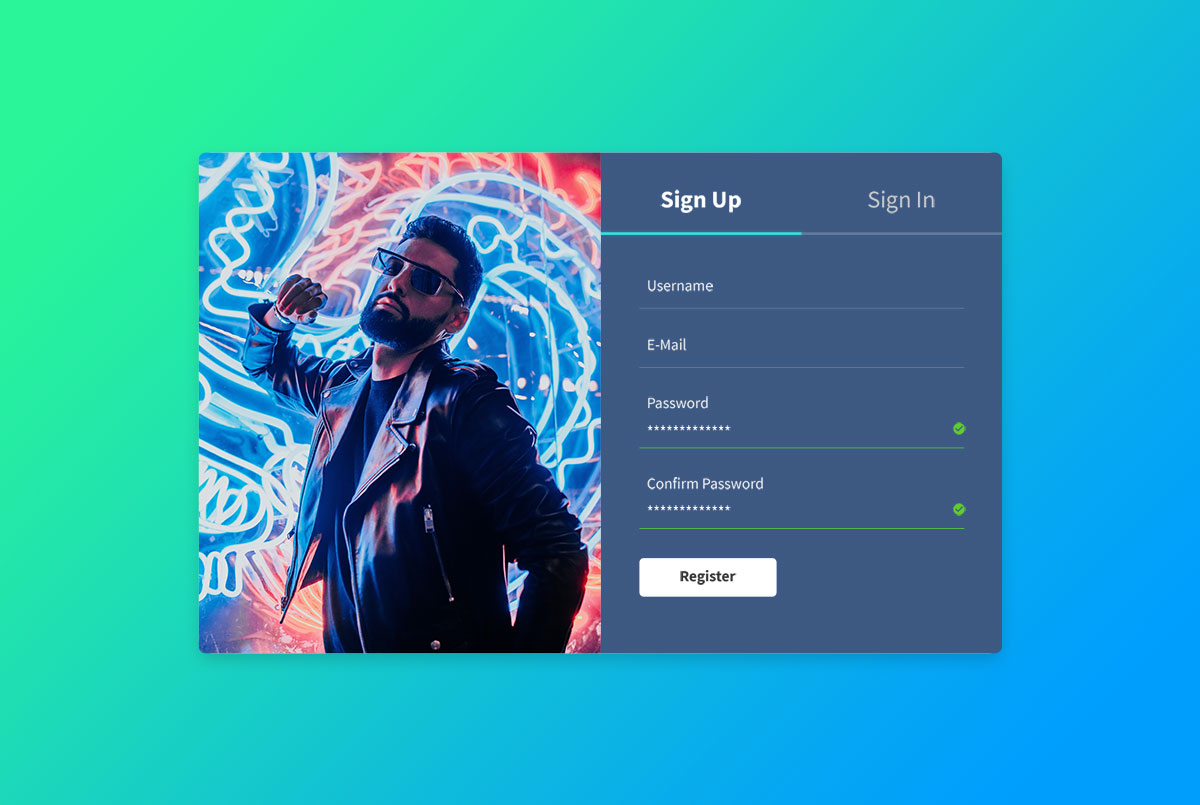
Sign Up and Sign In are tabs on the same card, so a single page handles both without a redirect. Each tab asks for username, e-mail and a confirmed password, and the switch is instant.
Download Preview
Colorlib Reg Form v35
Free HTML · Best for: event and show ticket accounts
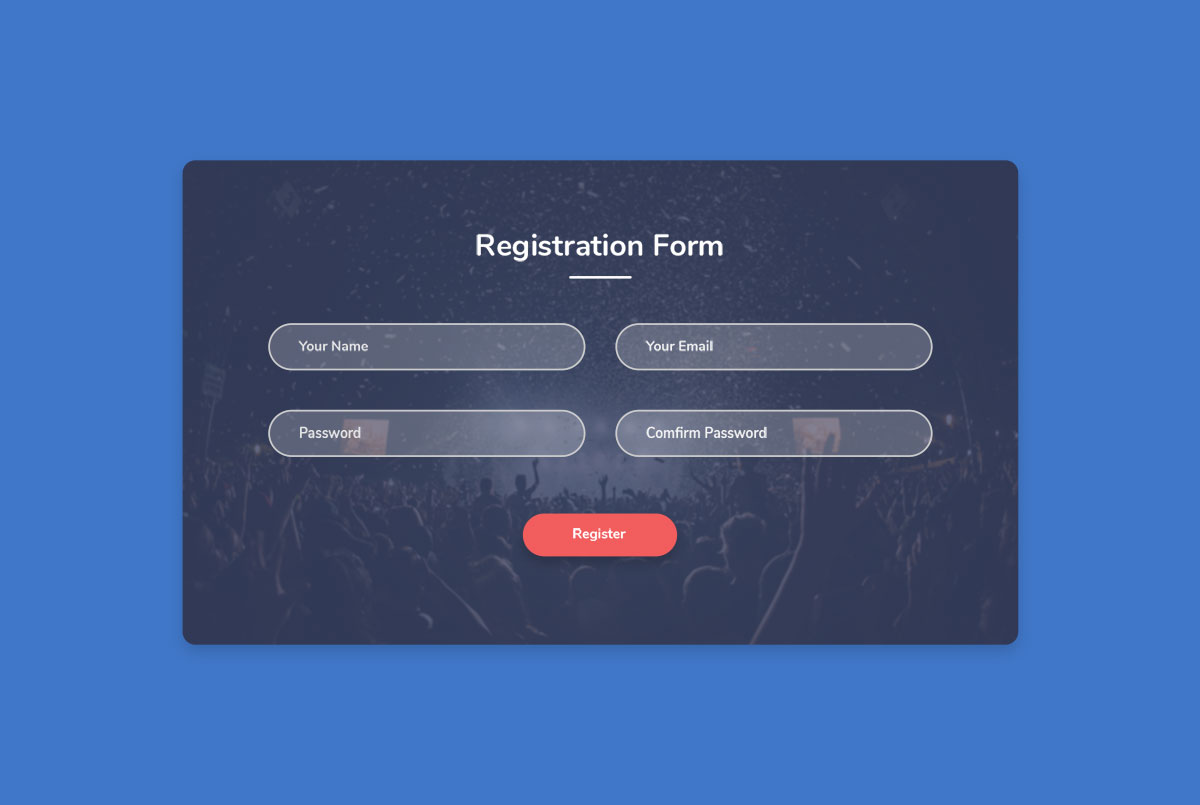
Four rounded fields — name, email, password and confirm password — over a single background image. Nothing else sits on the page, so attendees create an account and move straight on to buying.
Download Preview
Colorlib Reg Form v36
Free HTML · Best for: business and B2B account signup
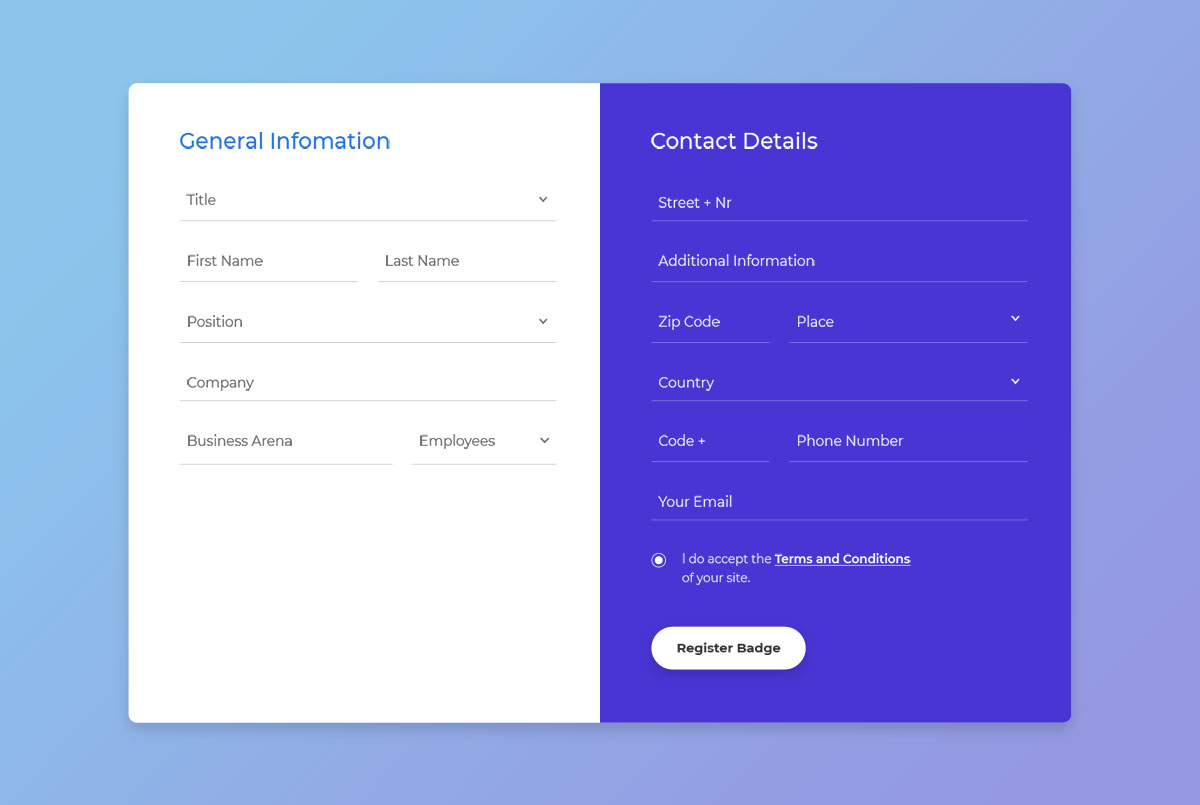
The longest form in this collection, split into general information and contact details: job title, position, company, business area and employee count, then street, zip, city, country and phone. Built for business accounts rather than casual signups.
Download Preview
I hope you managed to find the best Bootstrap registration form for your website. You might want to check our login form templates that blend perfectly with the above examples.
Bonus: Make an efficient registration form quickly
Let’s see how to make an effective registration form that helps you get more subscribers or registrations.
- Firstly, remember that when creating a registration form, try not to make it too long. The survey shows that 44% of users find long forms annoying and feel they’ve been asked too many unnecessary questions.
- Don’t name your login and registration options as ‘sign-in’ and ‘signup.’ It may sound absurd but seven in ten users accidentally click the wrong form, especially mobile users. Since most visitors use mobile devices to access the internet, combining sign-in and signup forms may lead users to click the wrong form.
- Use different color schemes to include the login and registration forms in a split design.
- Show and hide passwords are features that you should consider including on your Bootstrap registration form. Users always cross-check the characters once they type in their desired password.
- Registering via social media accounts is a must-have feature in your registration form. This reduces almost 60% of user work as most basic information will be fetched directly from their social media accounts.
Frequently Asked Questions
Point the form’s action attribute at your endpoint and handle the POST server-side (PHP, Node, or a service like Formspree). The templates here ship front-end validation only — always re-validate on the server.
Do these registration forms include validation?
Most include HTML5 validation attributes (required, type=”email”) and Bootstrap’s validation styling. A few add JavaScript for password-match and strength checks — the entry descriptions note which.
Can I use these forms with Bootstrap 5?
The newer entries are Bootstrap 5 native. Older Bootstrap 4 forms mostly port cleanly — the main changes are utility class renames (ml-/mr- to ms-/me-) and dropping jQuery dependencies.
How do I protect a registration form from spam?
Add a CAPTCHA (reCAPTCHA or Cloudflare Turnstile), use a honeypot field, and rate-limit submissions server-side. None of that requires changing the form’s markup beyond one extra field.
Was this article helpful?
YesNo

