
40 Best Free HTML5 & CSS3 Contact Form Templates 2026
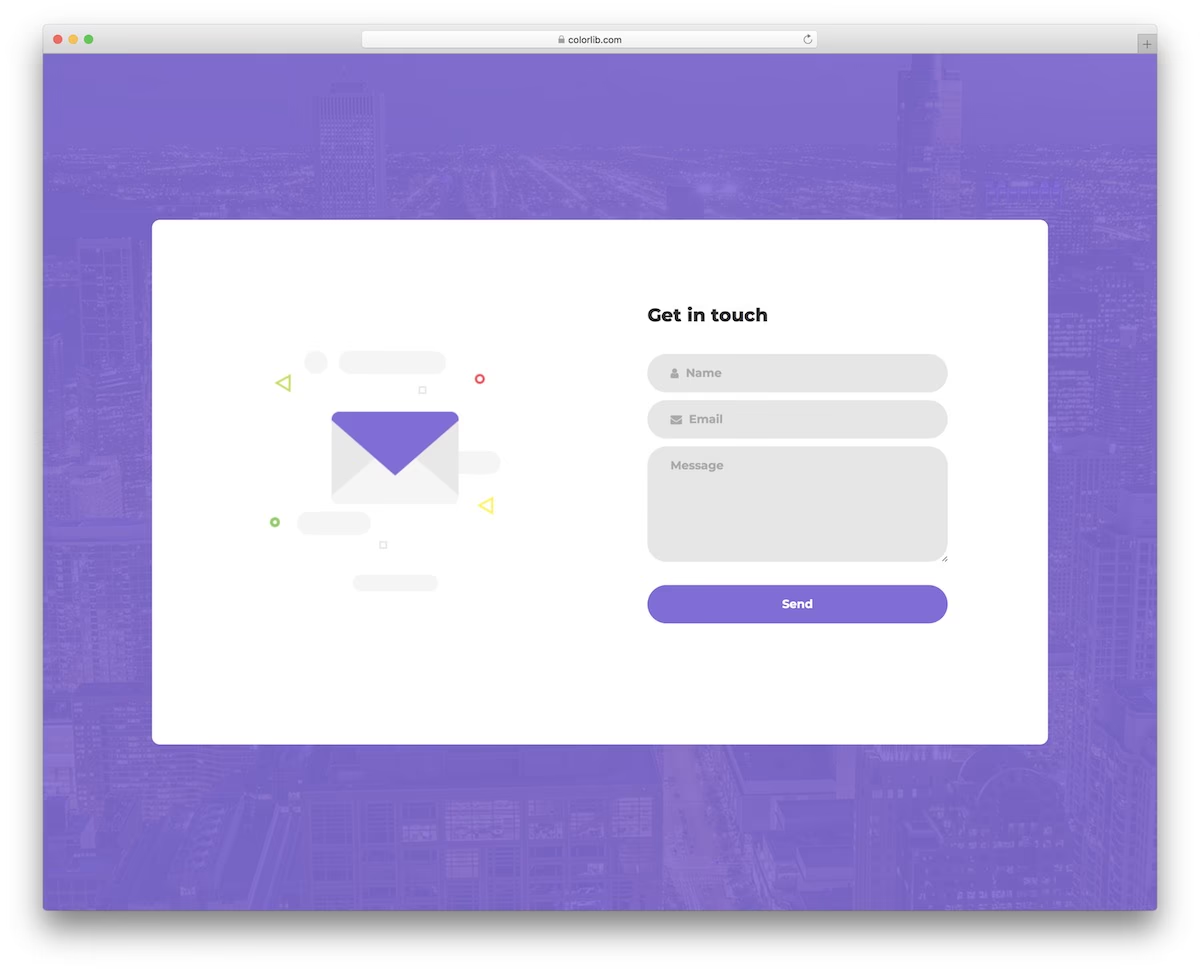

A curated collection of free HTML5 and CSS3 contact form templates, ready to download and drop into any project.
Each template is responsive, built with clean code, and easy to customize. Whether you need a simple three-field form or a full contact page with Google Maps, you’ll find it here.
These work with any static site or CMS. Just add the HTML and CSS files to your project, hook up a backend or form service, and you’re set.
Explore 2.5 Million Digital Assets, including 2026’s Best WordPress Themes
2M+ items from the world’s largest marketplace for HTML5 Templates, Themes & Design Assets. Whether that’s what you need or just after a few Stock Photos, all of it can be found here at Envato Market.DOWNLOAD NOW
Contact Form V01
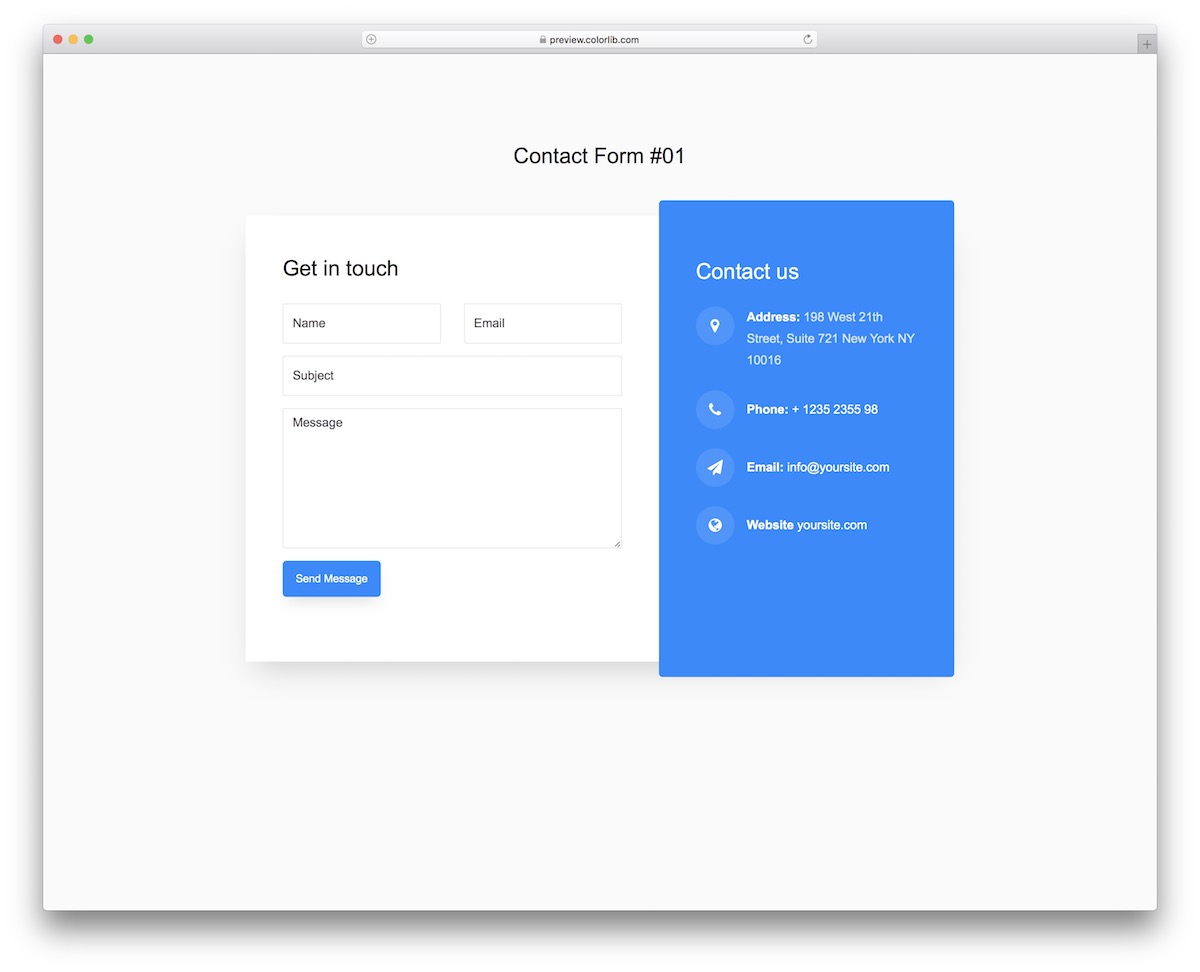
Contact Form V01 features a modern, minimalist two-column layout. One side holds the form fields, while the other displays additional information like your address, phone number, and email.
The clean design makes it easy to integrate into any project with minimal styling changes.
Contact Form V02
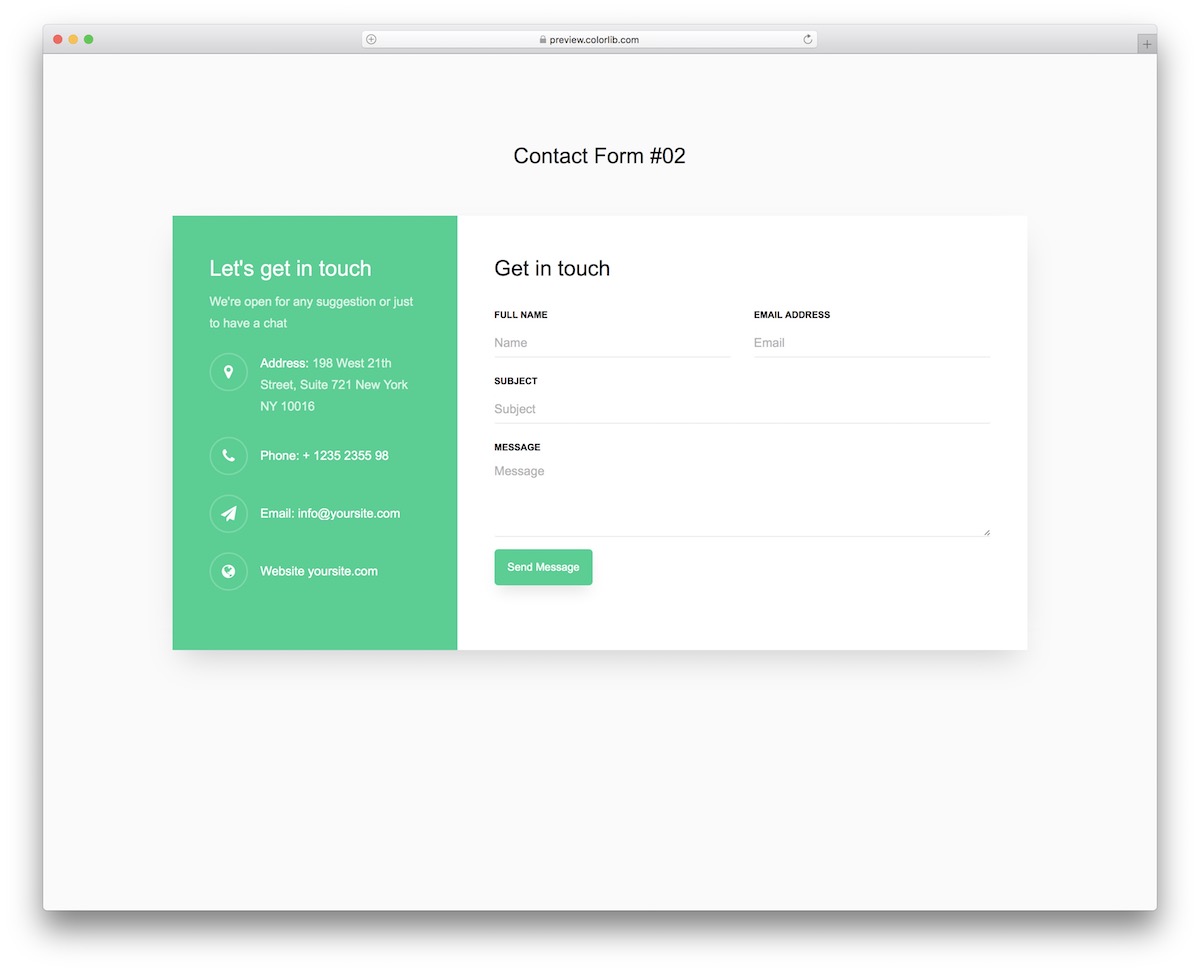
Like V01, Contact Form V02 splits the layout between a contact form and company information. The responsive design adapts smoothly across devices and screen sizes.
Built-in auto-complete and form validation improve the user experience, especially when paired with the clean interface.
Contact Form V03
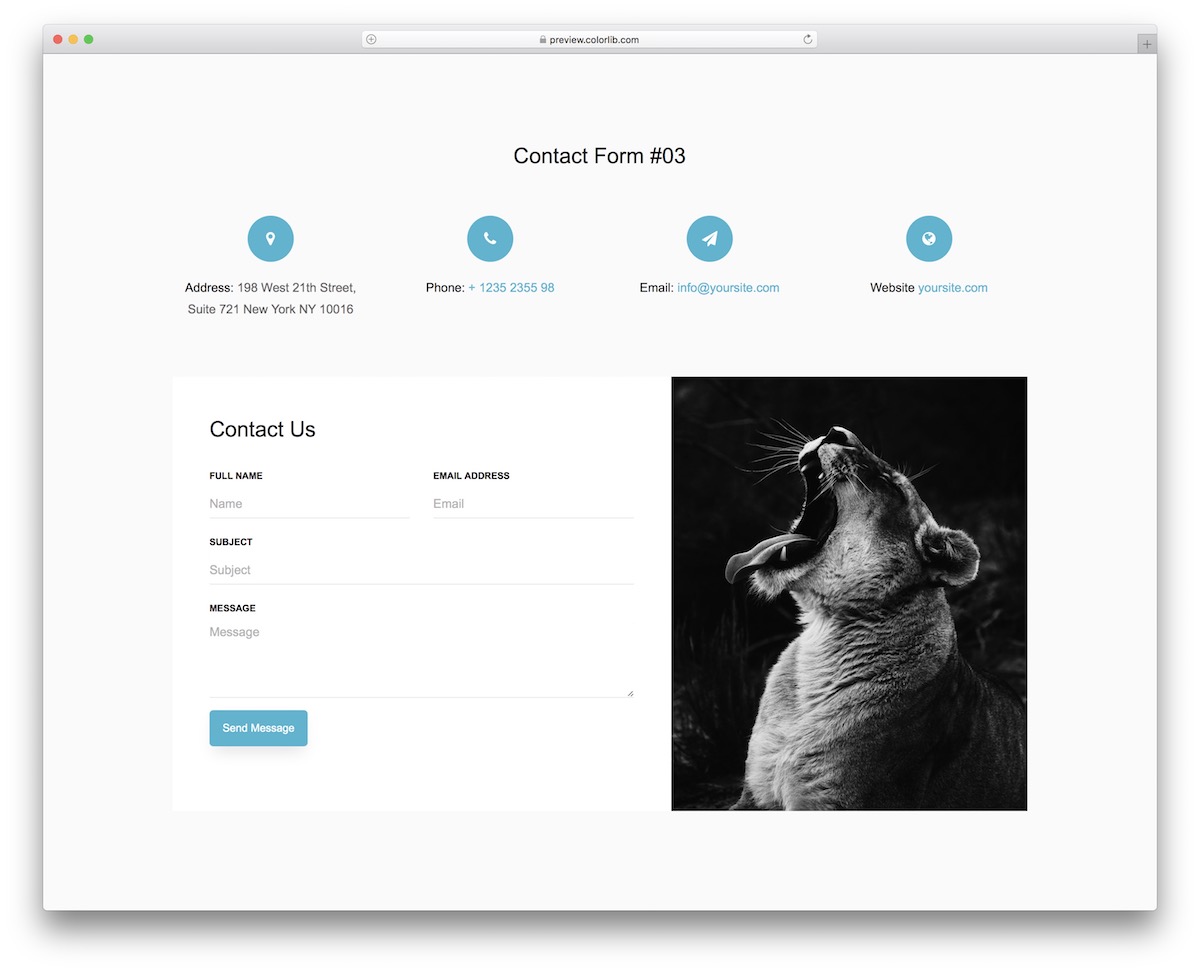
Contact Form V03 stands out with a prominent image section alongside the form fields. It’s a strong choice if you want your contact page to feel more visual and engaging.
Like all templates in this collection, the code is clean and easy to customize to match your site’s style.
Contact Form V04
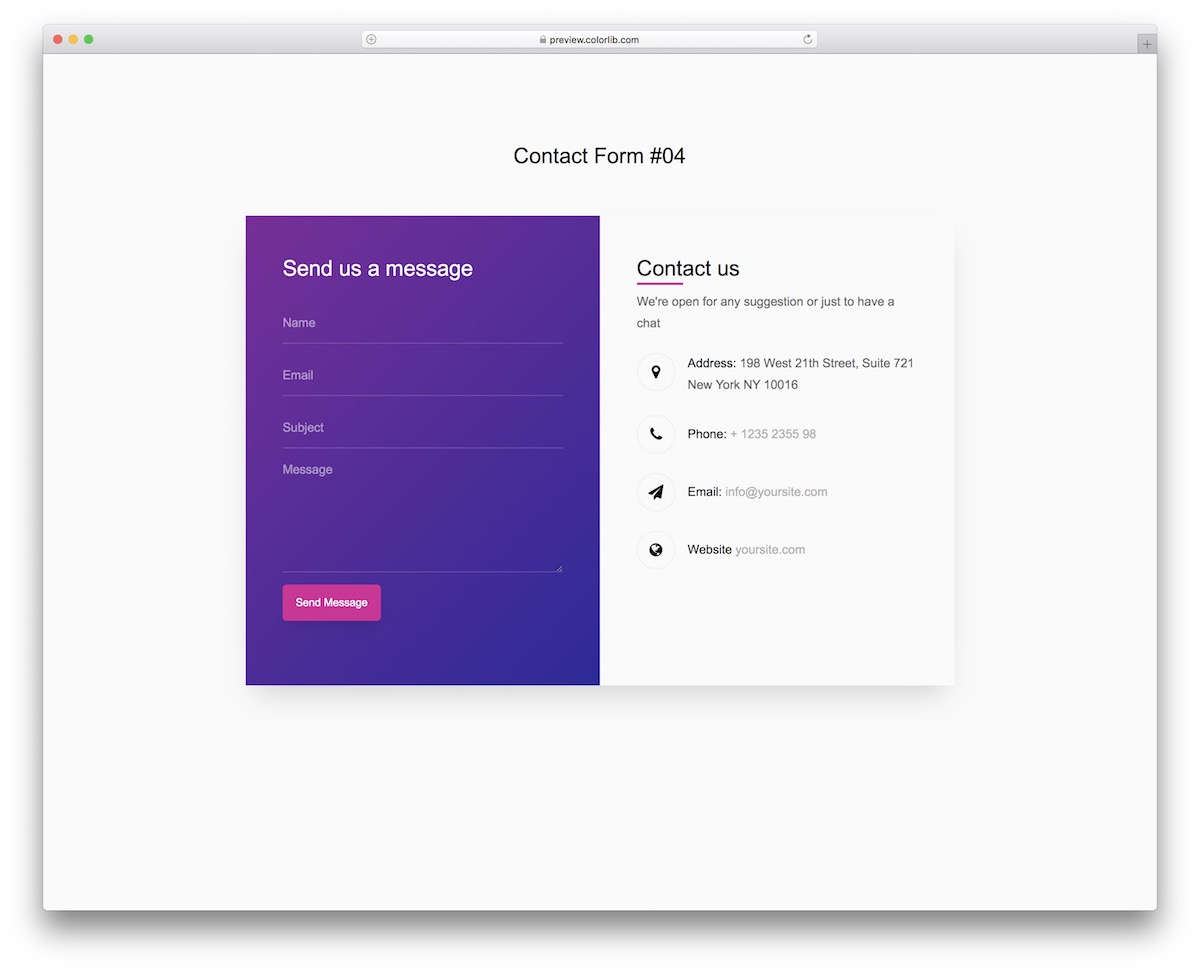
A gradient background gives Contact Form V04 a distinctive look while keeping the layout straightforward. Use it as a standalone contact page or embed it into an existing design.
Contact Form V05
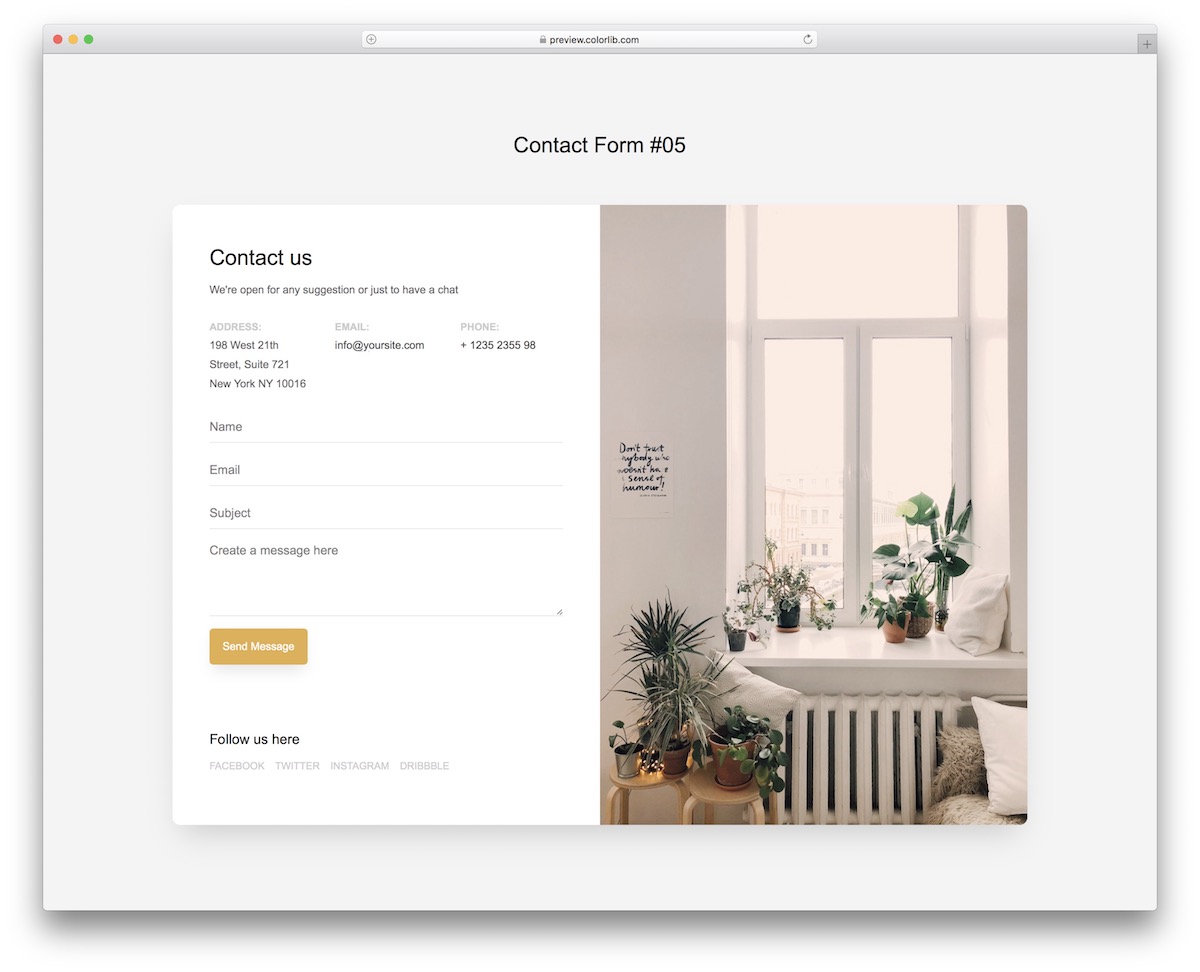
Contact Form V05 uses a split layout with an image on one side and the contact form on the other. It also includes space for additional company details and social media links.
A solid option when you want your contact page to double as a mini “about us” section.
Contact Form V06
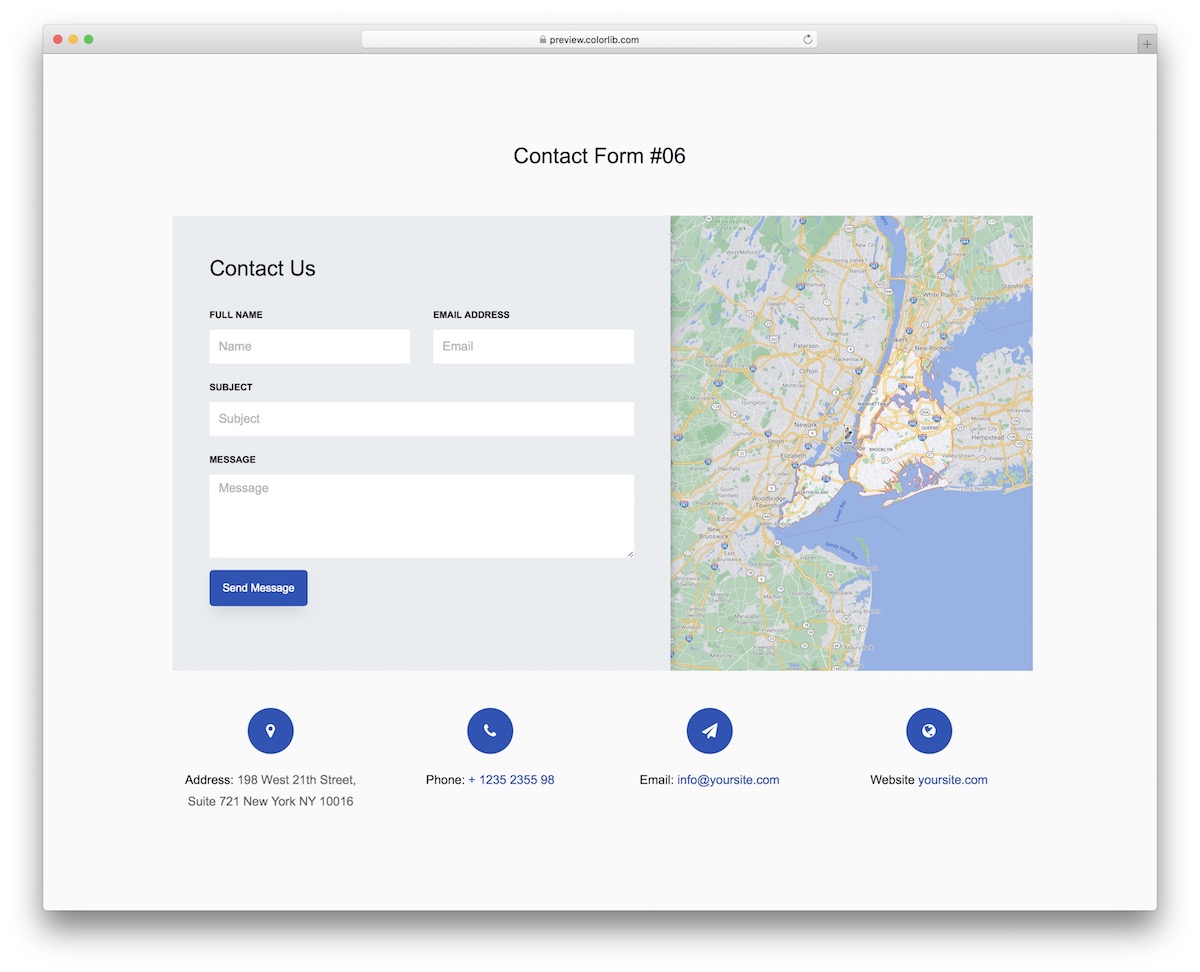
Contact Form V06 pairs a Google Maps embed with a contact form — ideal for businesses that want to show their location. The form includes fields for name, email, subject, and a message text area.
Additional contact details sit below the map, and the whole layout is fully responsive.
Contact Form V07
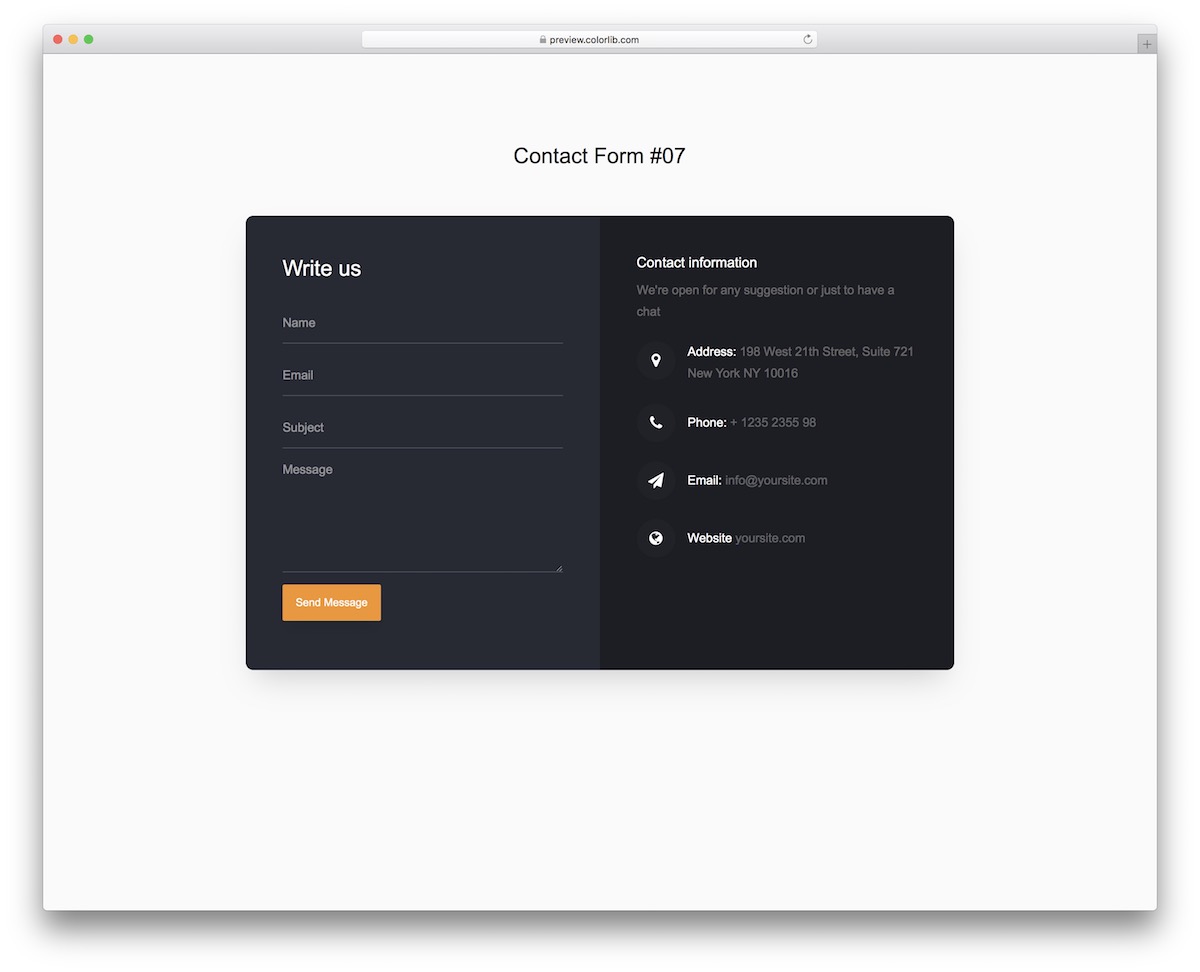
Contact Form V07 features a dark, minimalist design with two sections separated by slightly different background tones, keeping things visually organized.
On mobile, the layout stacks neatly with the contact form on top and the information section below.
Contact Form V08
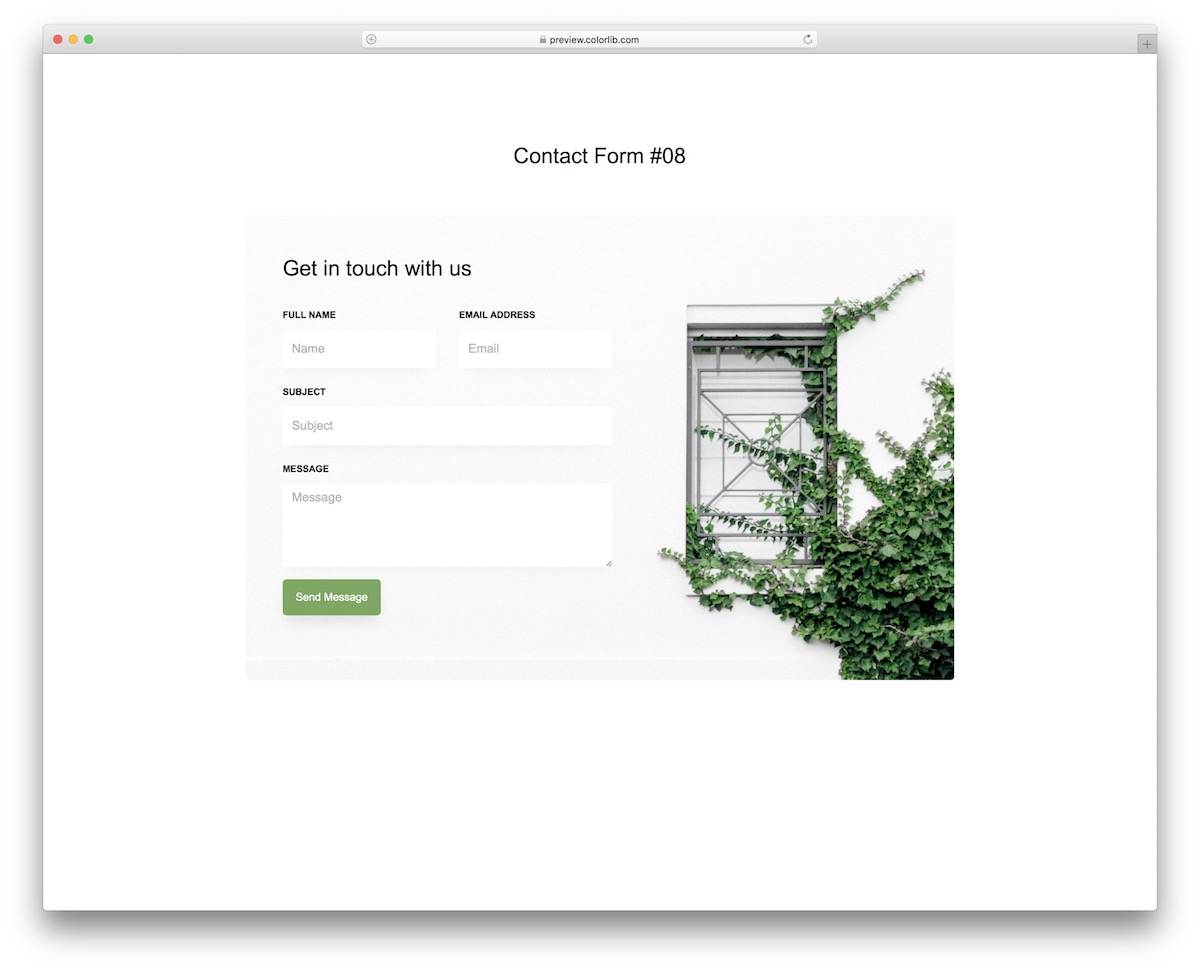
Contact Form V08 uses an image background to add visual interest to an otherwise straightforward form. It’s a good pick when you need just a contact form without extra info sections, but still want the page to look polished.
Contact Form V09
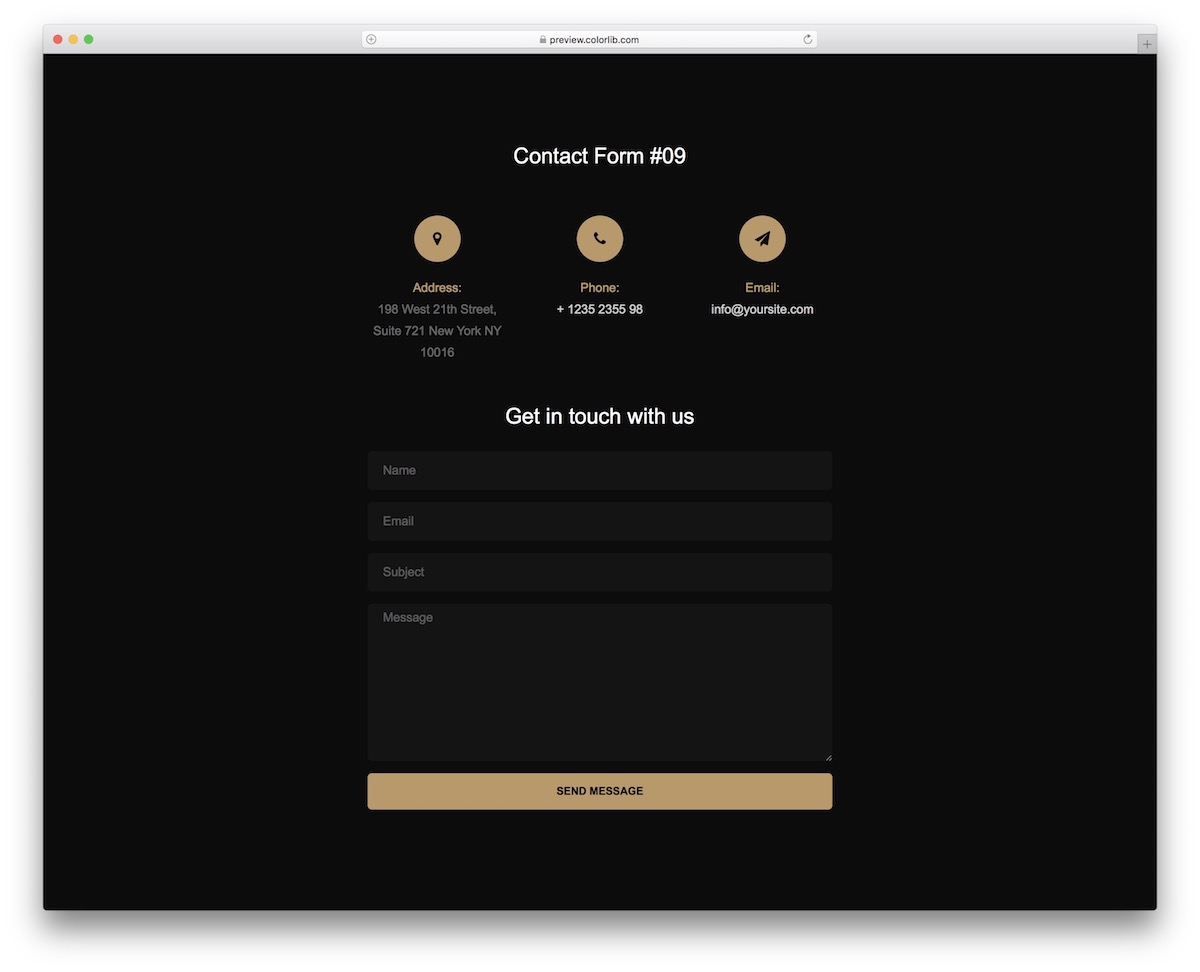
A black-and-gold color scheme gives Contact Form V09 a premium feel. It works well for business websites with dark designs.
The code is beginner-friendly, so customizing the icon colors, button styles, and fonts is straightforward even if you’re new to HTML and CSS.
Contact Form V10
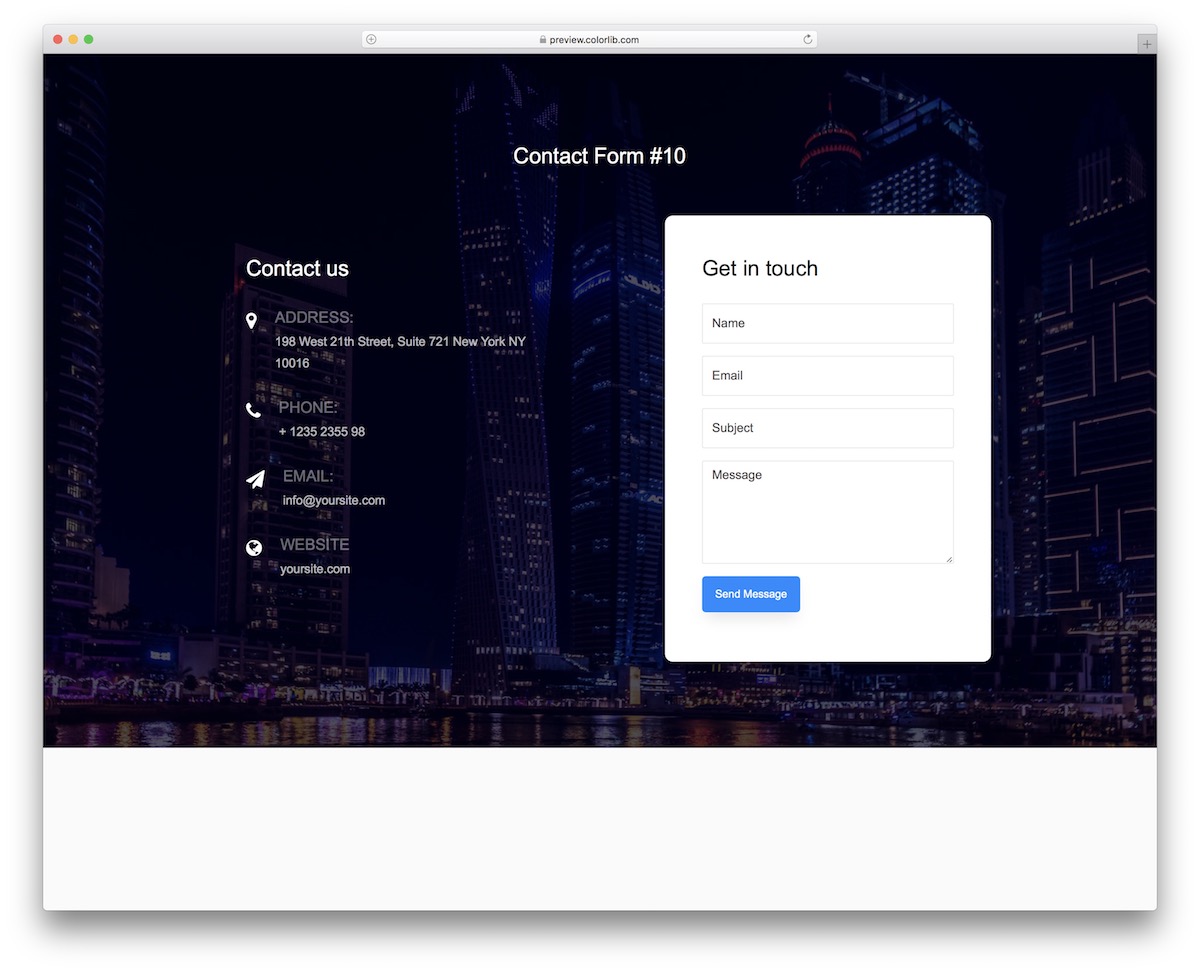
Contact Form V10 features an image background, a transparent contact details section, and a solid-colored form with a blue “Send Message” button.
The design is ready to drop into your site with minimal tweaks. You can also add a link back to your home page from the contact section.
Contact Form V11
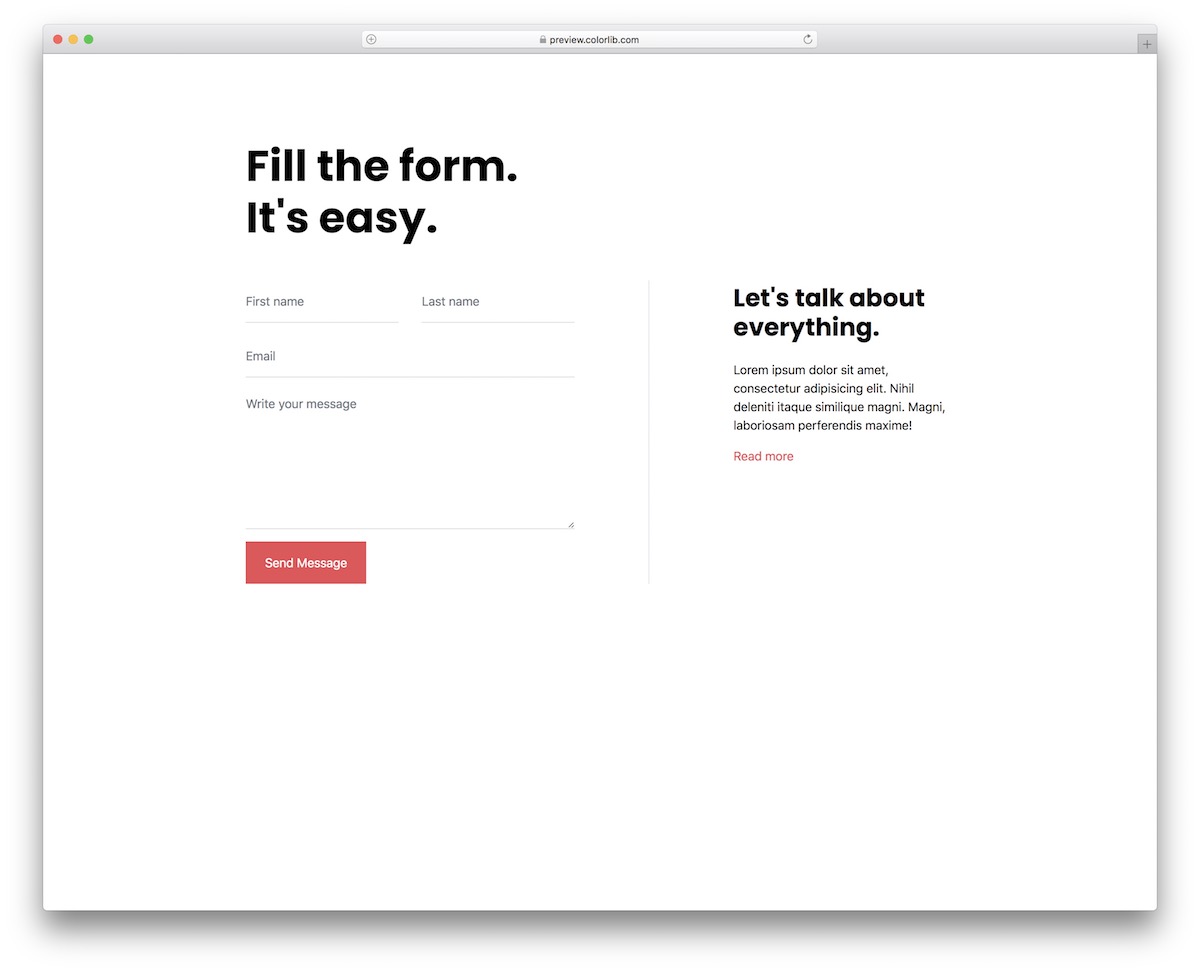
Contact Form V11 takes the minimal approach — a clean form with no visual distractions. Autocomplete and form validation are included by default.
The simple layout makes it easy to add to virtually any website or web application.
Contact Form V12

Another minimalist option, Contact Form V12 includes fields for name, email, and message alongside a text section with contact details and address information.
On desktop, the two sections sit side by side. On mobile, they stack vertically. Fonts and button colors are easy to customize.
Contact Form V13

A vibrant gradient background gives Contact Form V13 a bold look. The layout is responsive across smartphones, tablets, and desktops.
A unique feature: it includes space for two business locations, making it a natural fit for multi-location companies. Of course, single-location businesses can use it too.
Contact Form V14
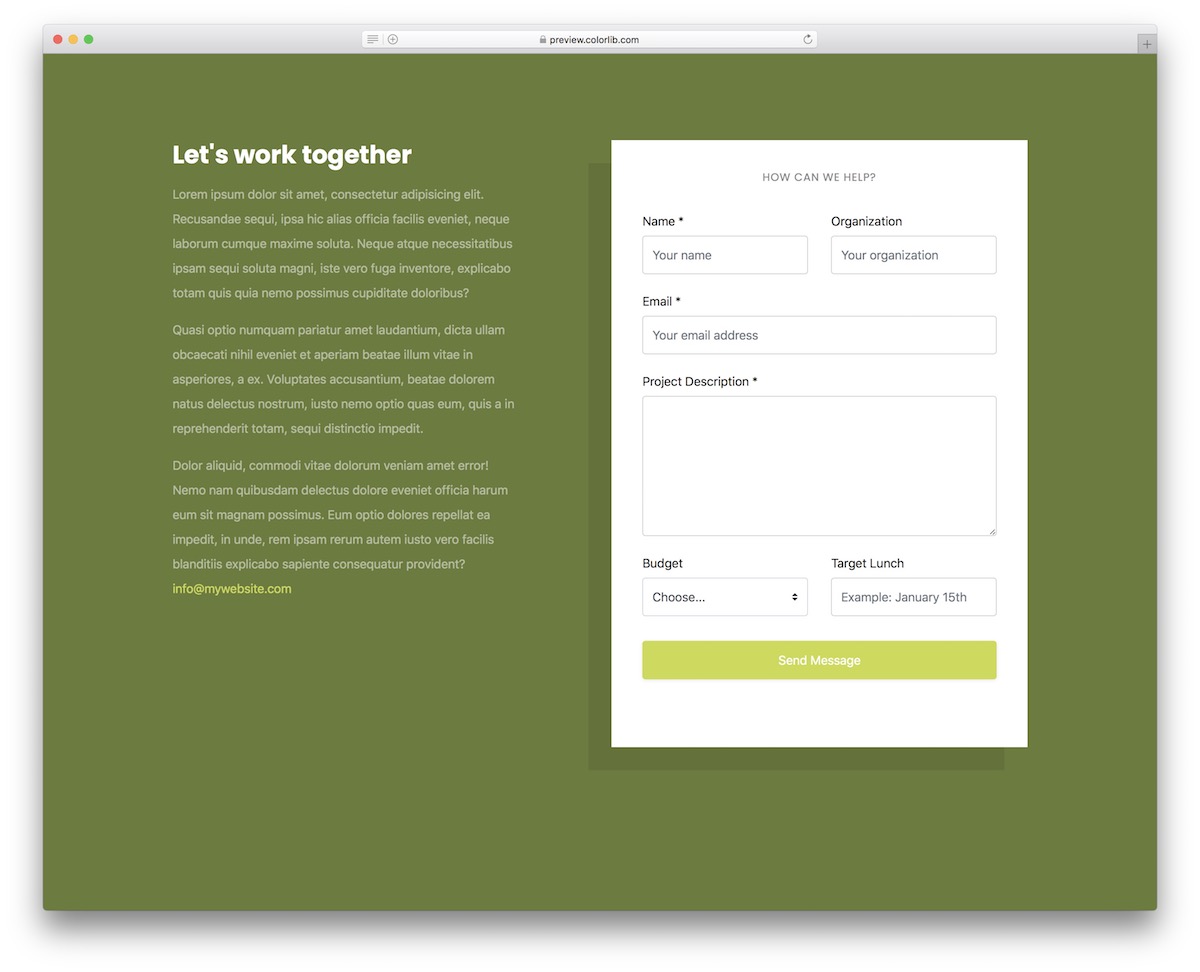
Contact Form V14 is ideal for marketing agencies and other service-based businesses. The form includes multiple fields with a drop-down for budget selection.
The left side has a text area where you can describe your services and encourage visitors to get in touch. Every element is fully customizable.
Contact Form V15
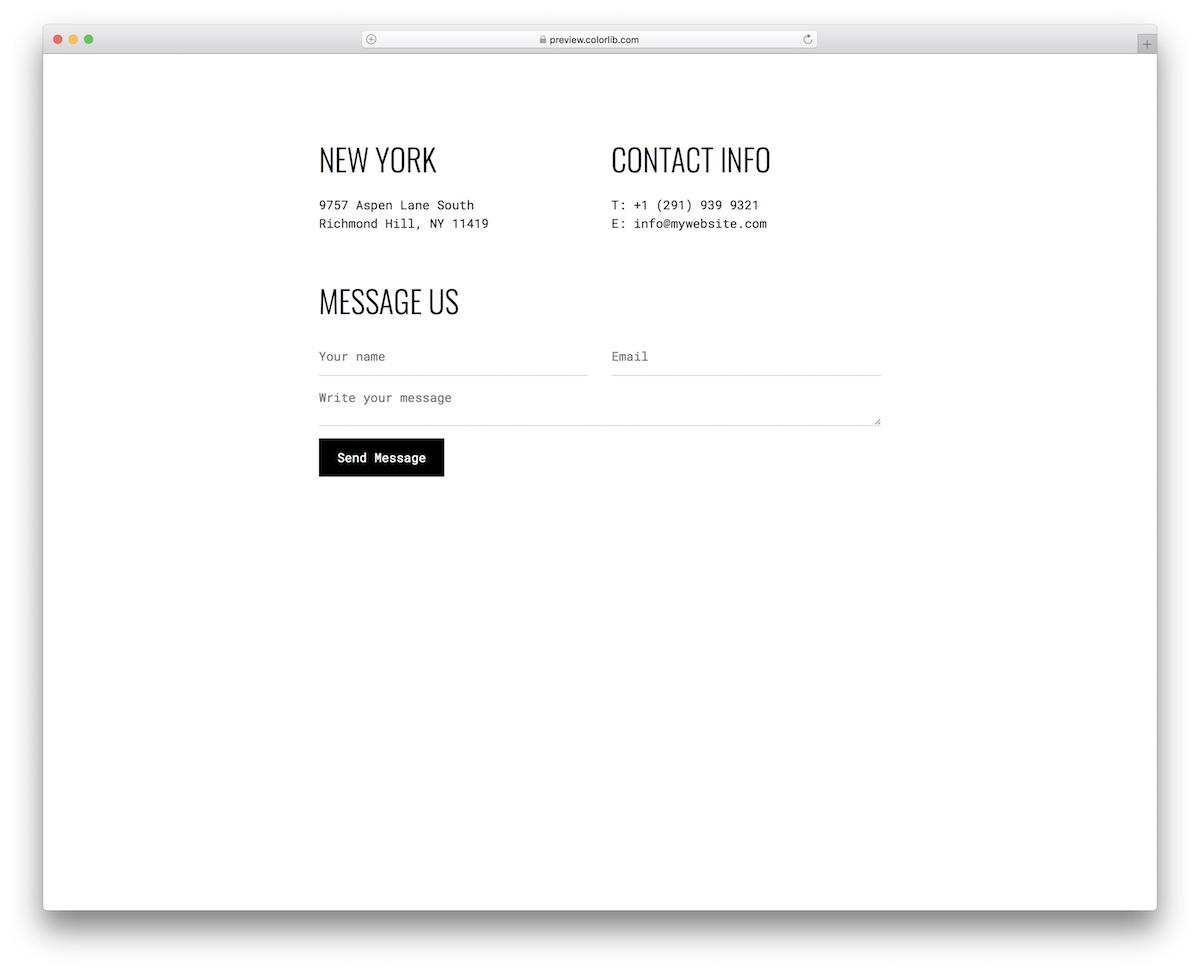
Contact Form V15 is a clean, minimal Bootstrap snippet that adapts well to different screen sizes. A good choice when you want a simple contact page without building one from scratch.
Contact Form V16
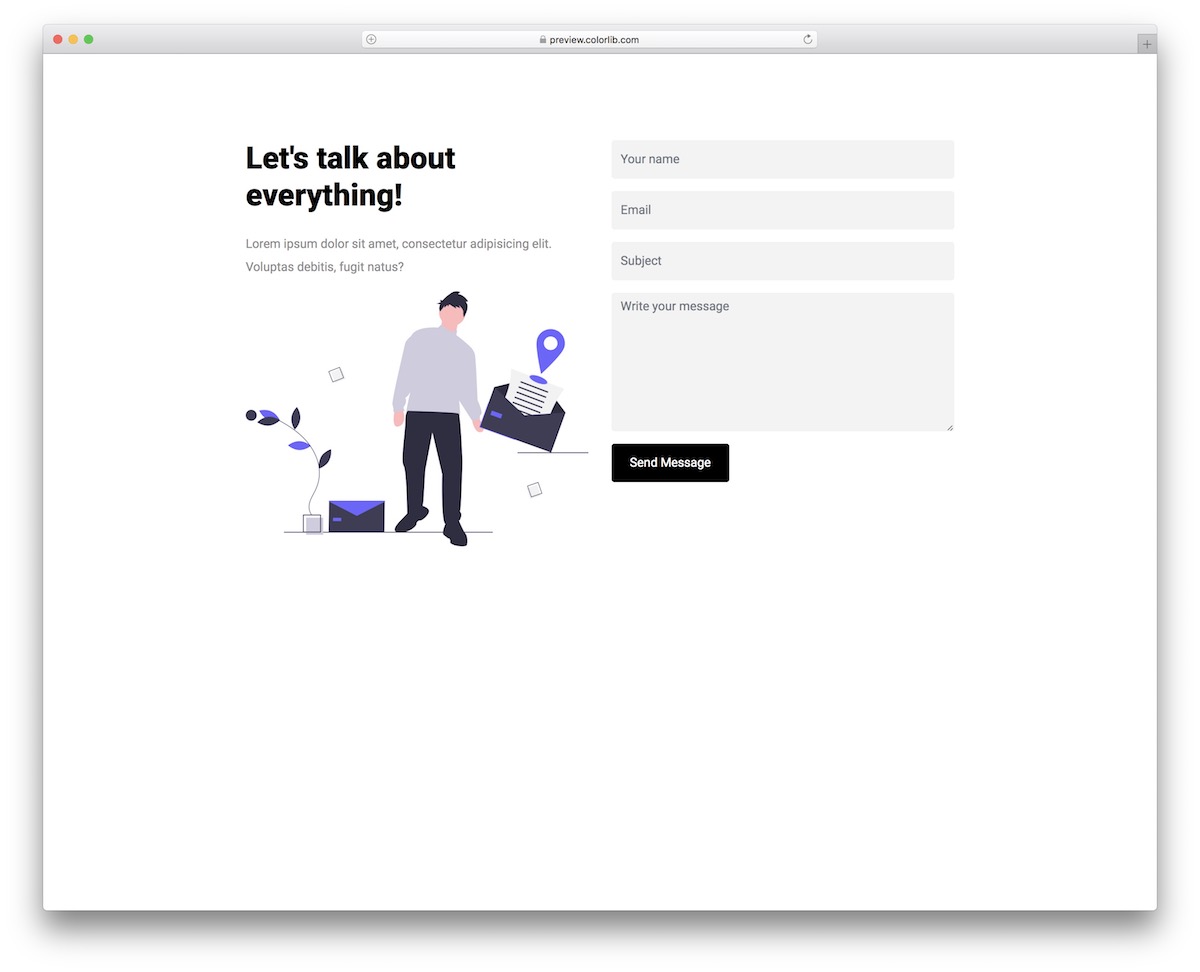
Contact Form V16 adds a creative twist while staying simple. The layout includes a title, descriptive text area, and the standard form fields. Just customize the details, embed it in your site, and you’re done.
Contact Form V17
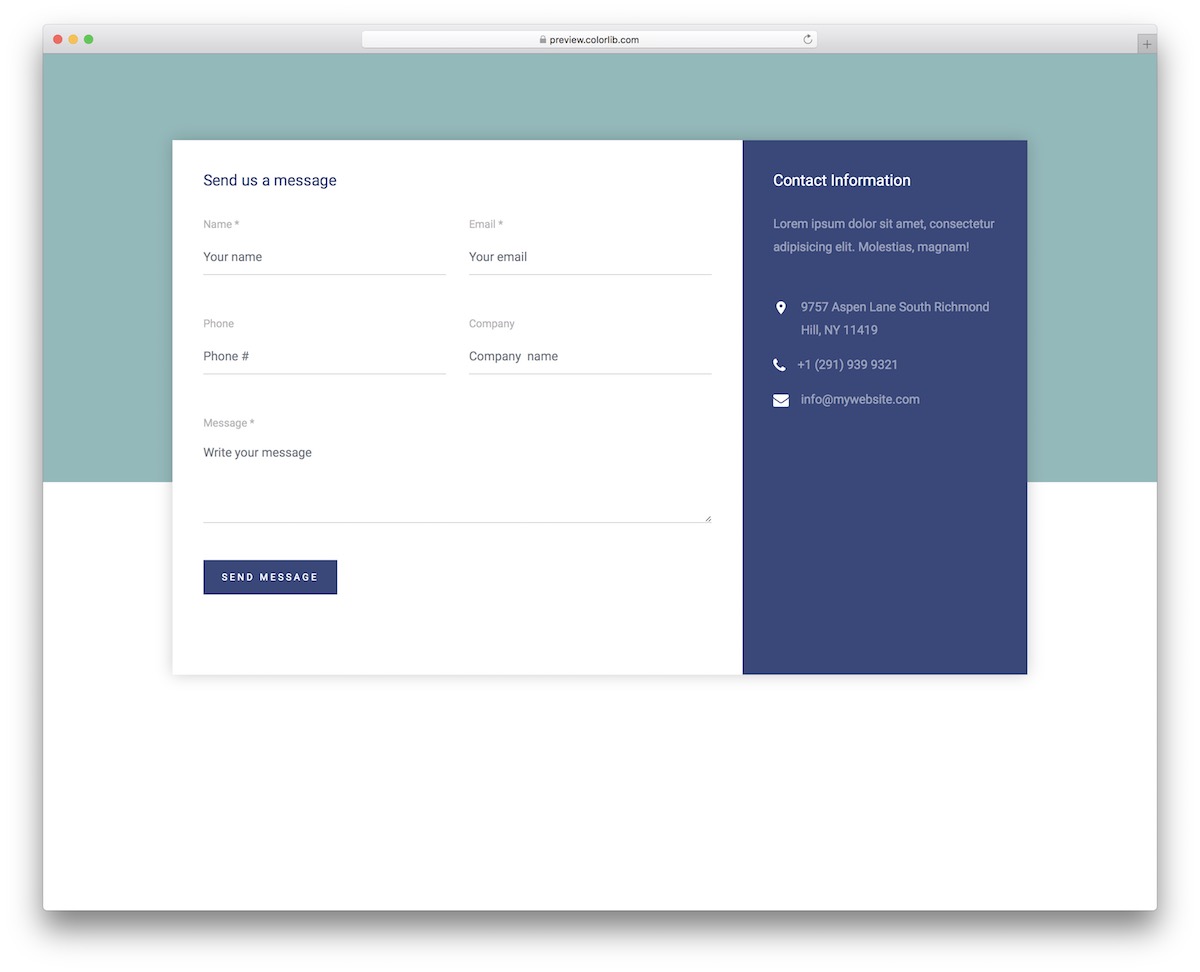
Contact Form V17 features a two-tone background that looks especially sharp with a colored or image backdrop. The form has four input fields plus a text area.
Validation and auto-complete are built in, so you don’t need to add those yourself.
Contact Form V18
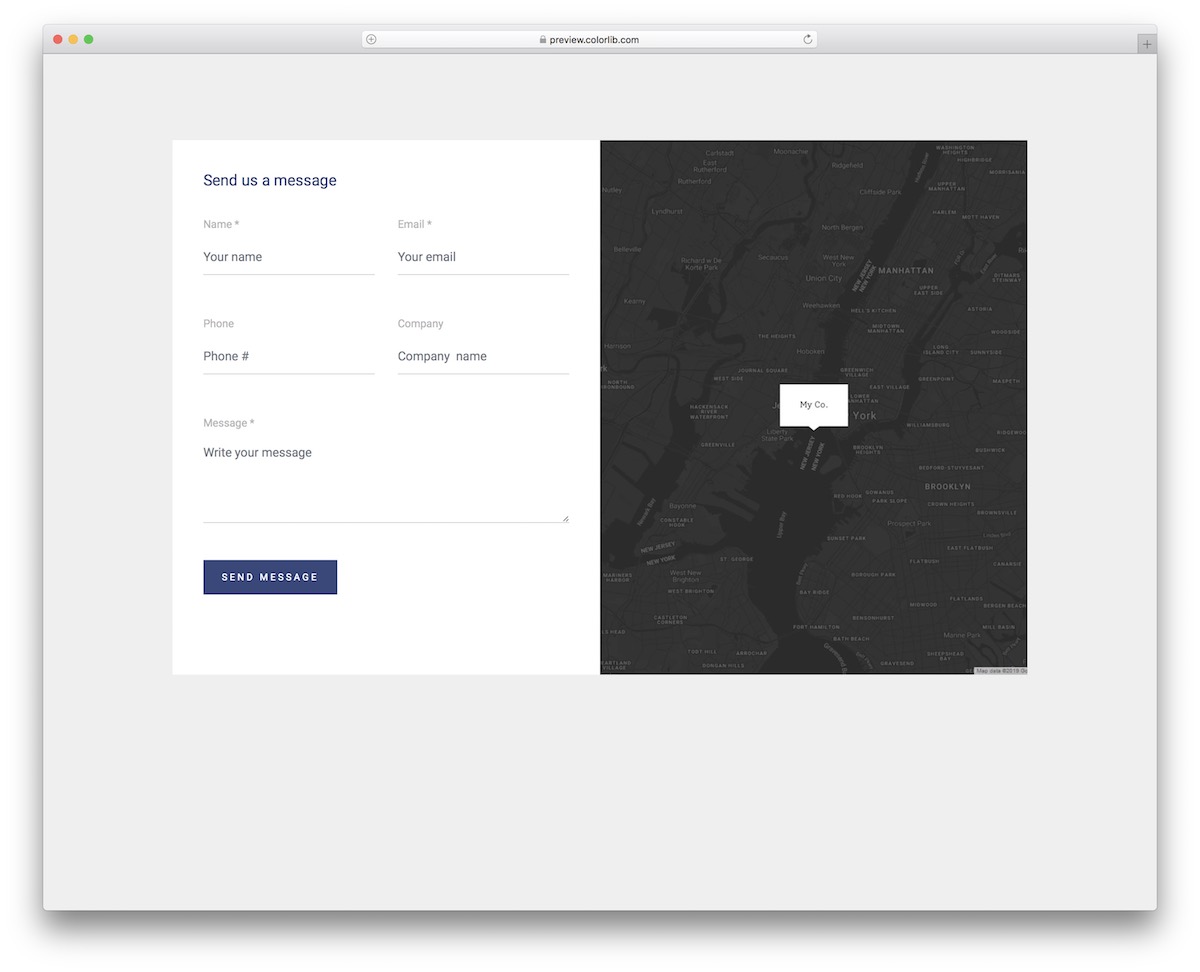
Another option that integrates Google Maps with the contact form. Contact Form V18 combines both on a single page, so visitors can see your location and send a message in one place.
Contact Form V19
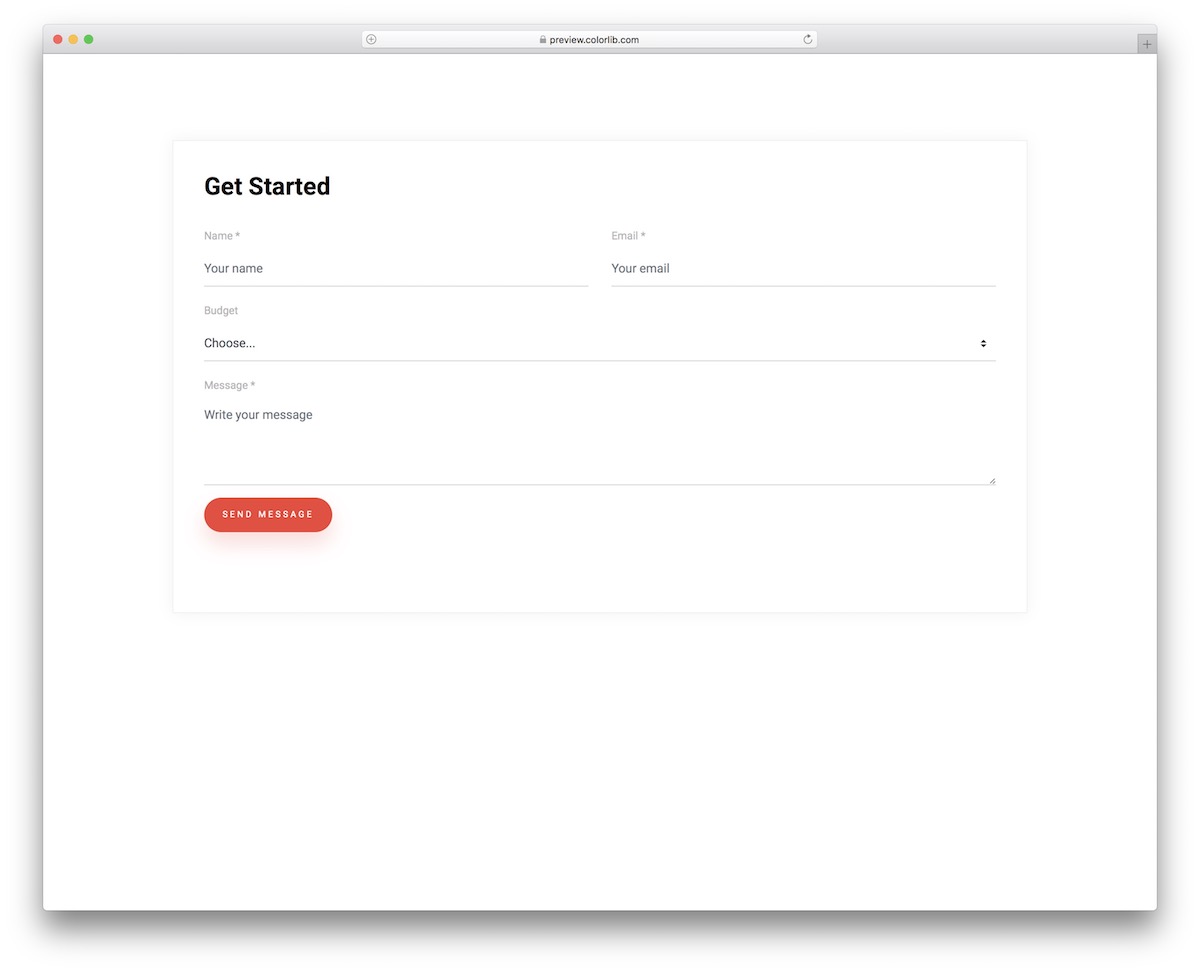
Contact Form V19 keeps things simple but includes a drop-down selector. In the default version, it’s configured for budget selection, but you can easily adapt it to any use case — service type, inquiry category, or department routing.
Contact Form V20
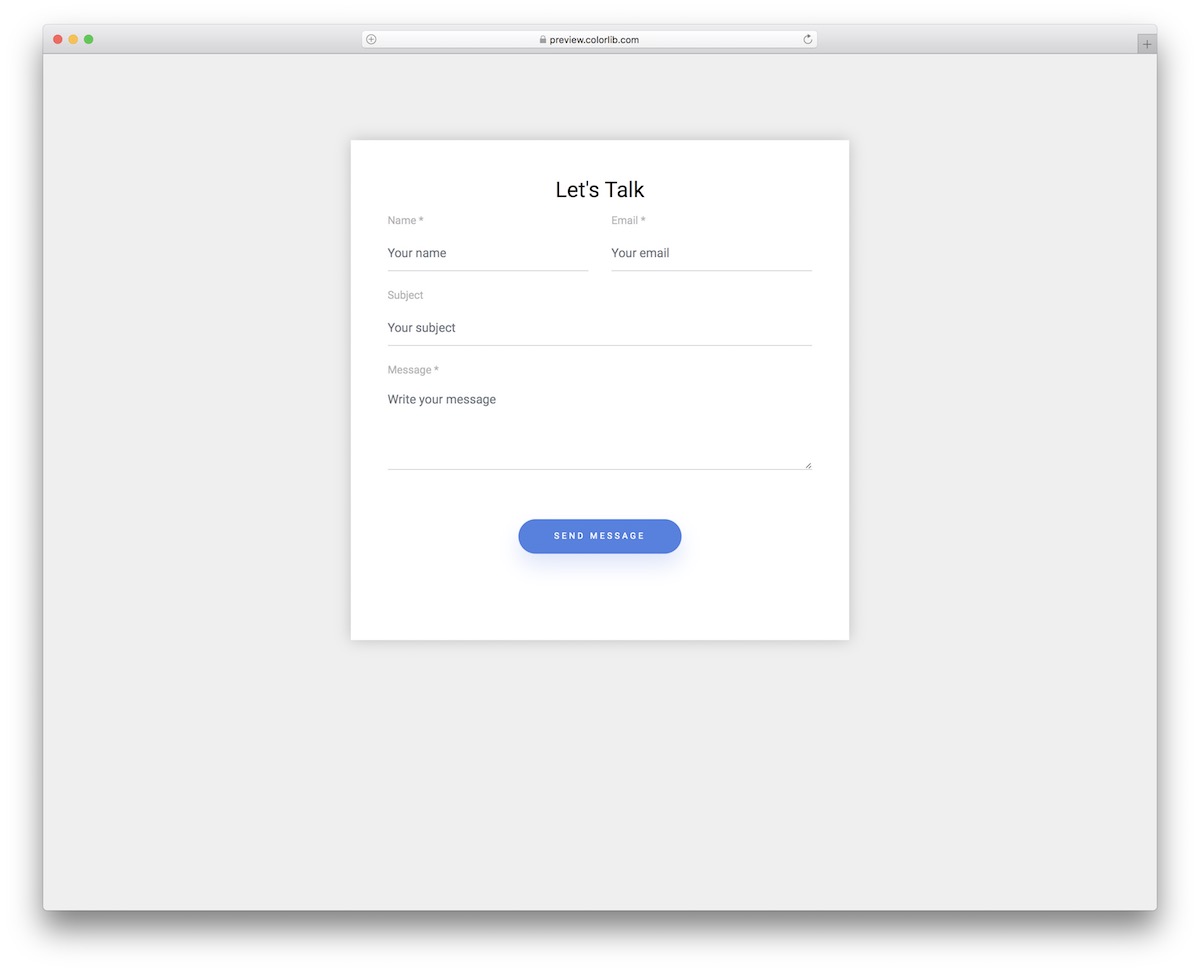
Contact Form V20 works best as a widget embedded into an existing page rather than a standalone contact page. Its compact design adapts easily to different layouts.
In most cases, you’ll only need to change the “Send Message” button color to match your site.
Colorlib Contact Form
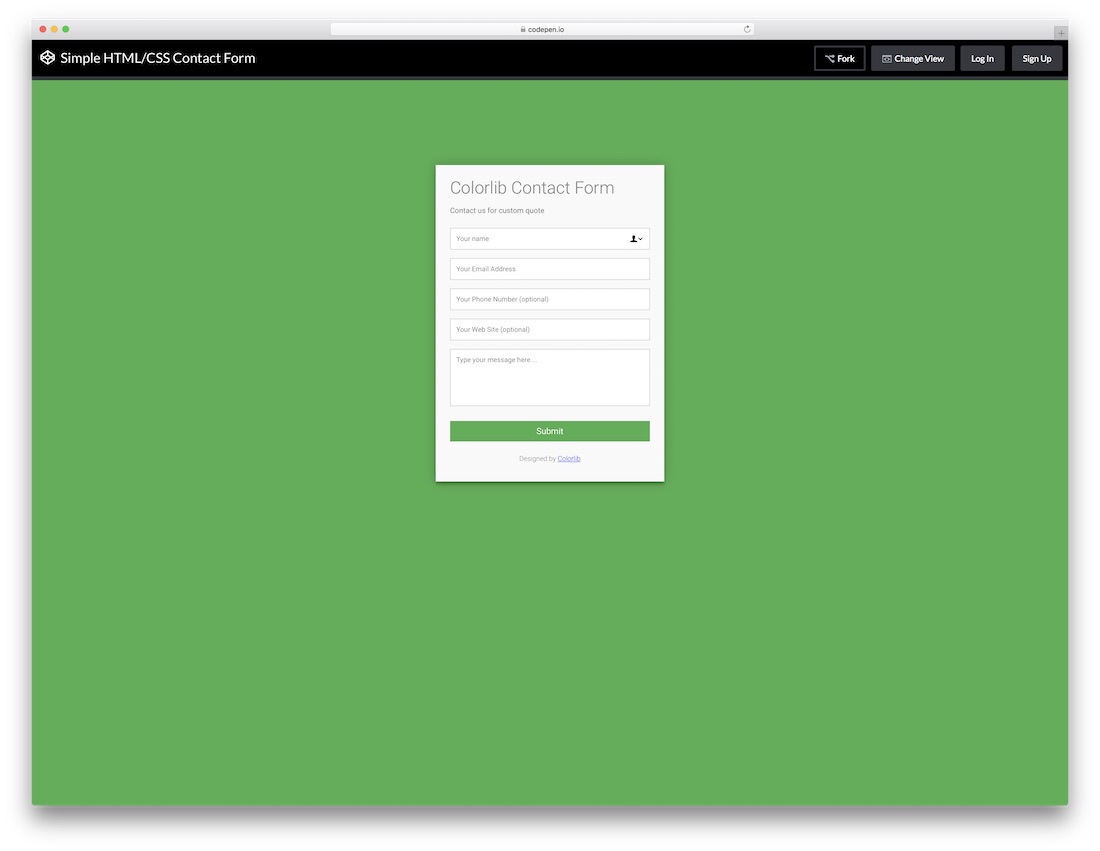
A native HTML5 and CSS3 contact form built from scratch — no frameworks required. It’s compact, easy to customize, and only needs a simple backend configuration to start sending emails.
Contact Form 1 by Colorlib
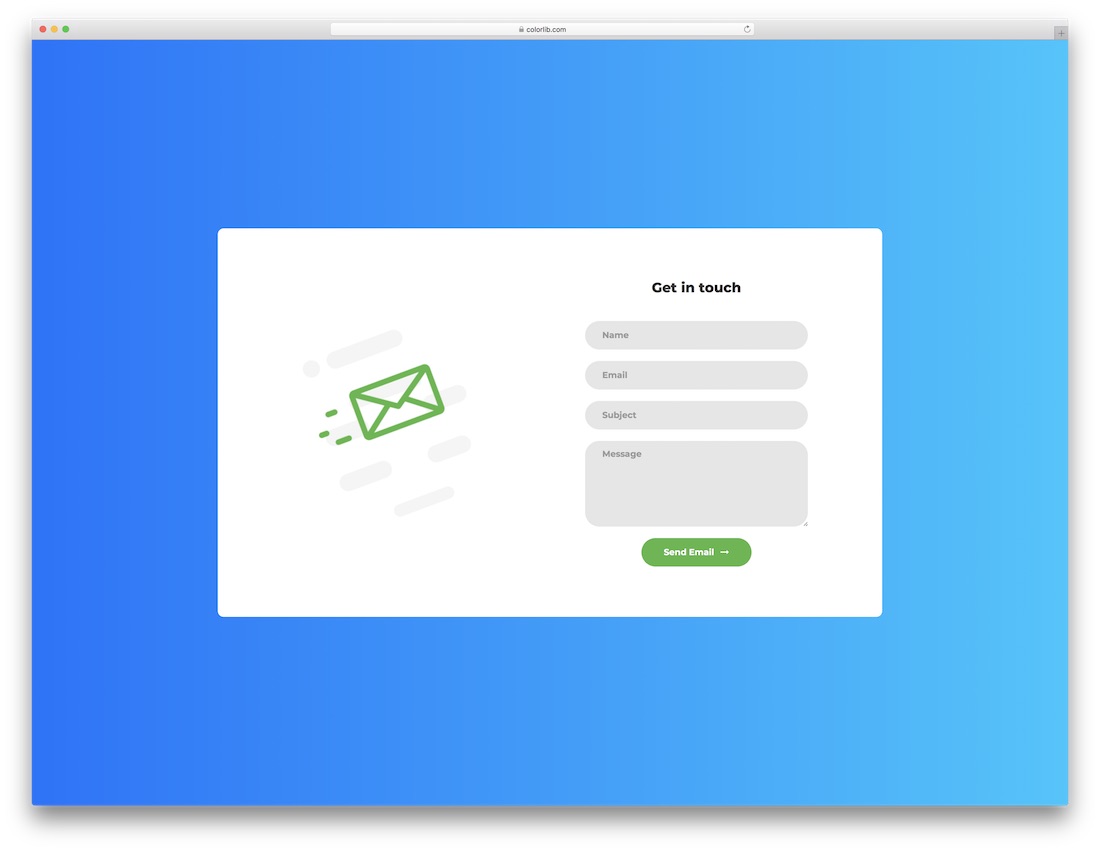
A clean form box on a blue gradient background. Contact Form 1 is straightforward — all the required fields are neatly organized in a single card.
If the color scheme doesn’t match your brand, the code is easy to tweak.
Contact Form 2 by Colorlib
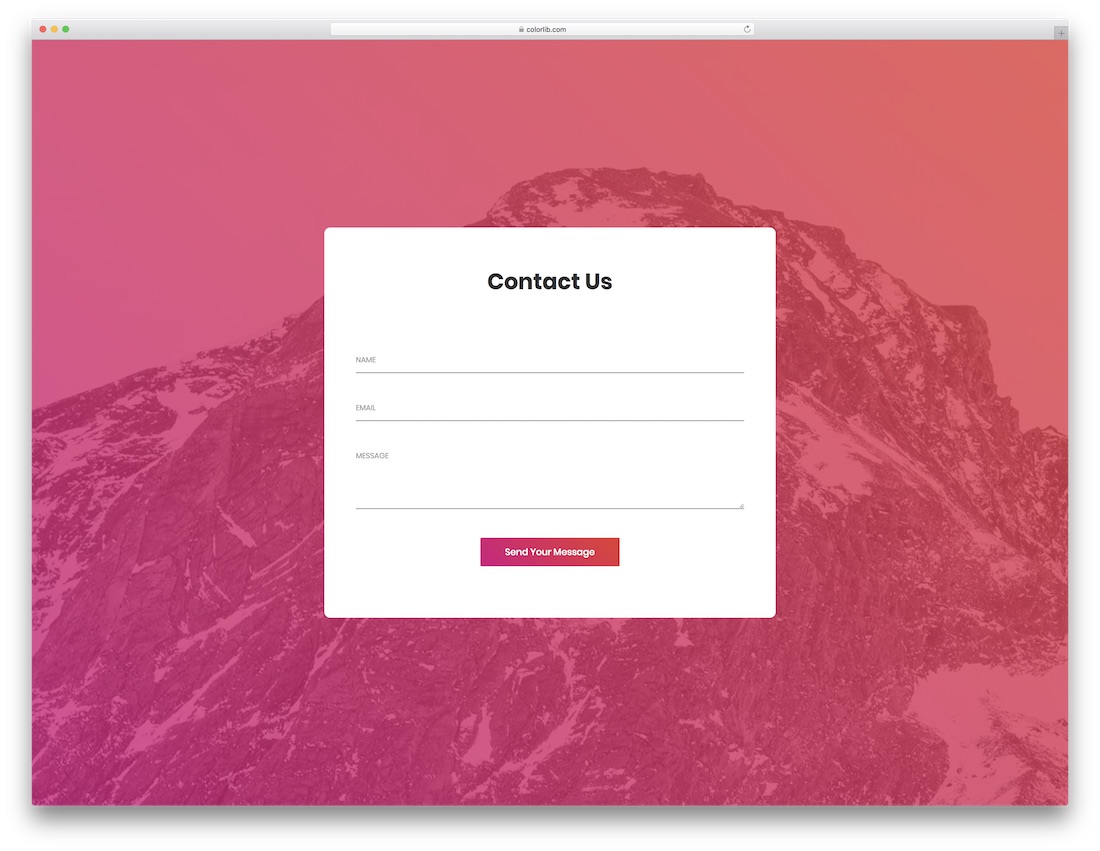
Contact Form 2 is a clean, straightforward form built with HTML5 and CSS3. It works with any niche or industry — just adjust the colors and text to match your branding.
The code is organized and tidy, making customization comfortable even for beginners.
Contact Form 3 by Colorlib
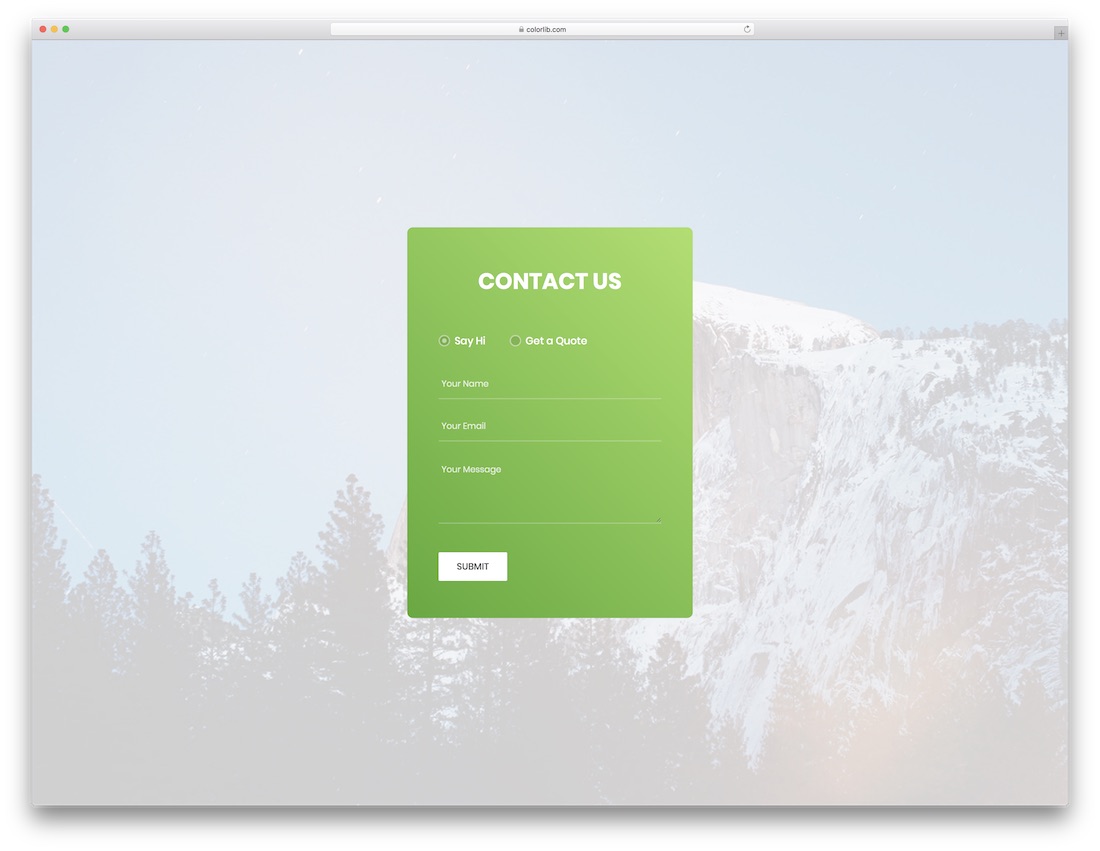
Contact Form 3 has everything you need to quickly set up a contact page. Download it, swap in your details, and you’re ready to go.
It fits smoothly into any website and is fully customizable.
Contact Form 4 by Colorlib
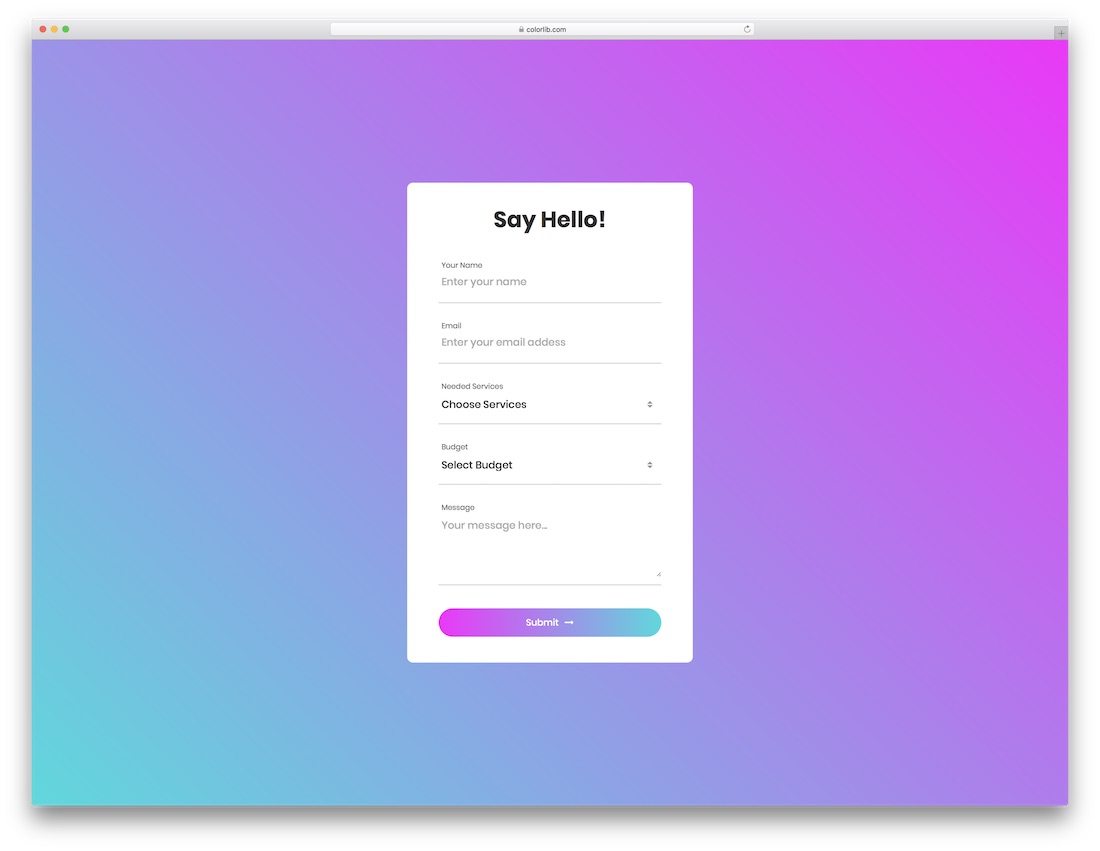
A simple yet contemporary contact form template. If your website doesn’t have a dedicated contact page yet, this gives you a quick starting point.
Having a functional contact form is more effective than just listing an email address — visitors are far more likely to reach out when a form is ready and waiting.
Contact Form 5 by Colorlib
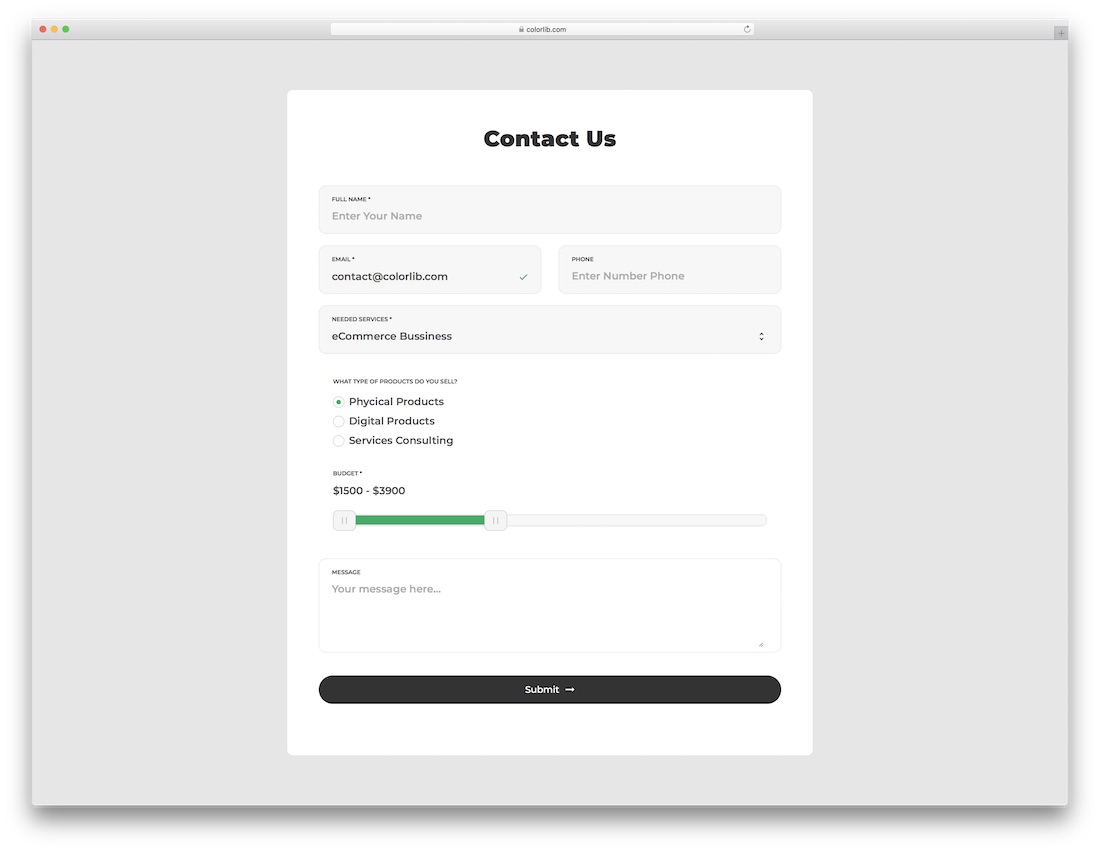
Contact Form 5 is a minimal template suitable for agencies and personal websites alike. Its clean design integrates easily into any site without visual clutter.
Contact Form 6 With Map by Colorlib
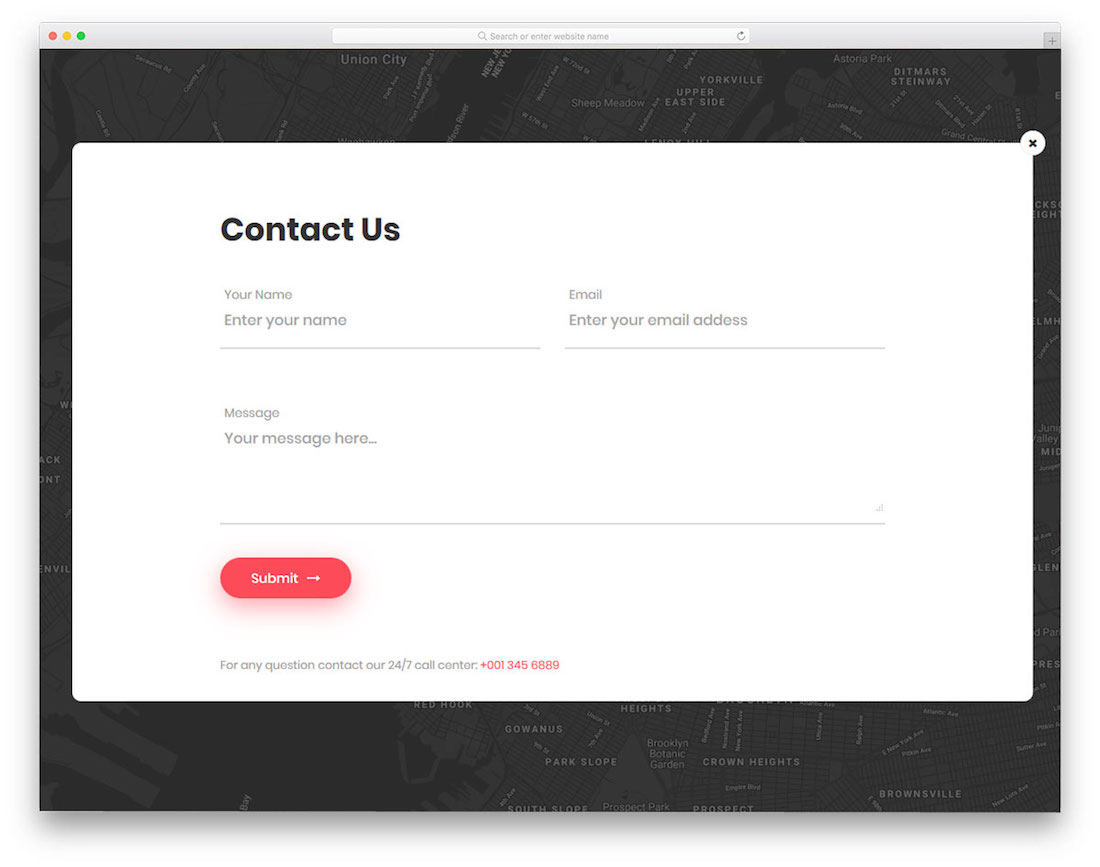
Contact Form 6 combines a Google Maps background with a pulsating email icon that triggers a contact form pop-up when clicked. It’s a creative approach for businesses that want to showcase their physical location.
The pop-up also includes space for additional contact details like phone number and address.
Contact Form 7 by Colorlib
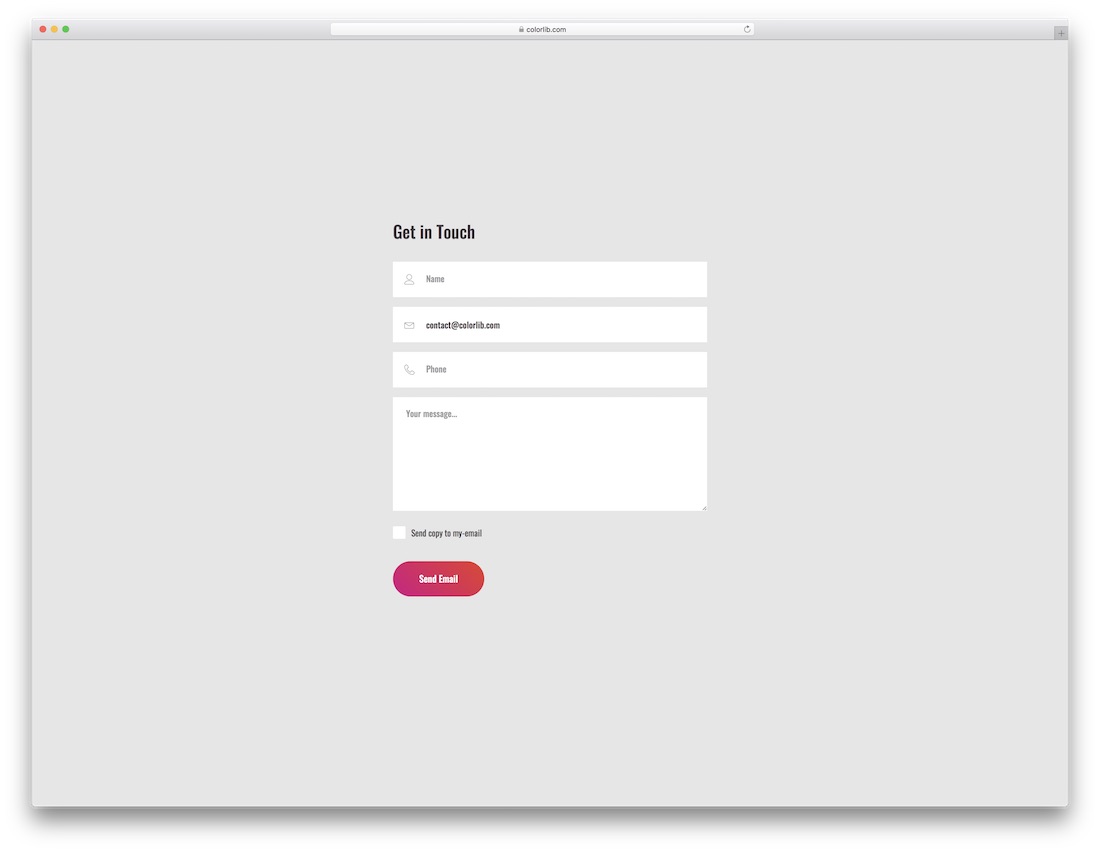
Contact Form 7 is pure minimalism — a straightforward layout with no distractions or special effects. Visitors land on the page, fill out the form, and submit.
Change the background and button color, and it’s ready to integrate into your existing site.
Contact Form 8 by Colorlib
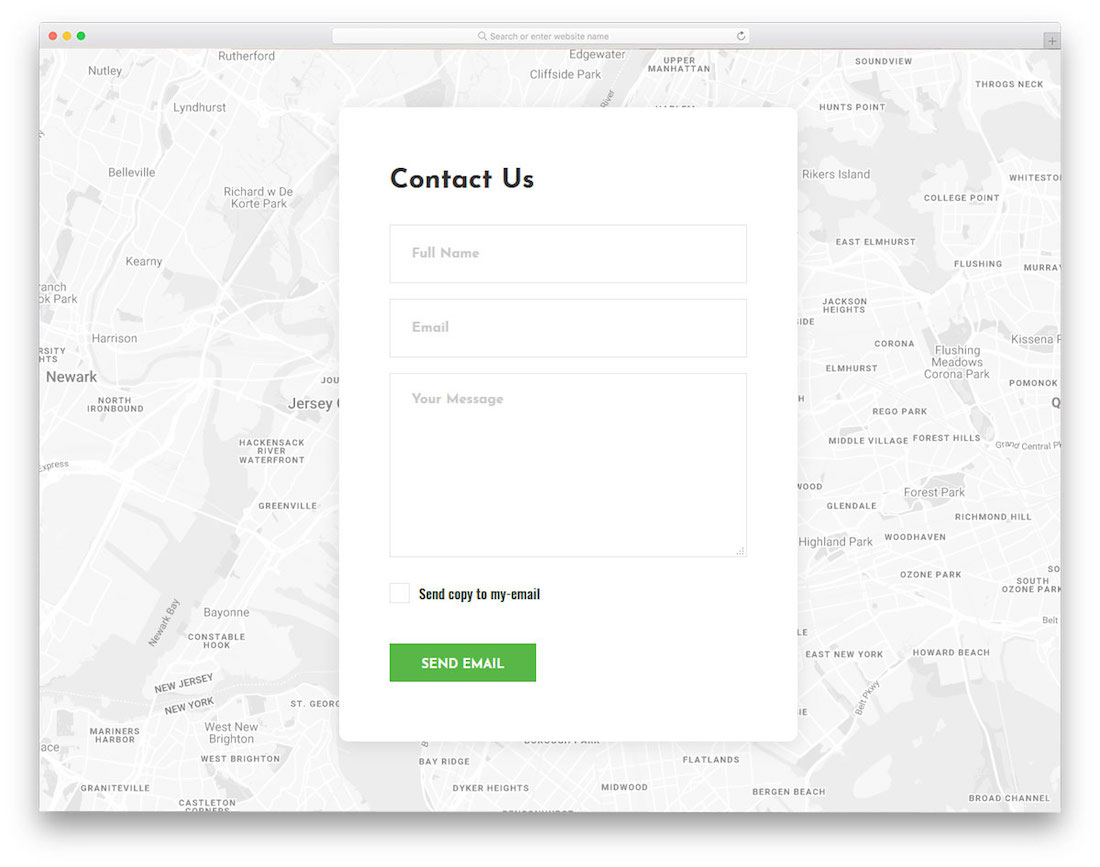
Contact Form 8 uses a Google Maps background for the contact page. Built with HTML5 and CSS3, it’s fully responsive, retina-ready, and works across all major browsers.
Customize the colors and text to blend it seamlessly into your existing site.
Contact Form 9 by Colorlib
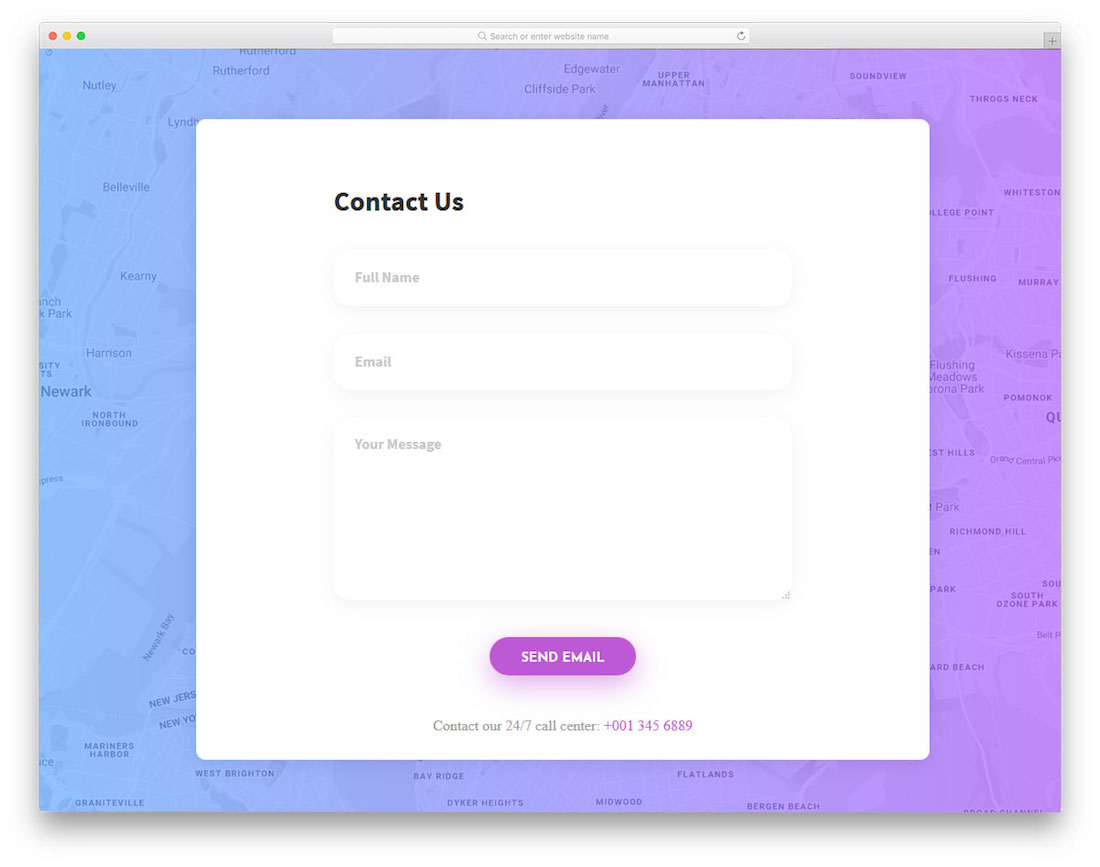
Contact Form 9 combines a Google Maps background with a gradient overlay for a distinctive look. It works well on both mobile and desktop, delivering a consistent experience.
Whether you’re using a CMS or a standalone page, it requires minimal setup to integrate.
Contact Form 10 by Colorlib
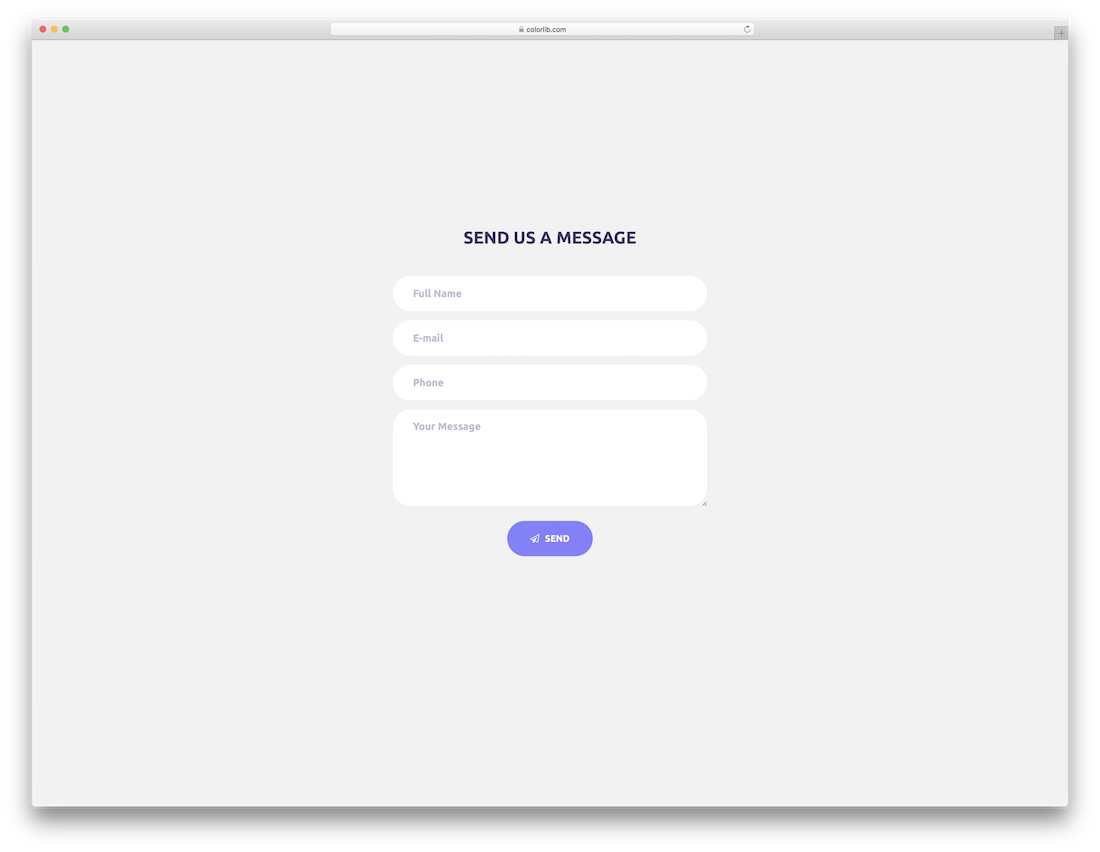
Contact Form 10 features a solid-colored button and rounded form fields, giving it a modern, app-like feel that works well on mobile devices.
A clean option for letting users reach out before making a decision.
Contact Form 11 by Colorlib

Contact Form 11 is a bright, colorful template. Download it and start using it right away, or customize the colors and layout to fit your brand.
Contact Form 12 by Colorlib
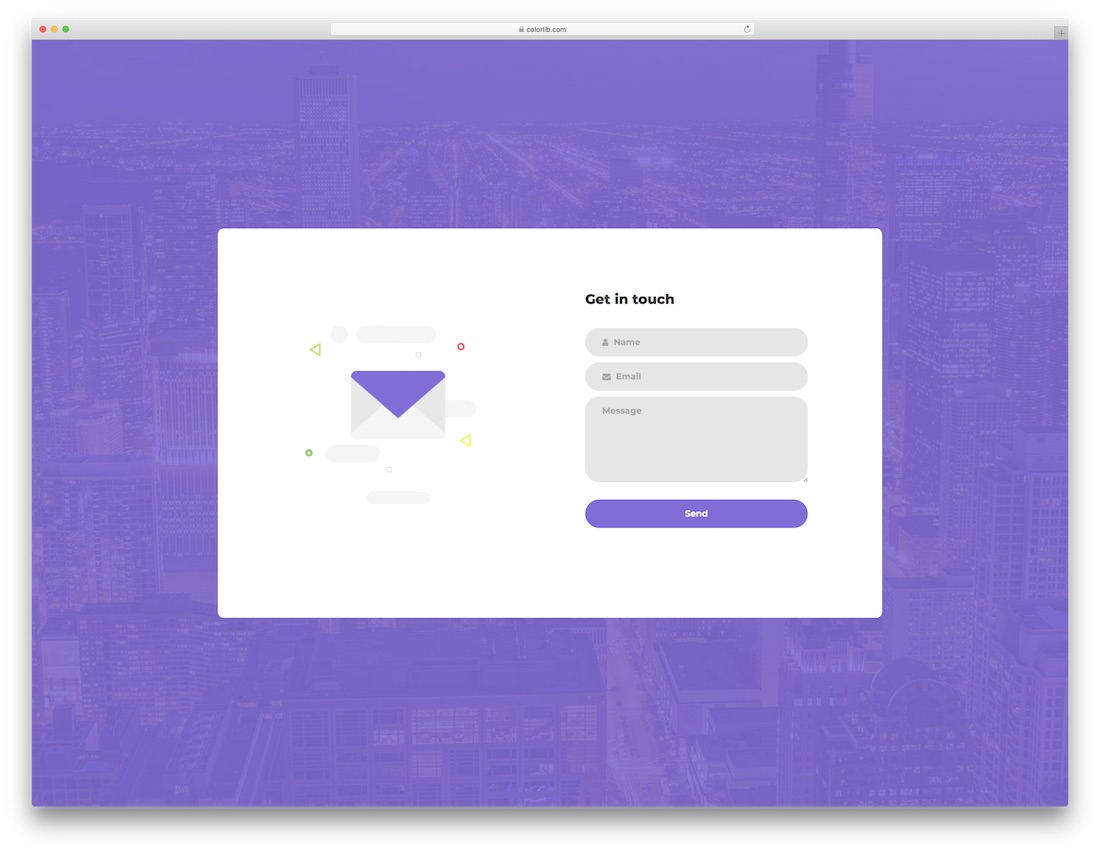
Contact Form 12 features an image background with an overlay and an active contact form. You can change the image, colors, and details to create a contact page that aligns with your branding.
Contact Form 13 by Colorlib
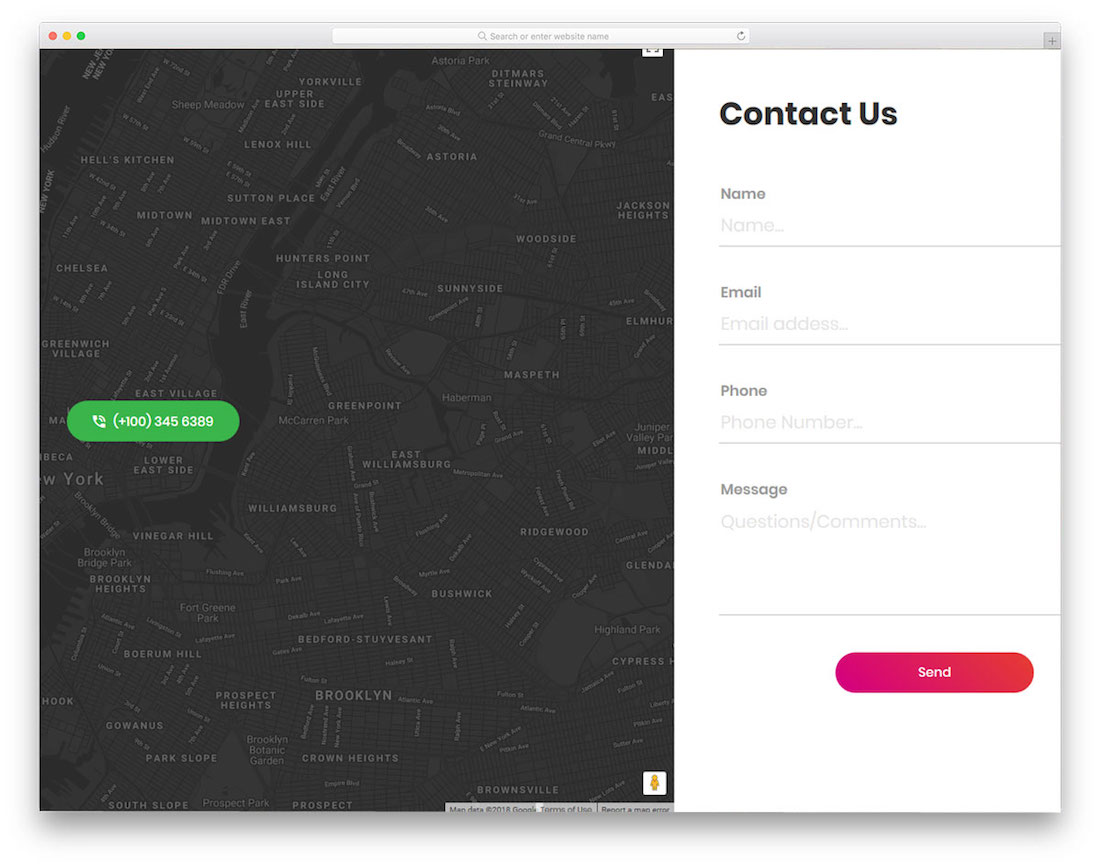
Contact Form 13 splits the layout into two sections: one for your location, phone number, and a Google Maps embed, and the other for a practical contact form.
A strong choice for agencies and businesses that want to showcase their physical location alongside the contact form.
Contact Form 14 by Colorlib
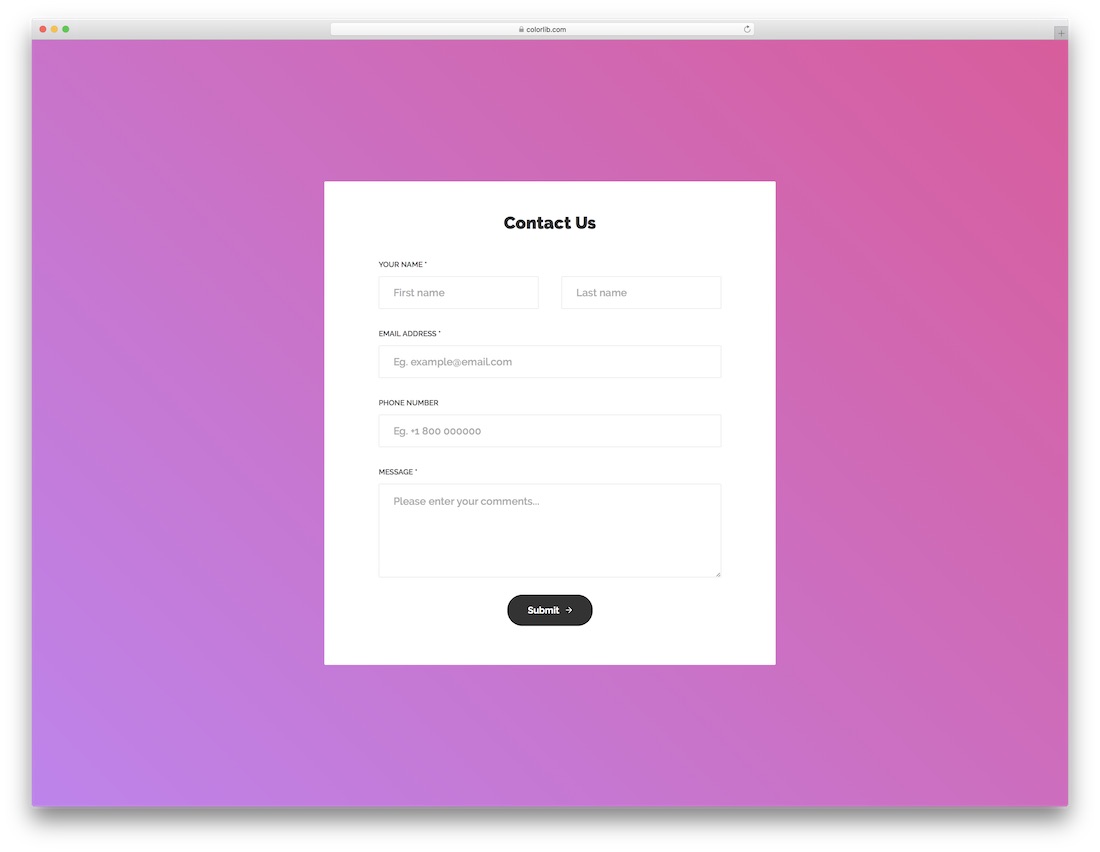
If the default contact page in your website template doesn’t cut it, Contact Form 14 offers a vibrant alternative with all the sections a fully functional contact page needs.
Contact Form 15 by Colorlib
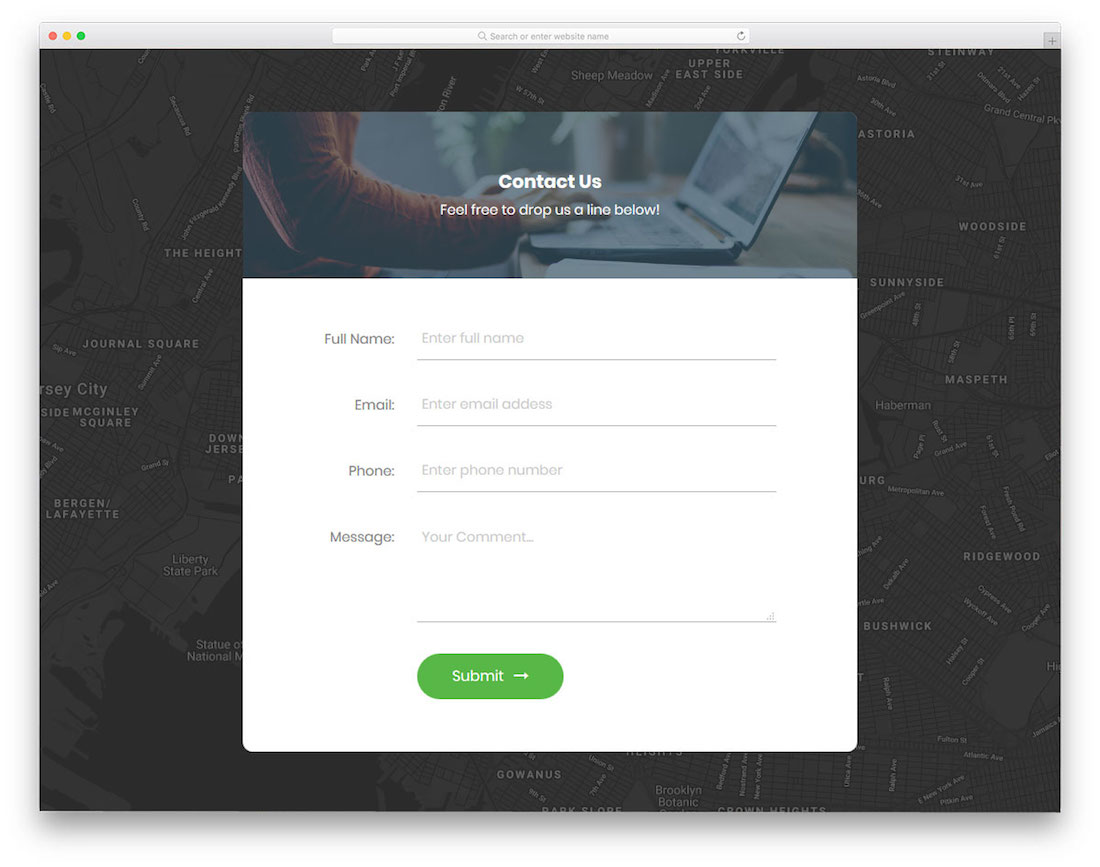
Contact Form 15 features a Google Maps background with an image and descriptive text section above the form fields. A more advanced layout suited to businesses that want to combine location, messaging, and a contact form on one page.
Contact Form 16 by Colorlib
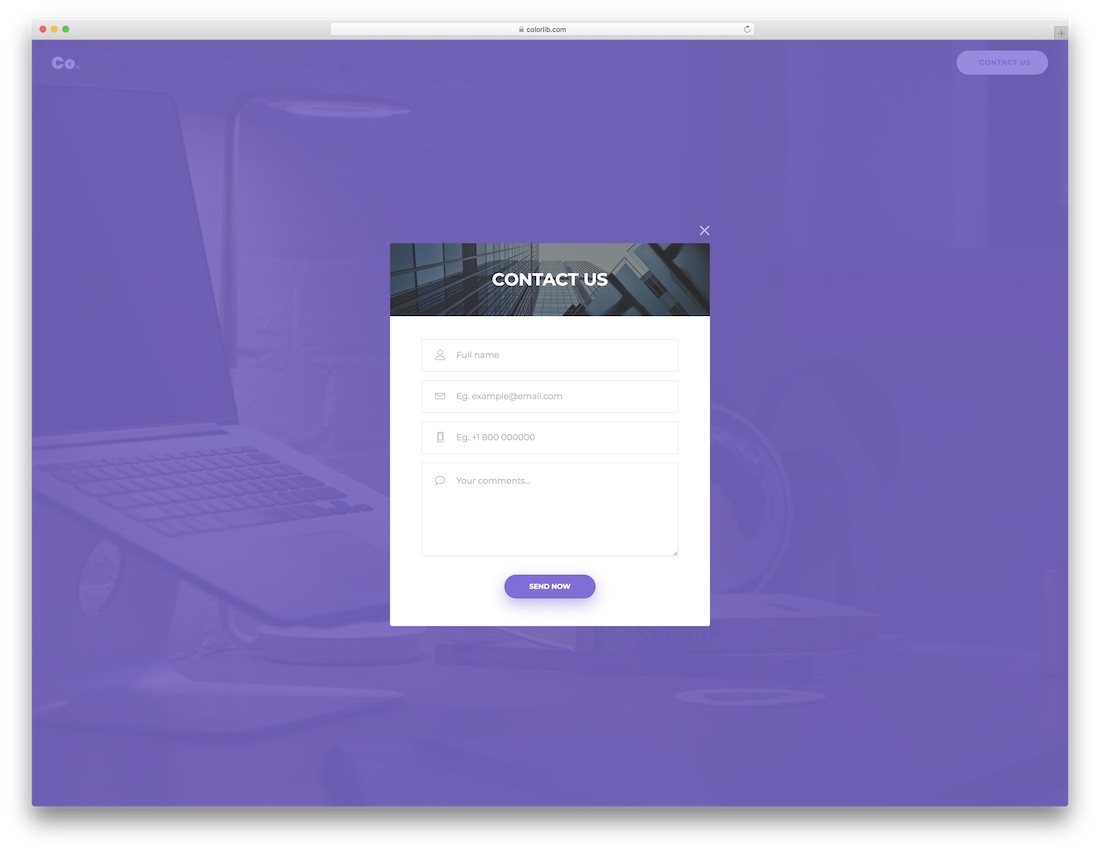
Contact Form 16 features an image background with an overlay shade and a contact form pop-up that users can open and close as needed. A good option if you want the contact form to stay accessible without dominating the page.

Contact Form 17 by Colorlib
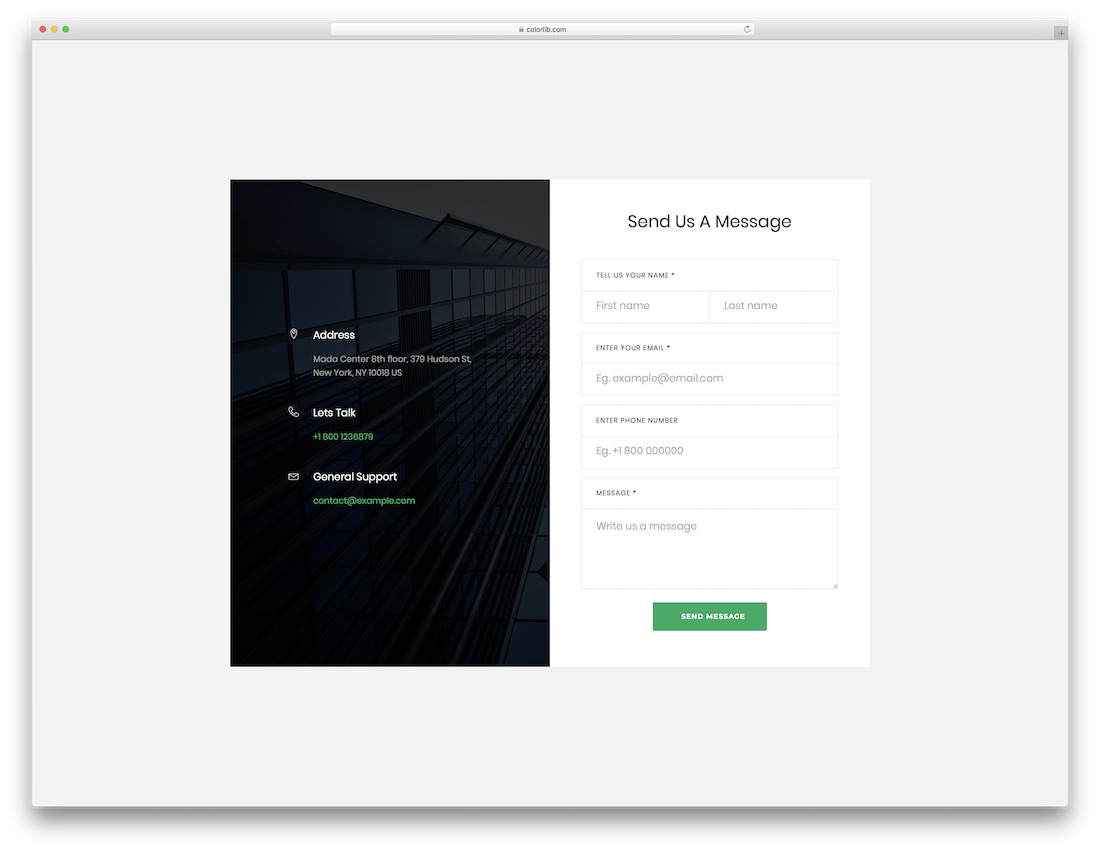
Contact Form 17 uses a split layout: one side for an image and additional contact details, the other for a clean form with all the required fields. It’s a boxed design rather than full-screen.
Easy to add to an existing website and customize to match your business.
Contact Form 18 by Colorlib
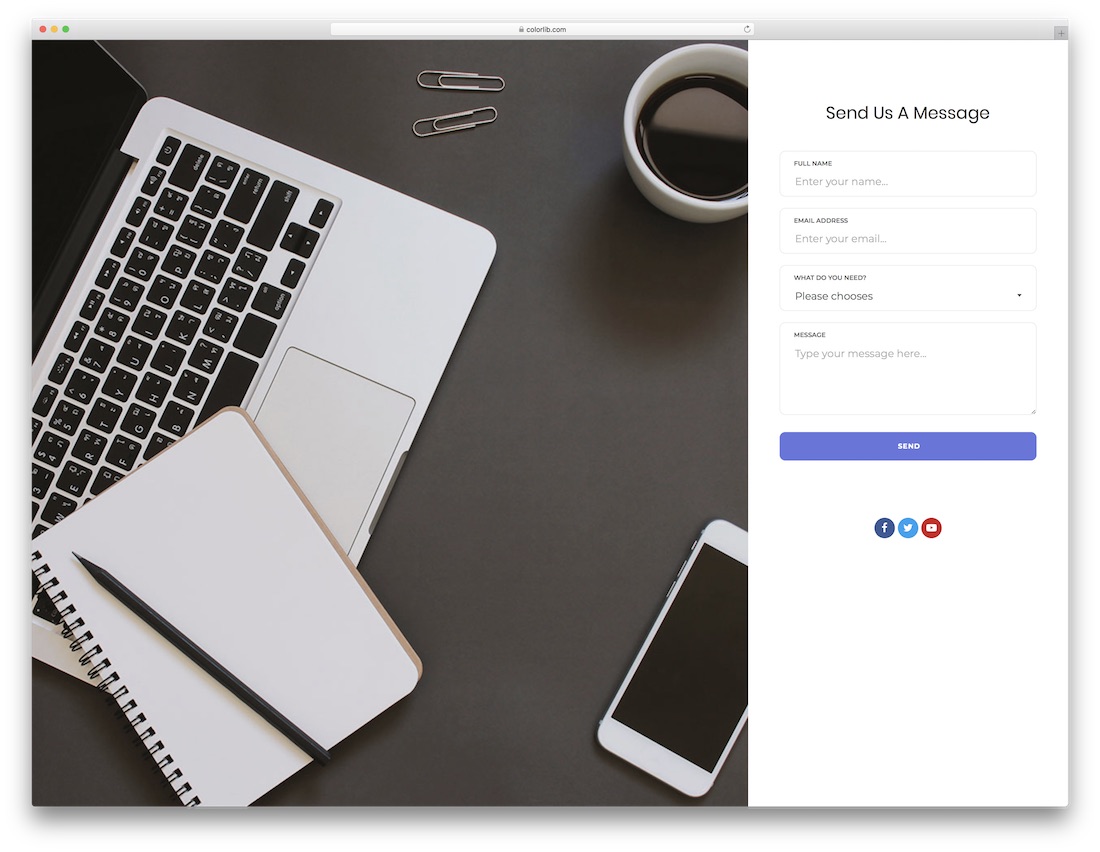
Similar to Contact Form 13 but with an image background instead of Google Maps. The right side features a contact form with rounded fields and social media buttons.
Like all templates in this collection, it’s responsive and mobile-ready.
Contact Form 19 by Colorlib
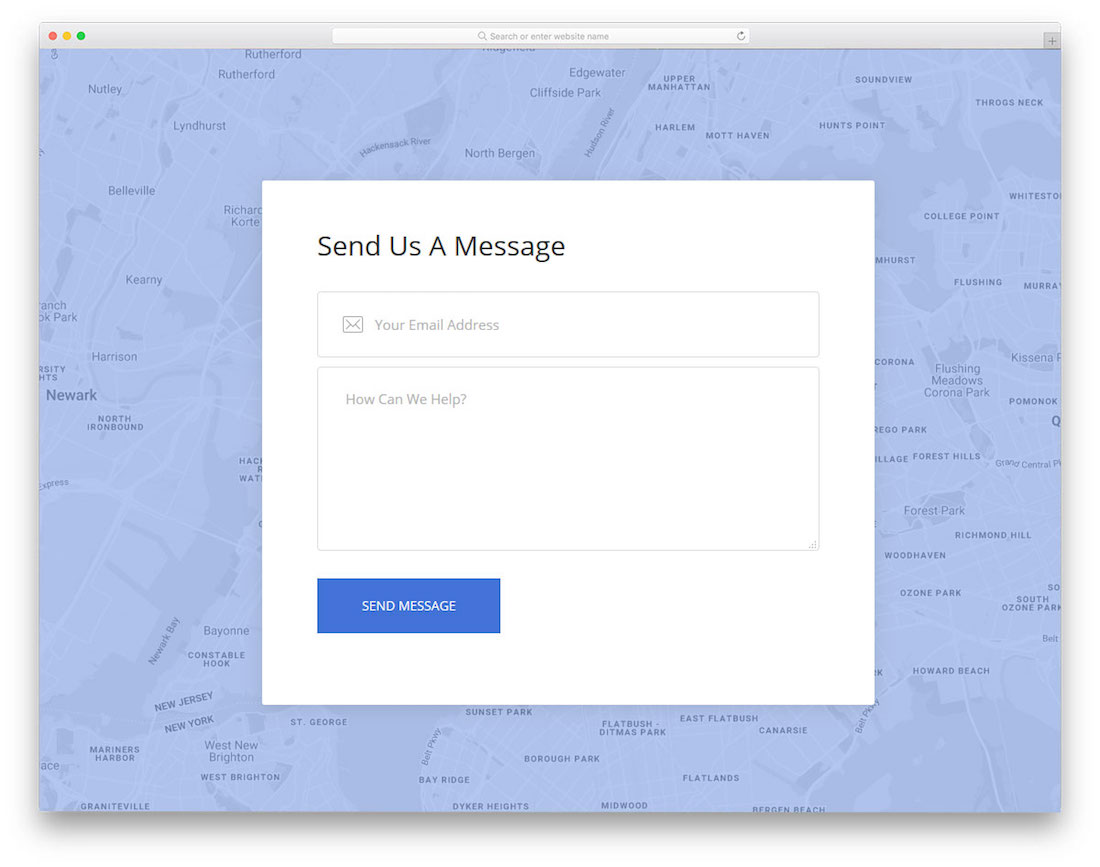
Contact Form 19 uses a Google Maps background with a gradient overlay. You can use it to show your business location or simply for the visual effect.
The template requires minimal effort to set up and get running on your site.
Contact Form 20 by Colorlib

Similar to Contact Form 8 but with an even simpler form section. You get a Google Maps background and a three-field “drop us a message” form.
The code is beginner-friendly, so both new developers and experienced ones can customize it quickly and have it live in no time.
Why Use a Contact Form?
A contact form is more practical than listing a plain email address. It reduces spam (especially with CAPTCHA protection), lets you collect structured information like budget or inquiry type, and makes it easier for visitors to reach you without leaving your site.
Whether you need a simple three-field form or a full contact page with a map, social links, and custom fields, the templates above give you a head start. Pick one, customize the colors and text, connect a backend or form service, and you’re set.
For more options, check out our Bootstrap contact form collection and contact form WordPress plugins.
Was this article helpful?
YesNo
