
20 Best Minimal Website Templates (HTML & WordPress) 2026
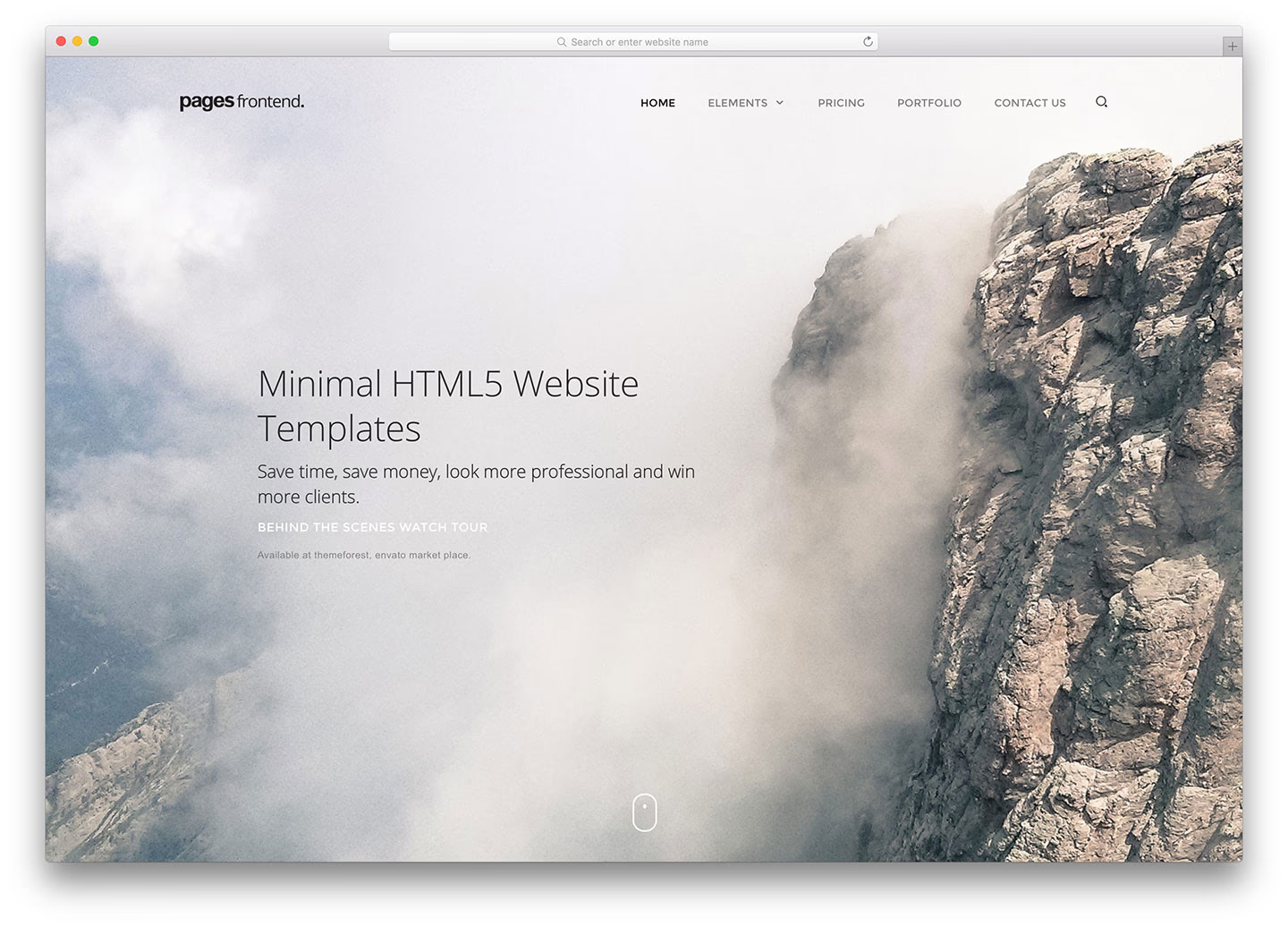

Minimal design is subtractive: fewer colours, more whitespace, and typography doing the work that decoration usually does. It only succeeds when the content is strong, because there is nothing left to hide behind — which is why these templates suit portfolios, studios and single-product shops more than content-heavy sites.
The first eight are WordPress themes and the rest are static HTML. The practical difference is how you edit: a page builder in the browser, or an HTML file in an editor. Both reach the same result here, since minimal layouts have few moving parts.
Everything on this page is a paid product. For minimal designs you can download and use for free, the clean HTML5 and CSS3 templates cover much the same aesthetic without a licence.
This post covers:
Best minimal website templates (WordPress)
1. Jevelin (WordPress)
PremiumWordPress · Best for: one theme covering several site types
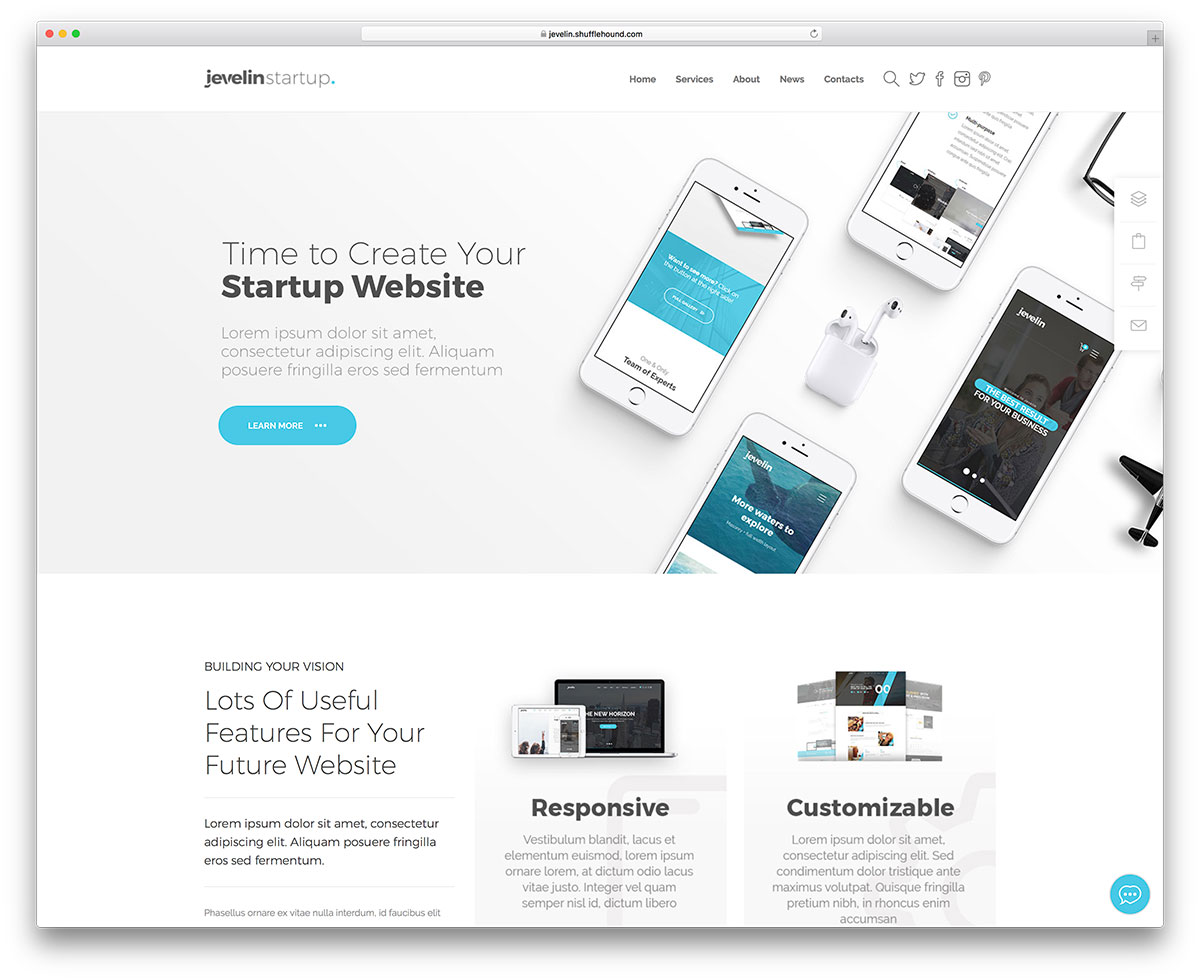
Jevelin is a multipurpose theme that happens to include restrained layouts, rather than a minimal theme as such. That breadth is the reason to choose it: if the site may not stay minimal, you are not locked in. Editing runs through WPBakery’s drag-and-drop builder.
More info / Download
2. Divi (WordPress)
PremiumWordPress · Best for: building a minimal layout visually
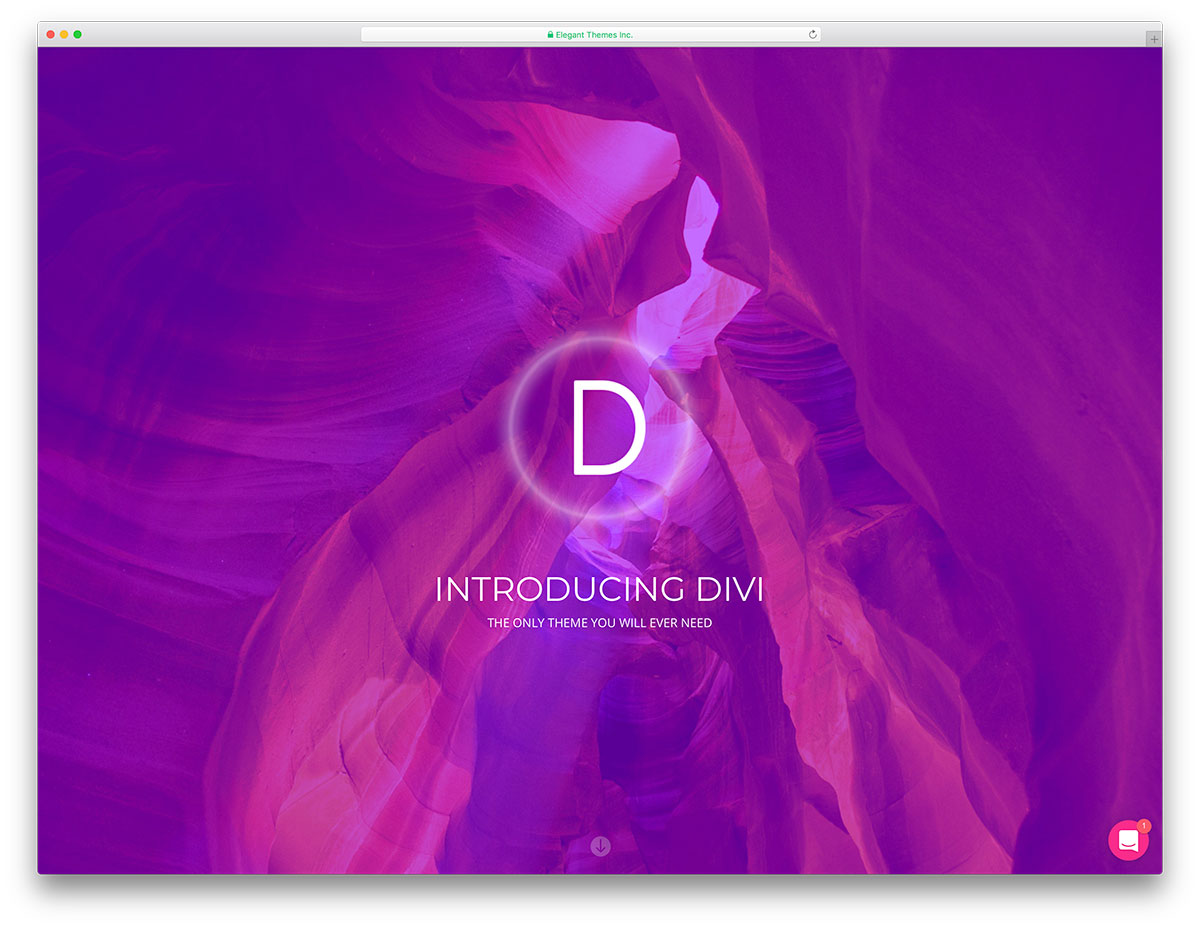
Divi ships hundreds of predefined layouts, a fair number of which are already stripped back, so a minimal site is usually a matter of selecting rather than designing. Its builder edits the live page directly. Suits both a first site and an agency producing several.
More info / Download
3. Webify (WordPress)
PremiumWordPress · Best for: assembling pages from prebuilt parts
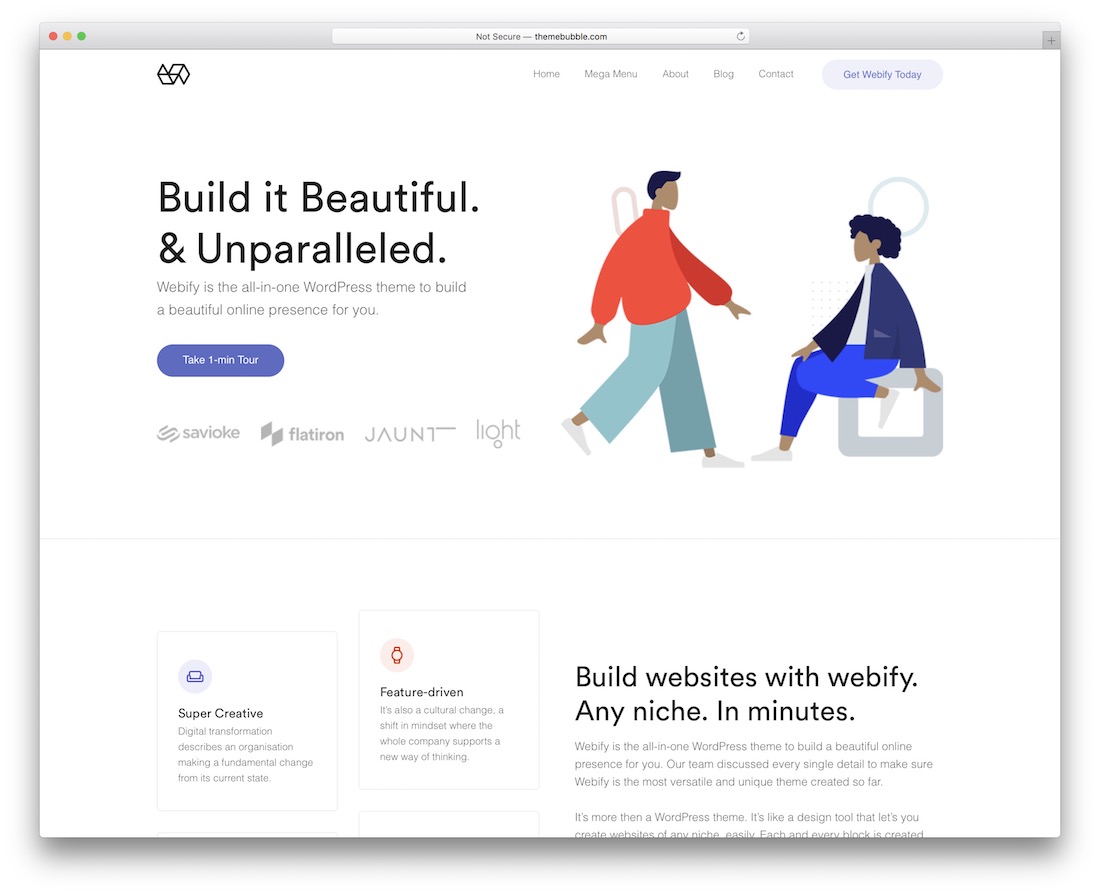
Webify supplies page layouts, headers, footers, blocks and modules as interchangeable parts, which fits minimal work well: you remove sections rather than add them. Most samples run unmodified after import if you want to launch quickly.
More info / Download
4. Esben (WordPress)
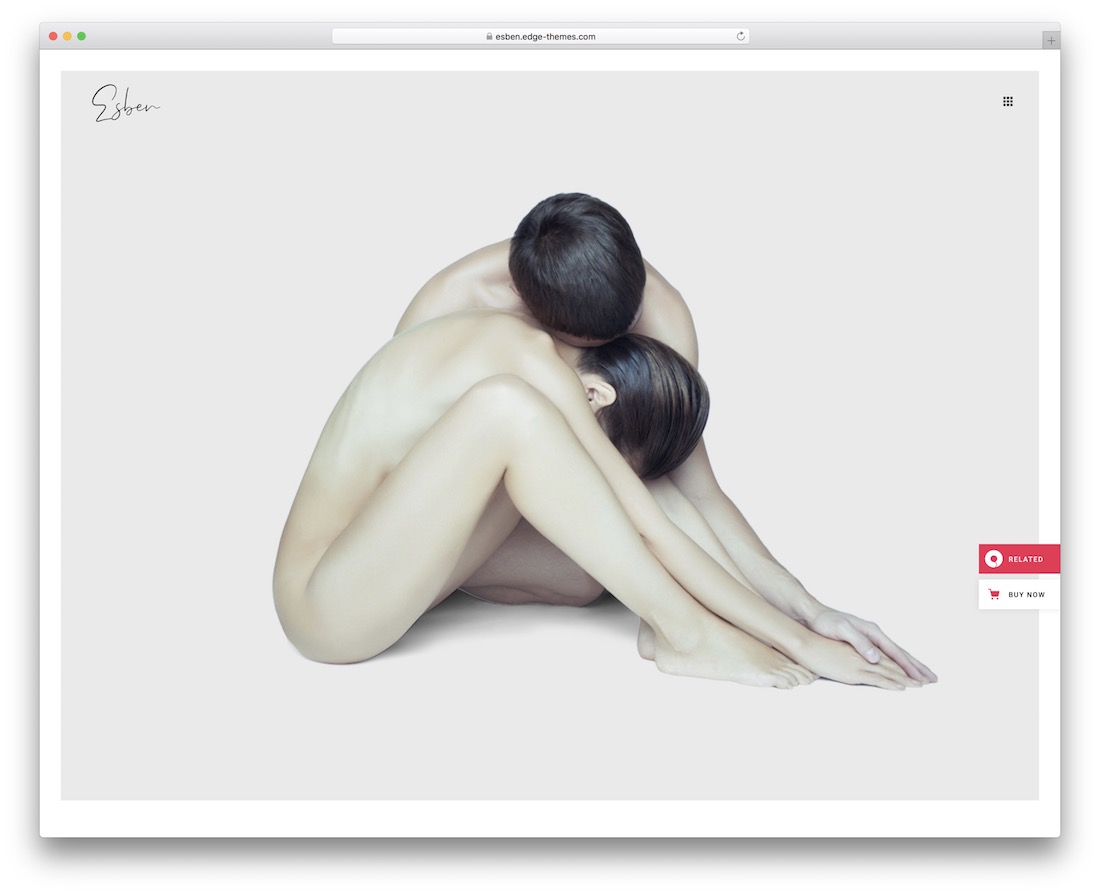
PremiumWordPress · Best for: photographers showing large images
Esben is built for fashion photography, and the minimal treatment is doing a specific job — keeping the frame clear so images carry the page. It works for any photo-led project, not just fashion. Several demos are included, each usable as a complete site or as a starting point.
More info / Download
5. Ohio (WordPress)
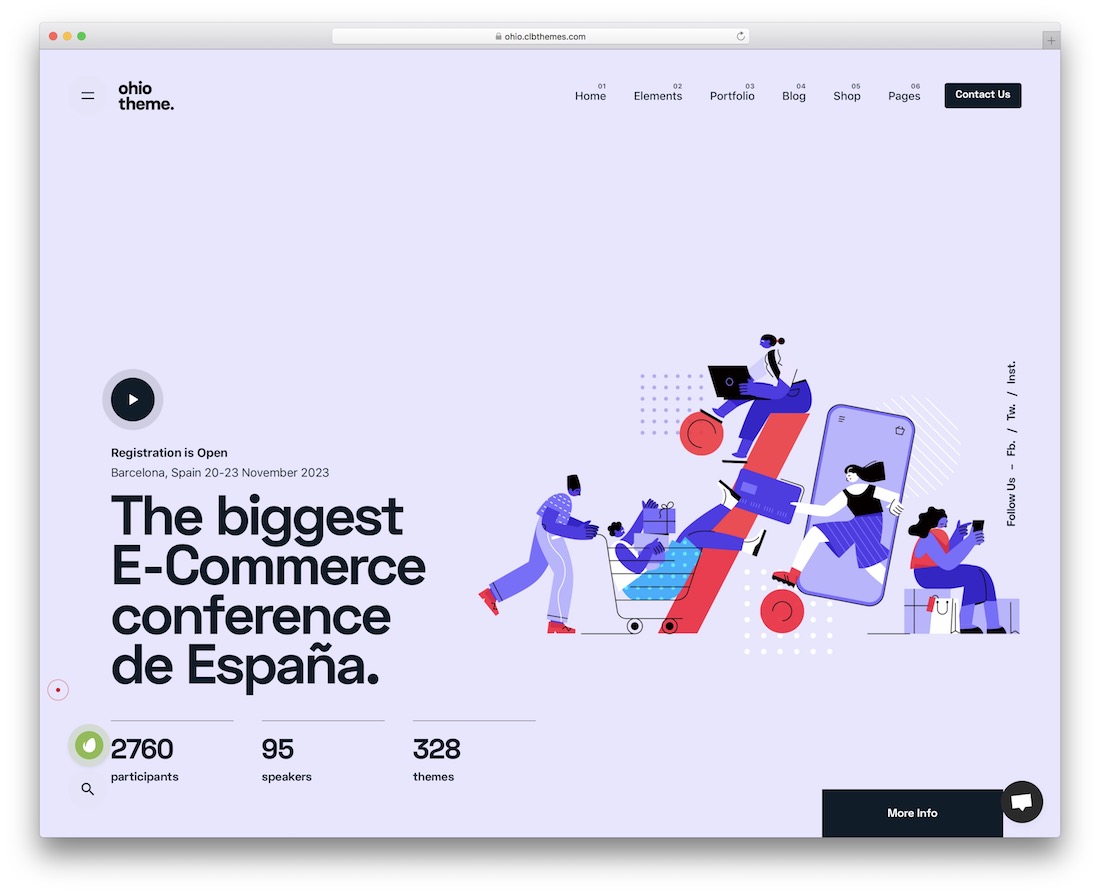
PremiumWordPress · Best for: agencies and freelance portfolios
Ohio targets agencies, portfolios and freelancer sites, and carries a large library of page layouts for each. It is compatible with both Elementor and WPBakery, so you are not tied to one builder — useful if you have an existing preference.
More info / Download
6. Remake (WordPress)
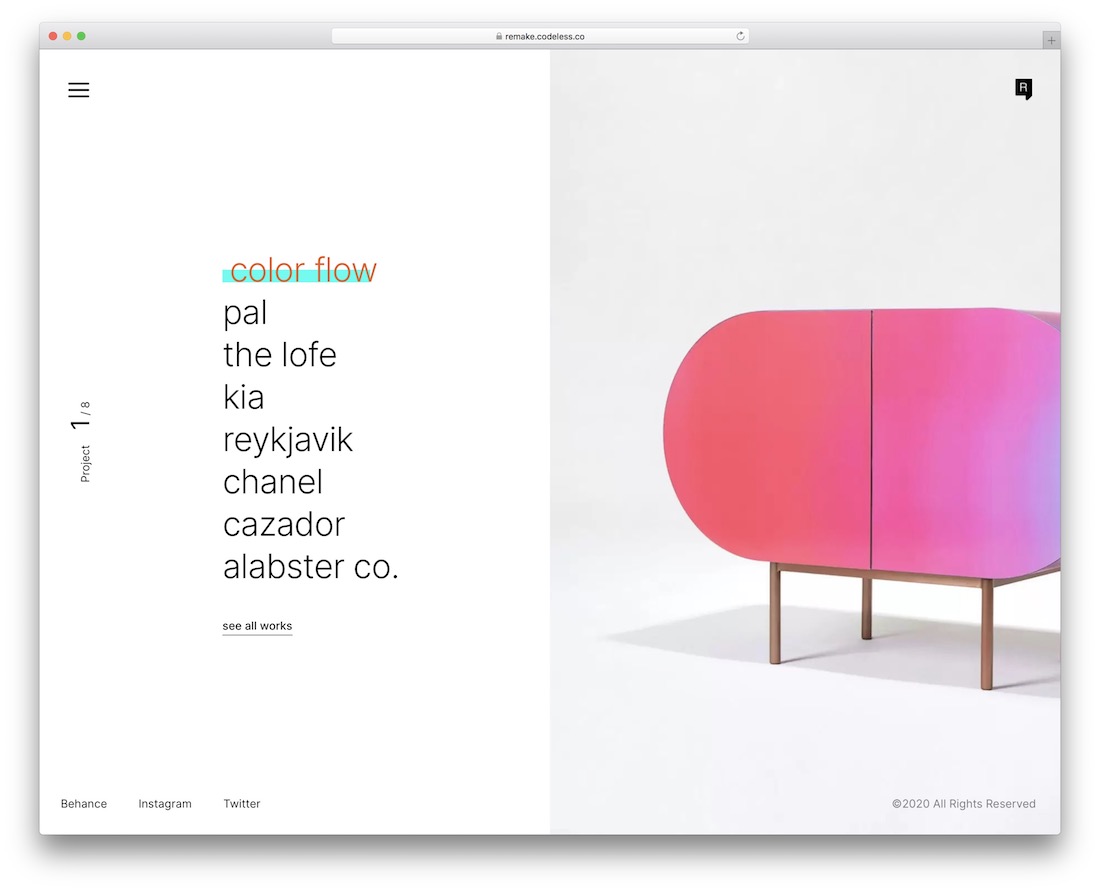
PremiumWordPressDark Mode · Best for: switching between dark and light
Remake ships both dark and light modes, which is worth more than it sounds for minimal design: with little else on the page, background colour becomes the main stylistic decision. Home and internal page layouts are included and everything is customisable.
More info / Download
7. Alma (WordPress)
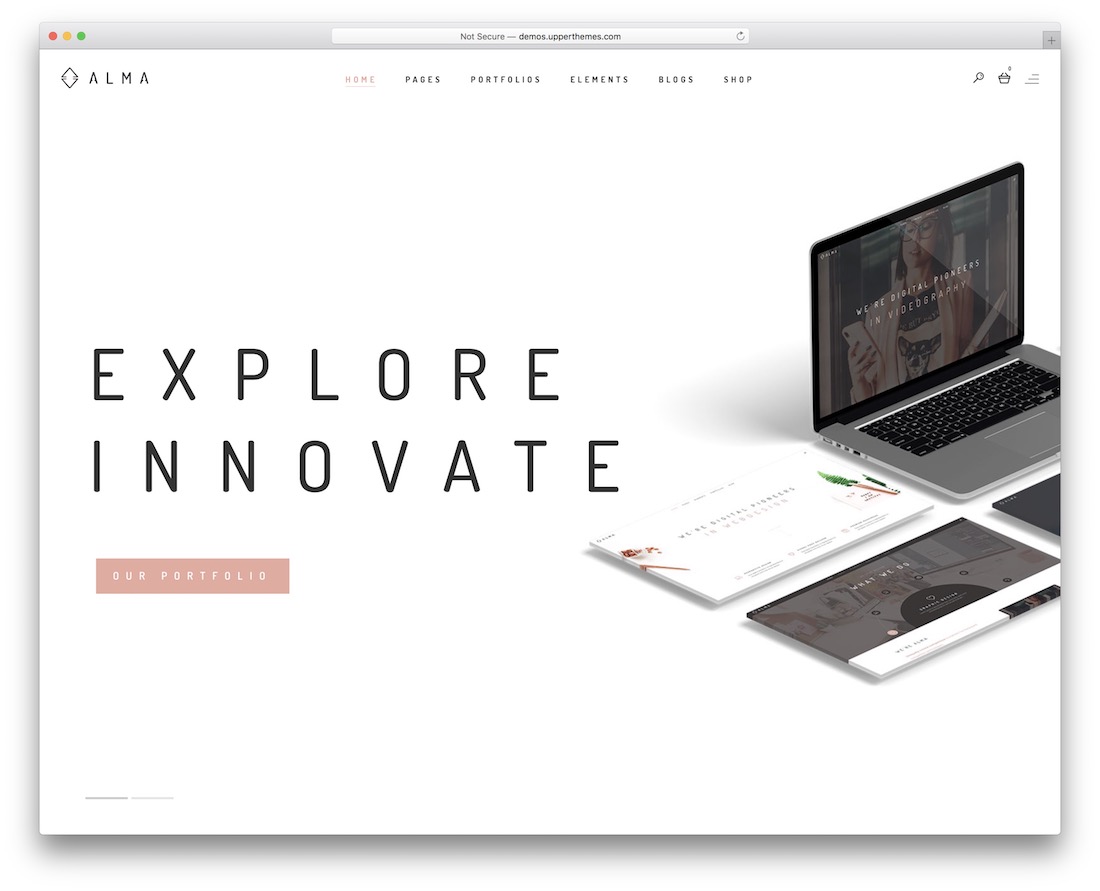
PremiumWordPress · Best for: bold minimal with big type
Alma pairs minimal structure with bold typography, which is a different flavour to the quieter options here — a good fit when you want the site to be memorable rather than merely clean. Demo import is one click, and WPBakery handles adjustments.
More info / Download
8. Pekko (WordPress)
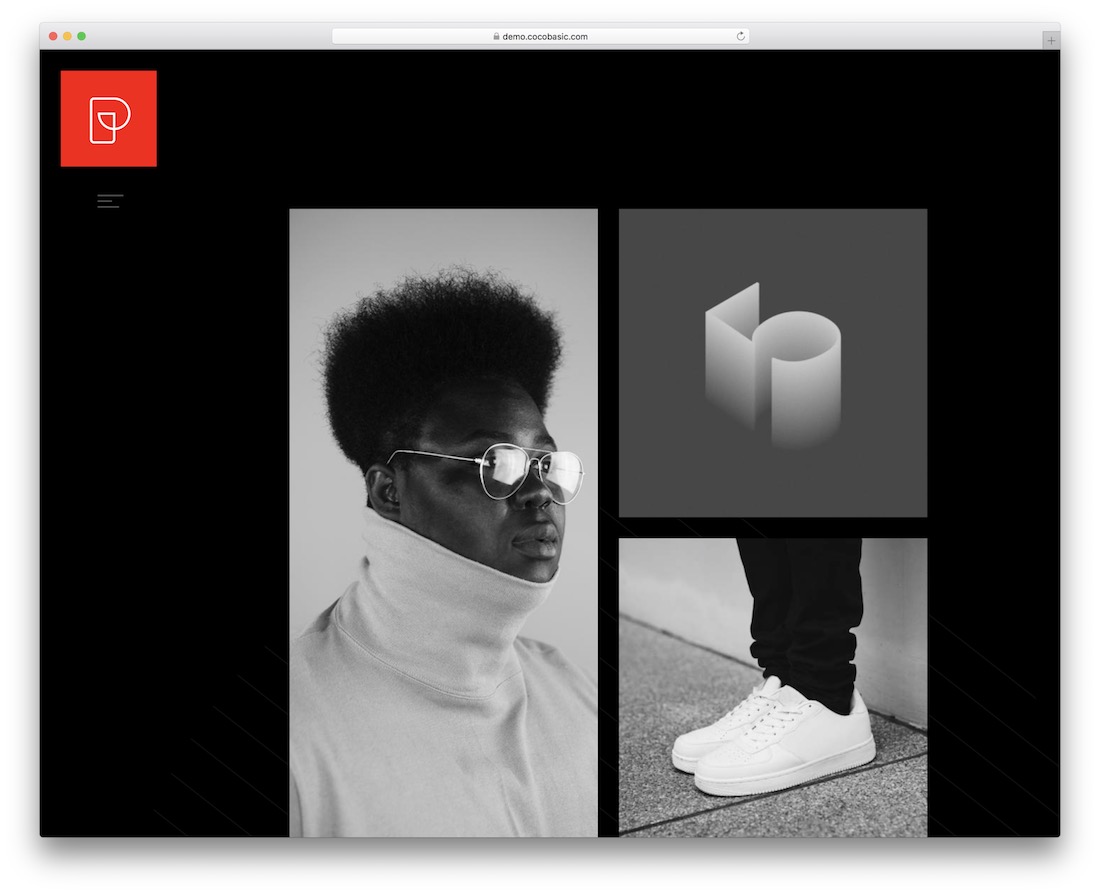
PremiumWordPressDark Mode · Best for: a dark, lightweight portfolio
Pekko is built specifically for dark portfolio sites and is noticeably lightweight, which shows in load times. Elementor provides the editing and the animation is restrained rather than decorative. The clearest pick here if you want dark by default rather than as an option.
More info / Download
Best minimal website templates (HTML)
9. Mono
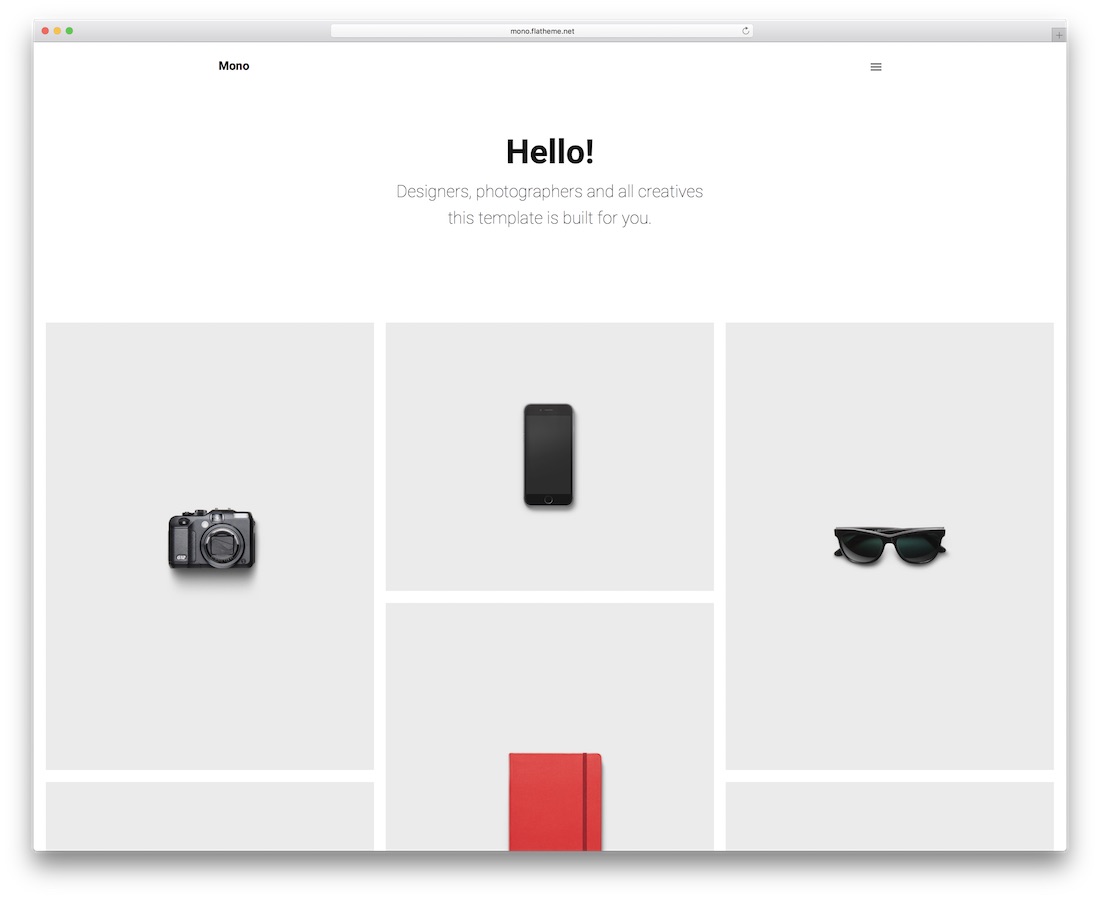
PremiumHTML · Best for: one template across many site types
Mono is a multi-purpose HTML5 template covering portfolio, agency, business, blog and shop layouts while keeping a minimal treatment throughout. Multiple demos and header variations are included. See also the minimalist Squarespace website templates if you would rather not host anything.
More info / Download
Are you wondering if there is an even easier way to create a website? Here are the most minimalistic Squarespace website templates with a drag-and-drop builder.
10. Insee
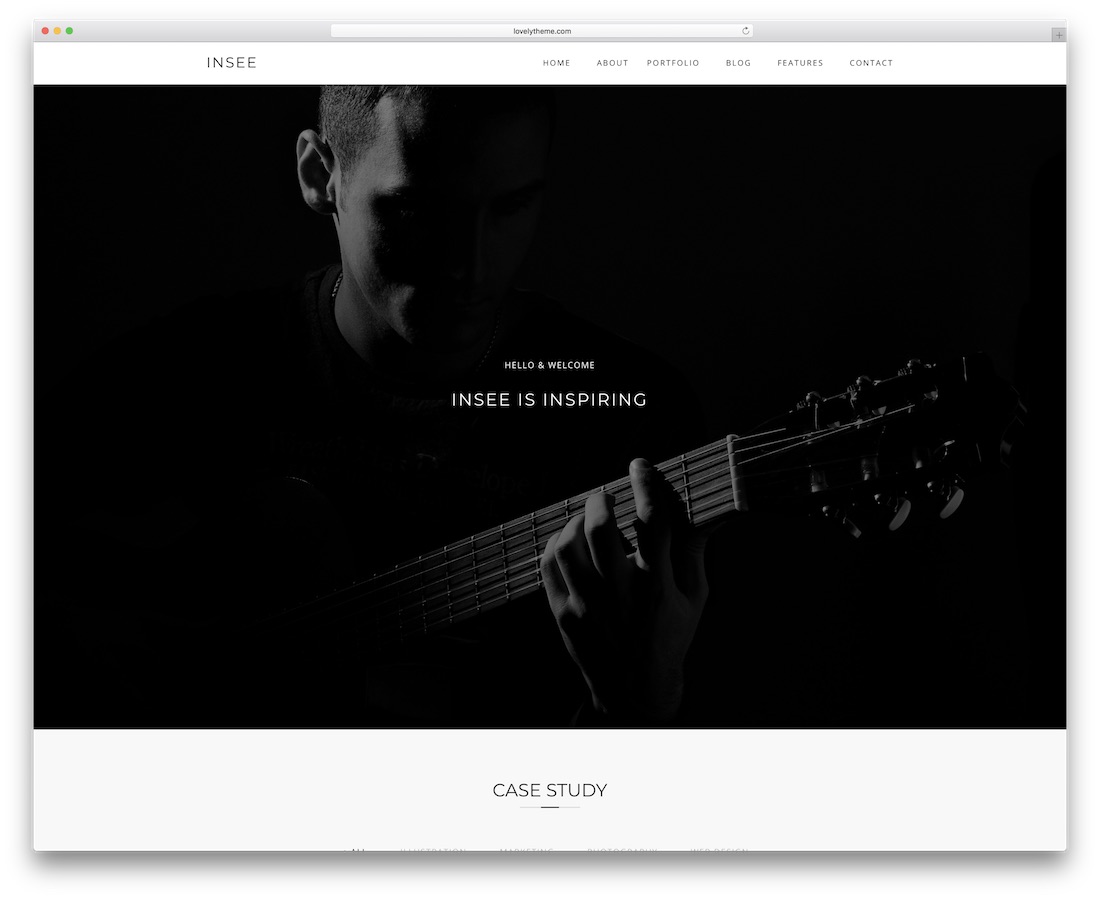
PremiumHTML · Best for: portfolios needing many page options
Insee ships over sixty HTML5 files and six home pages, which is unusually deep for a minimal template and suits anyone who wants variety without buying twice. Its clean design works for bloggers, freelancers, photographers and small businesses alike.
More info / Download
11. Skylith
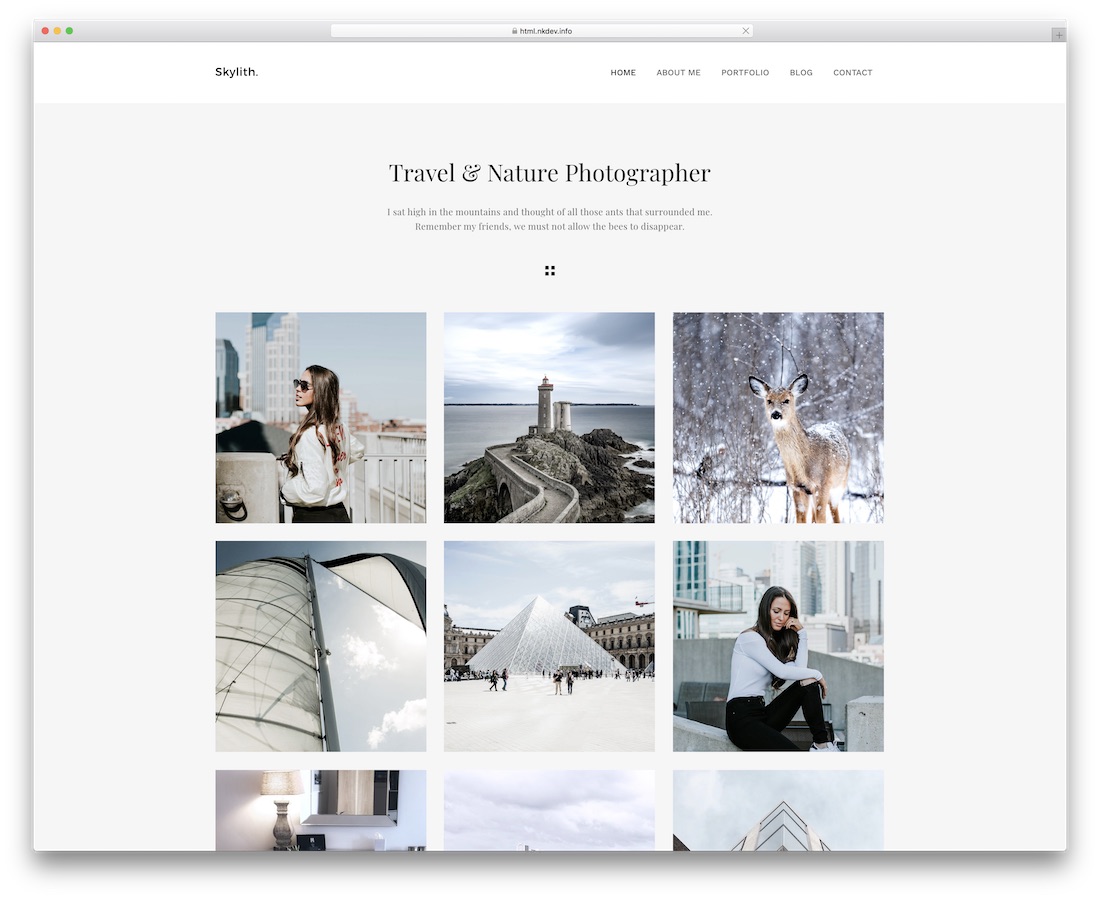
PremiumHTML · Best for: going as sparse as possible
Skylith is the most stripped-back option here, and it still gives you around thirty predesigned demos spanning agency, portfolio, photography and shop. Useful when you want severe minimalism as the starting point rather than something you have to edit towards.
More info / Download
12. Sigma
PremiumHTML · Best for: app and software landing pages
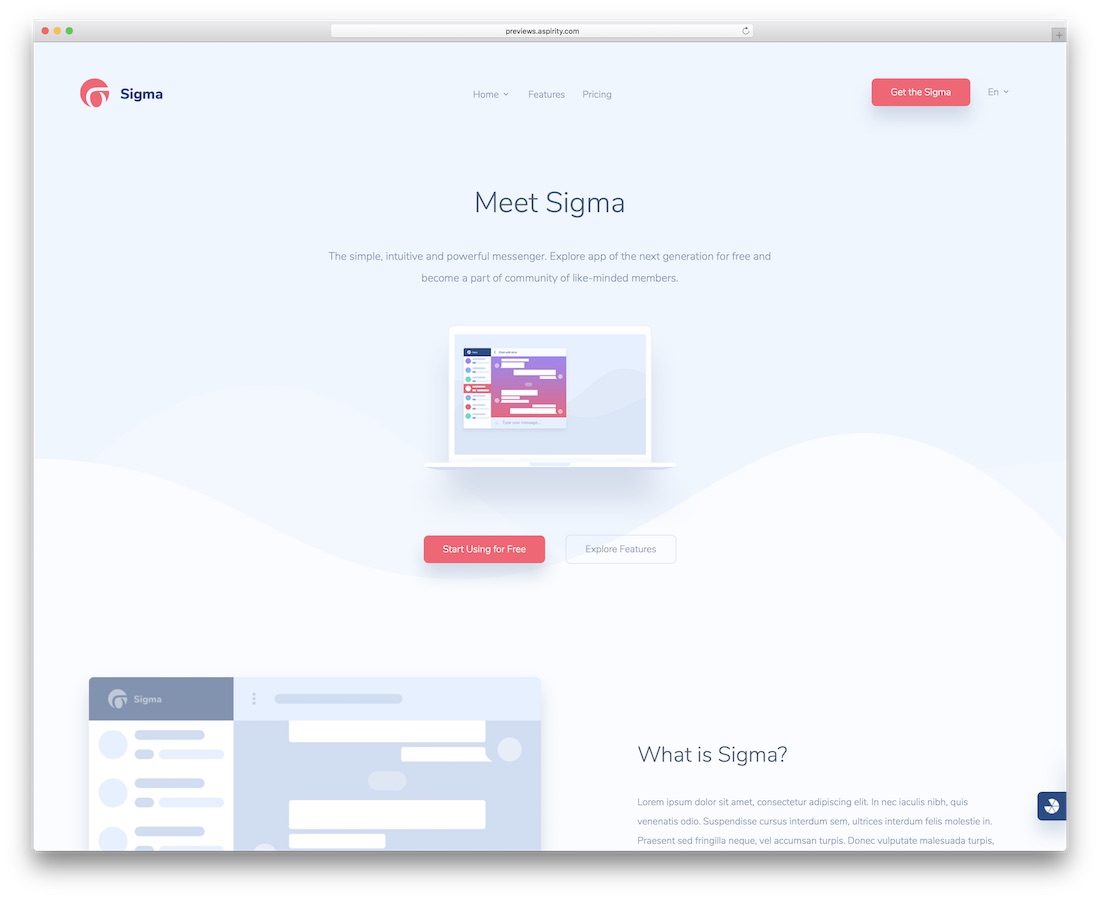
Sigma is an app landing template rather than a portfolio one — four index pages plus the usual inner pages, aimed at launching a mobile, web or desktop product. It includes custom industry icons, illustrations and editable vector mockups, which is what saves the time on this kind of page.
More info / Download
13. Inshot
PremiumHTML · Best for: photographers choosing a hero style
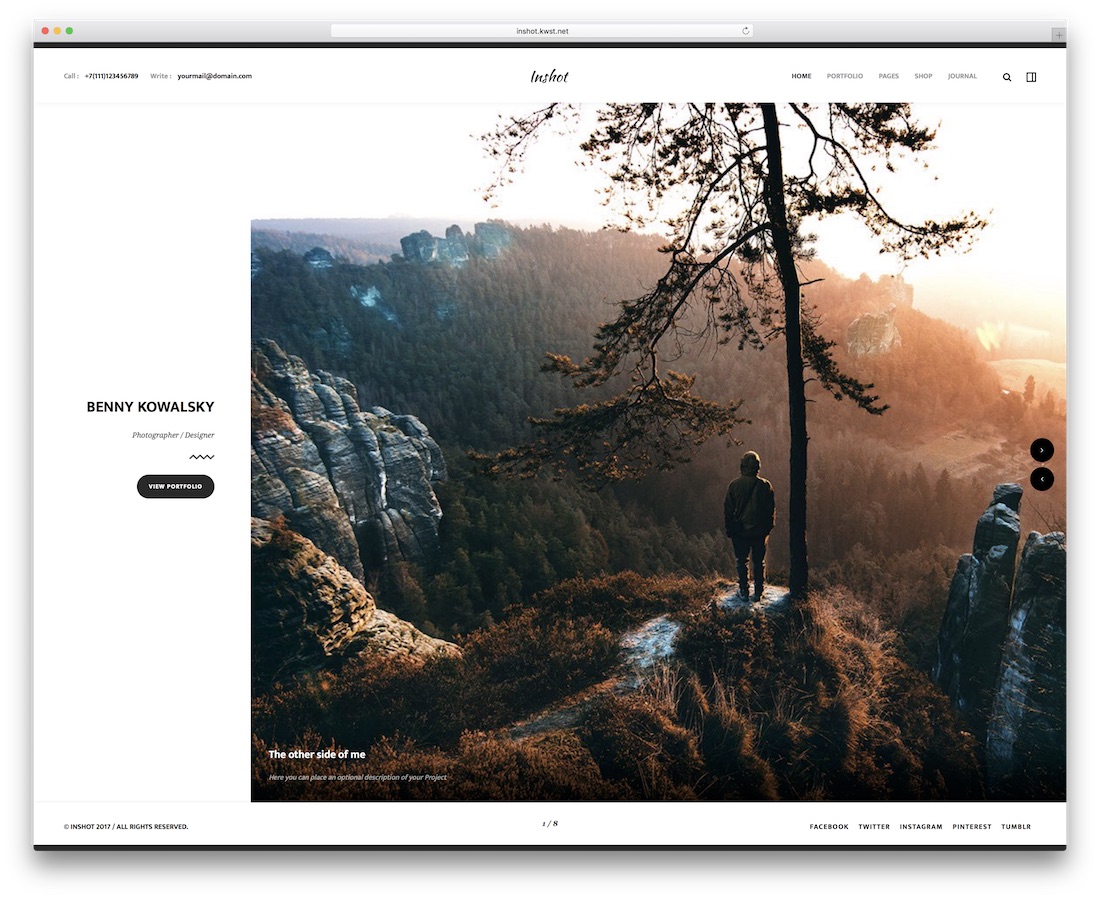
Inshot’s seven demos differ mainly in how the homepage leads: carousel, slider, Ken Burns, static image or video. That is the decision that matters most for a photography site. Six portfolio layouts and ten single-project pages follow behind it.
More info / Download
14. Pofo
PremiumHTML · Best for: creative work with a lot of pages
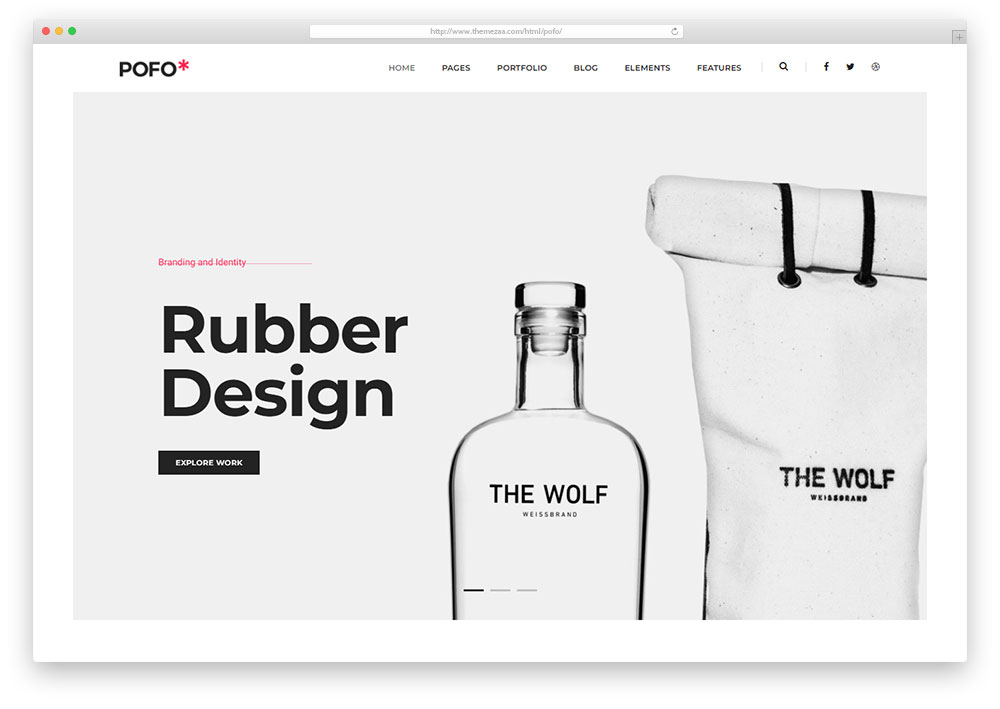
Pofo is a fast HTML5 and CSS3 template built for creative fields, running to over 25 niche demos and a large page library. It is built around single-page smooth scrolling, with blog and portfolio sections included. The scale suits a studio more than a one-person site.
More info / Download
15. Rainfo
PremiumHTML · Best for: mixing and matching home layouts
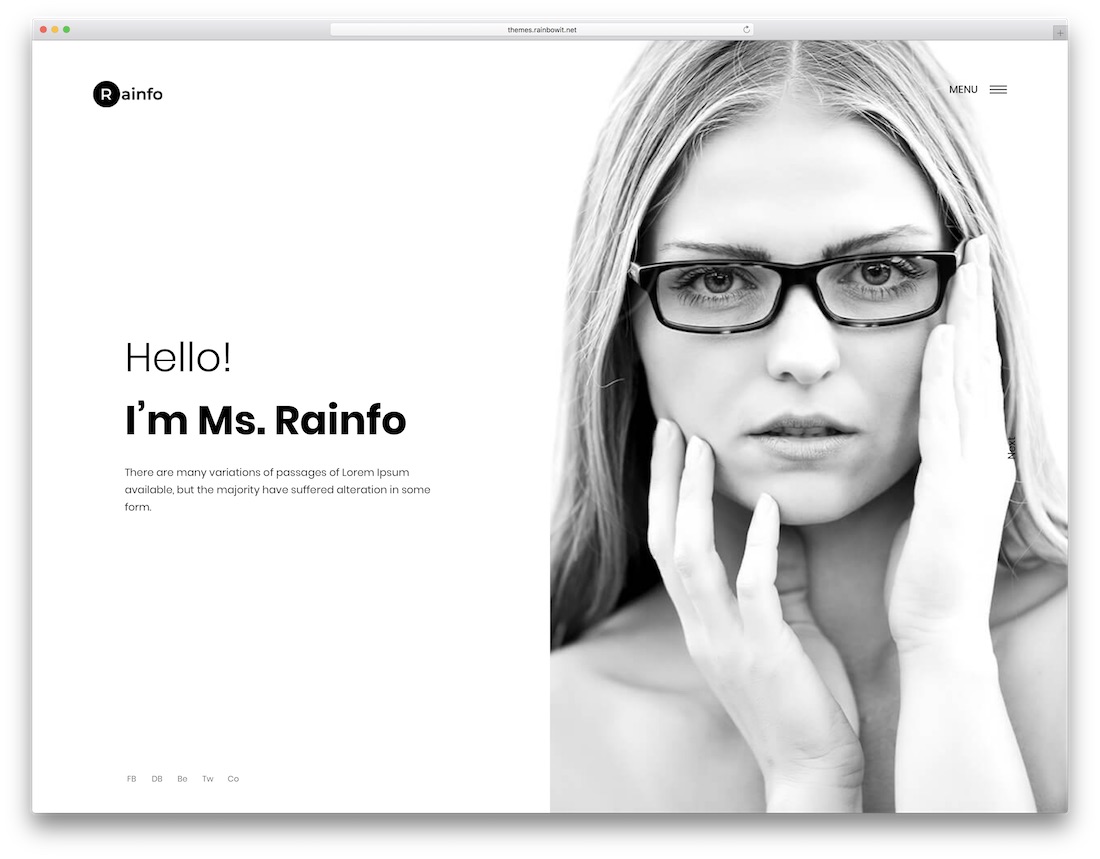
Rainfo provides eight home layouts designed to be combined rather than used in isolation, so you can take the hero from one and the sections from another. Ready-made pages can be used unedited if you would rather not customise at all.
More info / Download
16. Zuka
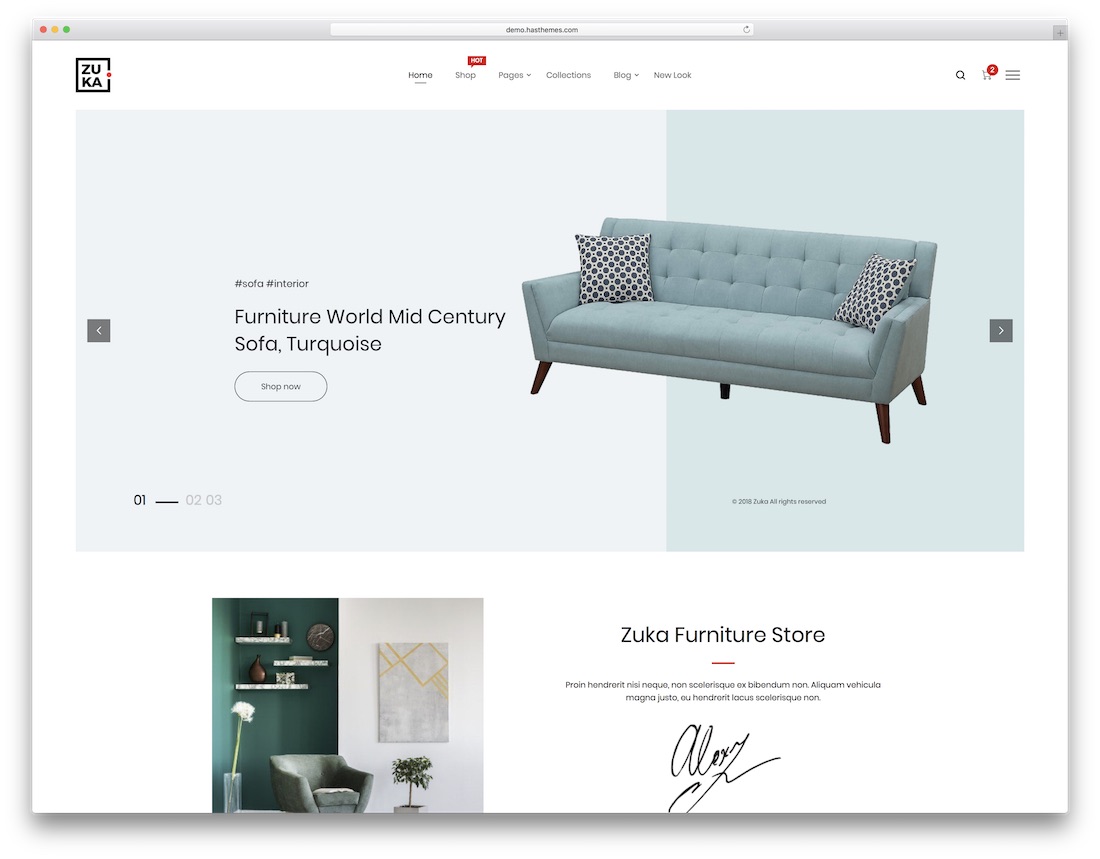
PremiumHTML · Best for: starting simple and adding later
Zuka is aimed at both ends of the spectrum: a quick site from the ready-made material, or a more considered build if you want to go further. That makes it a reasonable hedge when you are not yet sure how much time the site deserves.
More info / Download
17. Flone

PremiumHTML · Best for: minimal online shops
Flone is the shop-focused option: ten home pages, seventeen shop layouts and six blog pages, aimed at apparel and accessories where a restrained frame flatters the product. Choose it over the general templates here if commerce is the point rather than an addition.
More info / Download
18. Haswell
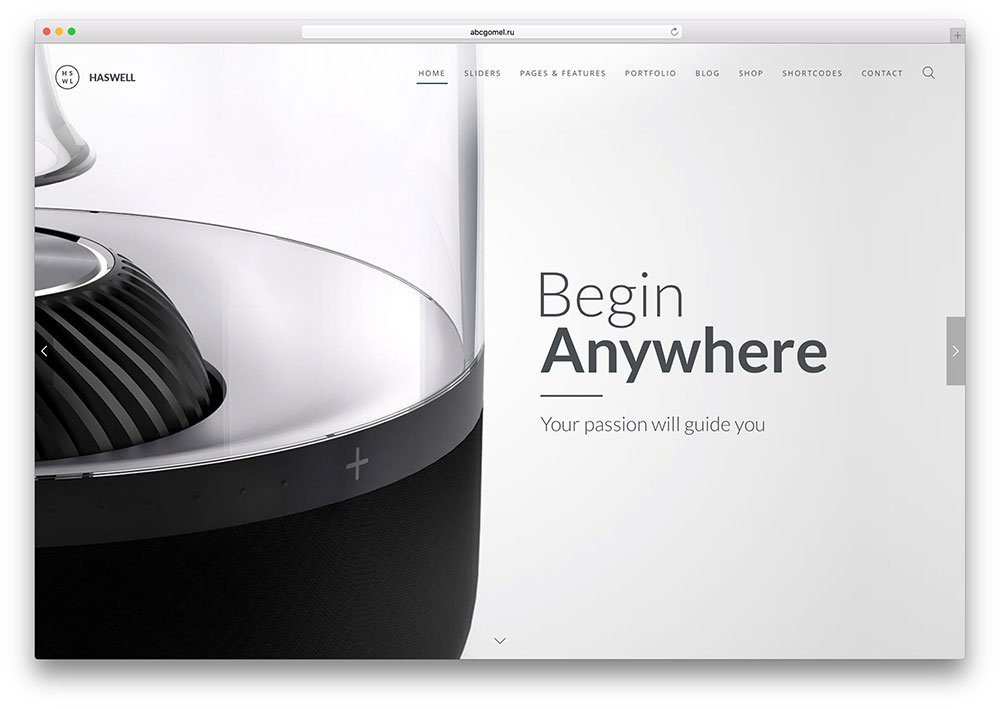
PremiumHTML · Best for: letting content sit undisturbed
Haswell is deliberately self-effacing — the design stays out of the way and acts as a canvas rather than a statement, which is minimal design working as intended. Pages are assembled by stacking blocks, starting from header selection, so building is quick without a builder plugin.
More info / Download
19. LeadGen
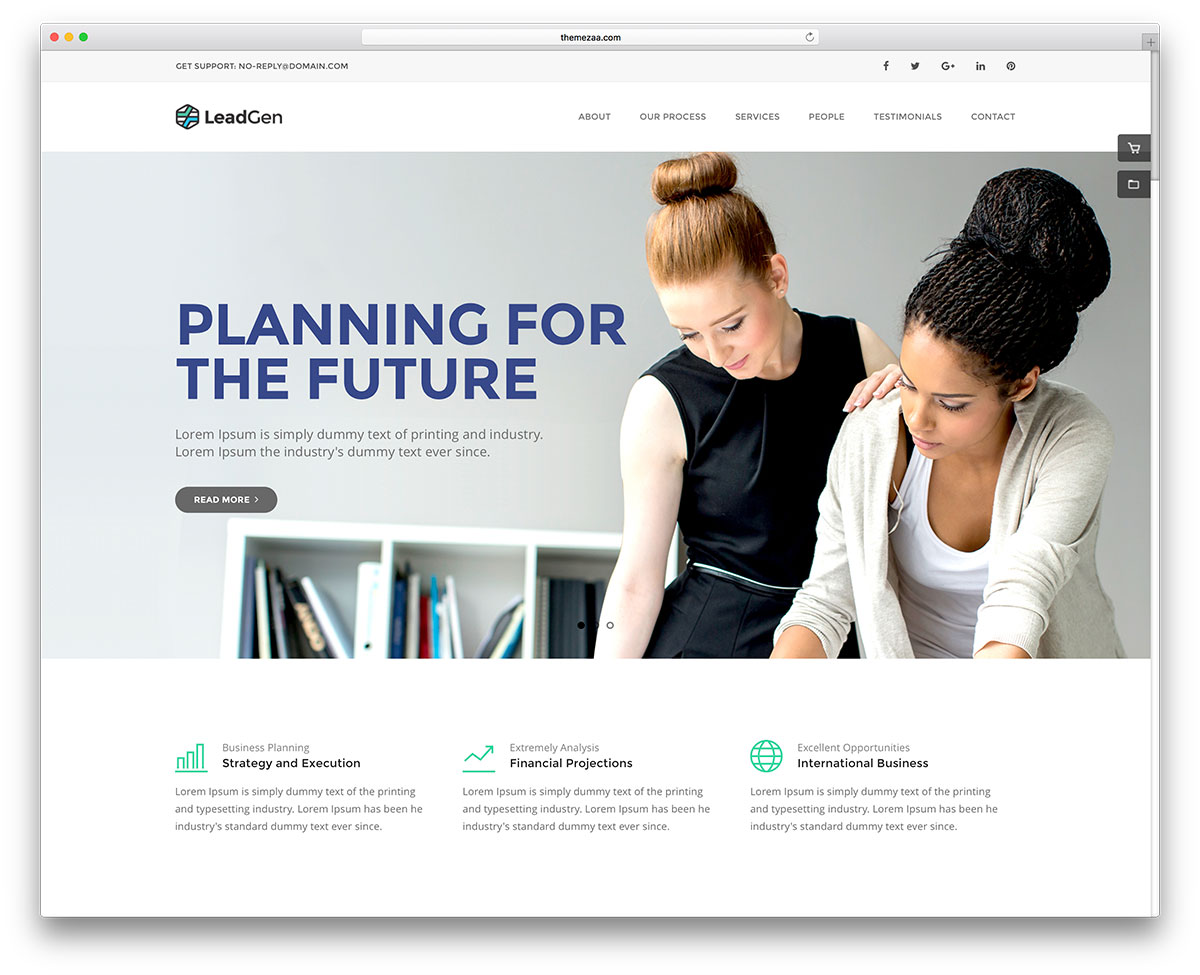
PremiumHTML · Best for: marketing pages that convert
LeadGen is a marketing template rather than a portfolio one, with 32 demo sites aimed at different industries and an integrated HTML5 page builder for assembling them. The minimal styling here serves conversion: fewer distractions between the headline and the form.
More info / Download
20. Definity
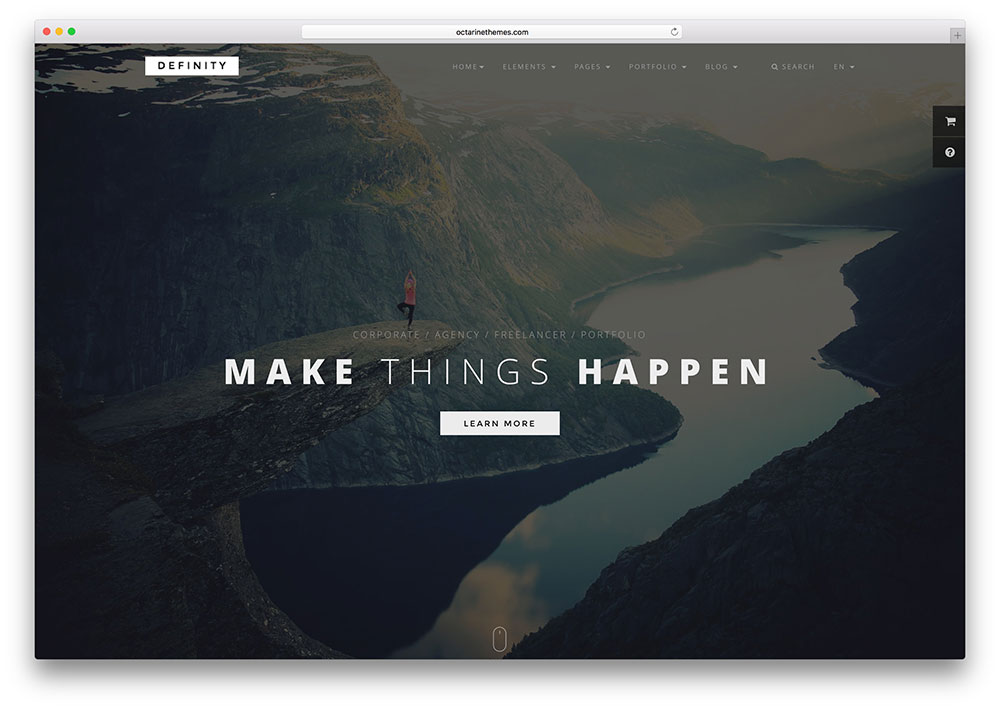
PremiumHTML · Best for: a working contact form out of the box
Definity arrives with a functioning contact form and Mailchimp integration already wired up, which is the piece most static templates leave for you to solve. Its shortcodes and modular structure cover corporate, portfolio, blog and photography layouts. See also the minimal WordPress themes if you would rather not host static files.
More info / Download
If you are looking for minimal WordPress themes instead of HTML templates, you might want to check out this versatile theme collection. WordPress helps you manage website content without needing to touch or write a single line of code. You can perform all tasks via the WordPress dashboard, which is famous for its simplicity and user-friendliness.
Frequently Asked Questions
Intent. Minimal design removes anything that is not carrying meaning, then invests the space it frees up into typography, scale and rhythm. Plain is what happens when nothing was designed at all. In practice the tell is spacing: a minimal template uses generous, consistent whitespace, while a plain one just has small text on white.
Does a minimal design hurt SEO?
No. Search engines read markup, not decoration. Minimal templates often perform better because they ship fewer scripts and images, which helps Core Web Vitals. The genuine risk is thin content — if the design encourages you to write less, you have less to rank with, and that is a content decision rather than a design one.
Will a minimal site look dated in three years?
Less quickly than a heavily-styled one. Trend-driven effects — gradients, heavy shadows, elaborate animation — age visibly, whereas restrained layouts mostly stay legible. The parts that do date are typefaces and photography, and both are replaceable without rebuilding the site.
Is minimal a good fit for an online shop?
For a focused catalogue, yes: fewer distractions around a product image usually helps conversion. It works less well past a few hundred products, where shoppers need filters, comparison and dense category pages. Several templates here include shop layouts, so check the demo has the product-listing density you need.
HTML or WordPress for a minimal site?
Static HTML is a natural fit, since minimal sites change rarely and benefit from the speed. Pick WordPress if someone non-technical will edit the site, or if you plan to publish regularly — the editing convenience outweighs the extra weight.
Was this article helpful?
YesNo